Free Roadmap Tools (2026): Ten Free Plans Compared
Shayan, Founder19 min read

A free roadmap tool is software with an ongoing $0 plan you can keep using, not an expiring trial. That distinction cuts out several names that come up when you start shopping, because Roadmunk and Frill only give you a 14-day trial, Aha! Roadmaps runs a 30-day trial, and ProductPlan and airfocus publish no free plan at all.
Even among the tools that stay free, people mean two very different things when they ask for a roadmap. An internal roadmap is a timeline with dates and dependencies that your own engineering and product team reads to plan the quarter. A public roadmap is a page your customers can open to see what is planned, in progress, and done, and upvote what they want built next. Free plans squeeze both versions. General project trackers usually hold their timeline or Gantt view back for a paid tier, and public-facing boards often meter voters or require an account just to click a button.
For a small software or SaaS team that wants customers to see and vote on what is coming, UserJot is the first pick because the public roadmap is on the Free plan with no cap on visitors or votes, and it fills itself directly from your feedback board. A few other tools fit narrower jobs. GitHub Projects works when your roadmap is for developers who already live in your repositories, Linear or Jira Product Discovery covers an internal planning view for a team of two or three, and Notion or Trello handles a simple page or list board shared over a public link.
Side-by-side comparison
| Tool | Kind | What the free plan caps | Roadmap view on the free plan | Public link, no account needed | Viewers can vote | First paid plan |
|---|---|---|---|---|---|---|
| UserJot | Public roadmap board | 3 teammates, 2 boards; no cap on users or posts | Planned, In Progress, Completed columns | Yes | Yes, without an account | $29 a month, flat |
| Canny | Public roadmap board | 25 tracked users | Public roadmap built from post statuses | Yes | Yes, with a name and email | $79 a month billed yearly |
| Trello | Project tracker | 10 boards and 10 collaborators per workspace | A board of lists; Timeline is paid | Yes, a public board | Yes, with a Trello account | $5 a user a month billed yearly |
| Notion | Workspace | 1,000 blocks once the workspace has two or more owners | Database views, including timeline | Yes, a published page | Not described; comments need a login | $10 a member a month billed yearly |
| GitHub Projects | Project tracker | No cap on projects stated | Table, board, and roadmap layouts | Yes, a public project | Not stated | $4 a user a month |
| Linear | Project tracker | 250 issues, 2 teams | Projects as a list, board, or timeline | Not documented | Not documented | $10 a user a month billed yearly |
| Jira Product Discovery | Internal roadmap tool | 3 creators | List, board, timeline, and matrix views | No; publishing is paid | Contributors, with an account | $10.50 a creator a month |
| Airtable | Database | 1,000 records a base, 5 editors | Grid and other views; Timeline and Gantt are paid | Yes, a view share link | None described | $20 a collaborator a month billed yearly |
| Miro | Whiteboard | 3 editable boards | Roadmap templates on a canvas | Not clear from Miro's own page | No | $8 a member a month billed yearly |
| monday.com | Project tracker | 2 seats, 3 boards, 200 items | A board table; Timeline and Gantt are paid | Not confirmed | Not confirmed | $9 a seat a month billed yearly, 3 seats minimum |
Every free plan, limit, and starting price in this guide was checked on each vendor's pricing and help pages in November 2026.
How free product roadmap software limits you
Most vendors don't charge you to create an empty board. Instead, they place the free-tier ceiling where a working team or an active customer base runs into it:
- Holding the timeline view back for paid plans. Several project trackers let you organize cards or rows for free and lock the dated roadmap view behind an upgrade. Trello keeps its Timeline view for a paid tier, and Airtable and monday.com do the same with Timeline and Gantt. On both Trello and monday.com you have to skip past the cheapest paid plan to unlock them.
- Capping internal seats below a small team. A free plan built for one or two people breaks as soon as a third or fourth coworker joins. monday.com stops at two seats on Free and enforces a three-seat minimum on paid plans, while Jira Product Discovery allows three creators and automatically moves you into a 14-day Standard trial if you add a fourth.
- Counting roadmap items against a tight workspace quota. When your roadmap lives inside your daily tracker or workspace, it shares a ceiling with every bug report, doc, and task. Linear blocks new issues past 250 total, and Notion enforces a 1,000-block limit once a workspace has two or more owners.
- Metering how many customers can participate. Canny doesn't limit how many posts you publish; it caps your workspace at 25 tracked users across everyone who posts, votes, or comments. Our guide to free customer feedback tools covers the same cap.
- Keeping outsiders out or requiring an account to vote. Having a roadmap doesn't mean customers can open it. Jira Product Discovery requires a paid plan to publish views for people outside your Jira site, Trello requires a Trello login to vote on a public board, Notion requires a login to comment, and Linear documents no public roadmap link at all.
1. UserJot


UserJot is built for software teams that want a public product roadmap tied directly to customer requests rather than a second board someone has to remember to update every Friday. The public roadmap is on every plan, including Free, with three fixed columns: Planned, In Progress, and Completed. It gets its own URL and can also be embedded directly inside a page in your product or site.
Because the roadmap shares one workspace with your feedback board, changelog, and in-app widget, it fills itself as you triage. Mark a request Planned or In Progress on the feedback board and it appears on the roadmap with no second step. Visitors can vote straight from a roadmap card and click through to read or leave comments, with guest posting, voting, and commenting without an account included on every plan. Whenever a request's status changes, UserJot emails everyone with an email on file who posted, voted, or commented on it.
Unlike per-seat or tracked-user tools where growing multiplies your invoice, UserJot charges a flat workspace price. Free covers three teammates and two boards with no cap on end users or posts, alongside CSV post exports, a REST API, and an MCP server. Starter is $29 a month flat, raising your workspace to five boards and up to 100 teammates with no seat fee while adding a custom domain like feedback.yourcompany.com, private boards, moderation, and automatic login from the widget. Professional at $59 a month adds single sign-on where your server signs a JWT, public identity masking, and removes the "Powered by UserJot" badge. UserJot is a public status roadmap rather than an internal sprint planner, so there is no timeline or Gantt view, no dates on the roadmap, and no Now-Next-Later layout, and the three columns cannot be renamed or added to. Integrations cover Slack, Discord, email-to-feedback, the REST API, and MCP.
Best for: Small software and SaaS teams that want a permanent free public roadmap where unlimited customers can vote without an account, with flat workspace pricing if they upgrade.
Stop guessing what to build. Let your users vote.
UserJot keeps feedback, roadmap, and changelog in one simple loop.
2. Canny
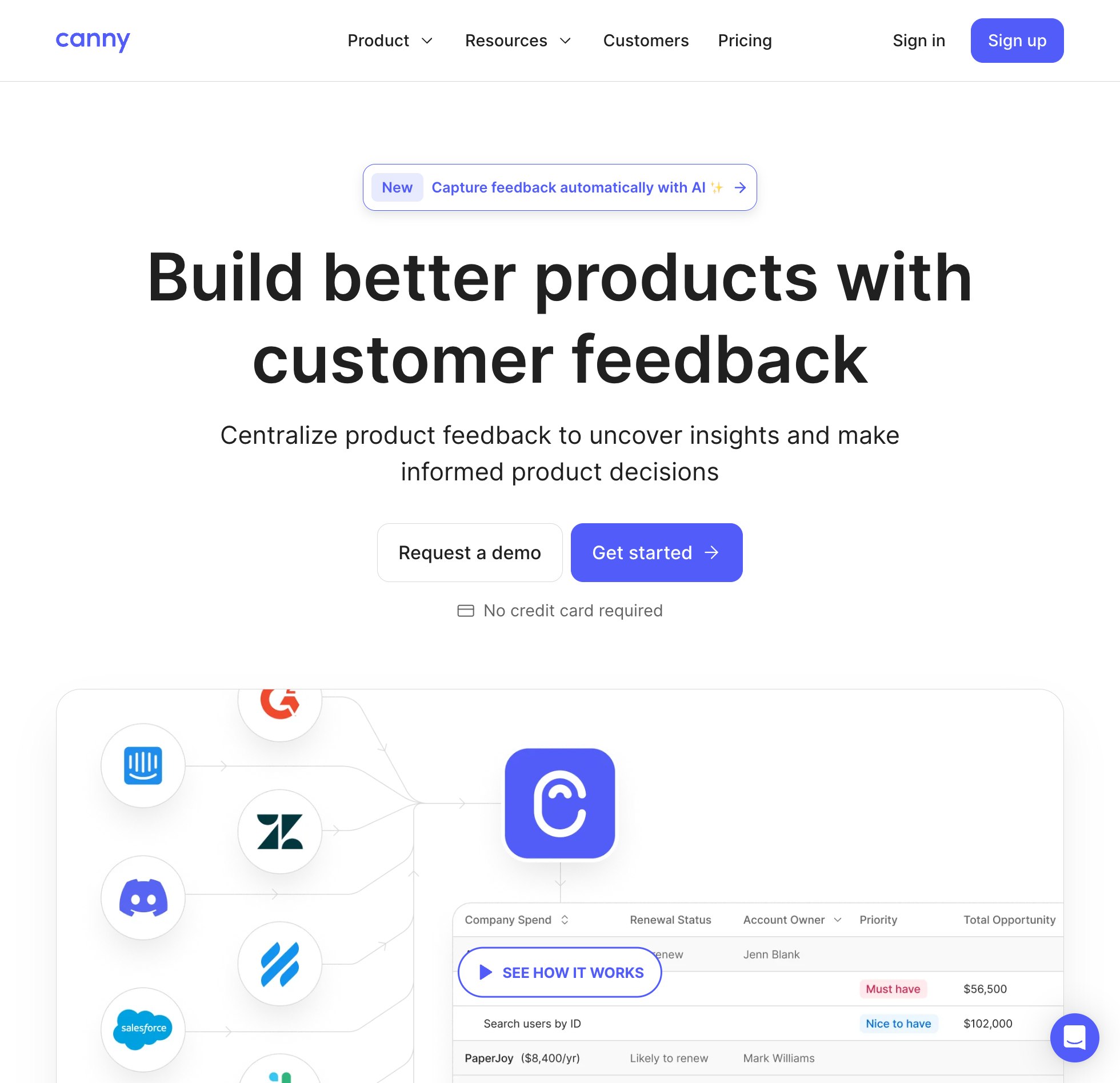
Canny includes a public roadmap fed by your post statuses on its $0 plan, paired with five managers and unlimited boards and feedback posts, while capping your entire workspace at 25 tracked users. Canny's pricing page defines a tracked user directly:
A tracked user is someone who has given feedback. This can be via creating a post or voting/commenting on a post.
Twenty-five people goes quickly once real customers see your roadmap link, and crossing that line can trigger a bill before you expect one. Canny's pricing FAQ notes: "If you haven't set a monthly spend limit, we'll automatically upgrade you to the next tier once you exceed your limit." Pro starts at $79 a month billed yearly for 100 tracked users.
Anyone with the URL can open a public Canny roadmap on Free, though search-engine indexing of public boards is restricted to paid plans. Visitors also cannot vote anonymously; Canny requires both a name and an email string before someone can post, vote, or comment, with sign-in via Google, GitHub, or email and password. See our Canny alternatives comparison and Canny pricing guide for the full tier breakdown.
Best for: Teams sharing a roadmap with 25 or fewer active customers, or companies ready to pay tracked-user rates starting at $79 a month billed yearly.
3. Trello
A public roadmap in Trello is a Kanban board with lists such as Planned, In Progress, and Shipped, with its visibility set to public. On Trello's Free plan, that board of lists is the entire roadmap product, capped at 10 boards and 10 collaborators per workspace with unlimited cards.
Anyone on the internet with the link can view a public Trello board, though public boards aren't indexed by search engines like Google. Turning on feedback is where friction shows up for non-technical users, because Trello's docs note: "Making a board public allows anyone with a Trello account to vote or comment on it." A customer without a Trello account has to create one before they can upvote a feature.
Pay attention to how Trello splits its paid upgrades if you later want dates on a calendar bar. Standard at $5 per user a month billed yearly, or $6 monthly, lifts the 10-board cap, while Trello's Timeline view sits one tier higher on Premium at $10 per user a month billed yearly, or $12.50 monthly.
Best for: Teams that already track work in Trello and want a simple public list board where Trello-using customers can vote.
4. Notion
Unlike most project trackers on this list, Notion states no plan gate on database timeline views, subtasks, dependencies, or custom properties on its pricing or help pages. On the $0 plan, you can build a timeline database and publish the Notion page to the web so visitors can open cards and switch between views without an account.
The catch sits in how Notion treats teammates. People added to a Free workspace join as workspace owners unless you invite them under the 10-guest limit, and the moment a Free workspace has two or more owners, Notion enforces a 1,000-block limit across the whole workspace. Notion's documentation warns that "deleting blocks, or emptying the trash, will not reduce your block count." Hitting 1,000 blocks stops your team from creating new content until you move to Plus at $10 per member a month billed yearly.
Published Notion pages are built for reading rather than collecting structured demand. Visitors need to log into a Notion account if they want to leave a comment on the page, and Notion's docs describe no voting feature for viewers.
Best for: A solo founder publishing a read-only roadmap with timeline dates out of a Notion workspace they own alone.
5. GitHub Projects
If your engineering team already tracks code and bugs on GitHub, GitHub Projects gives you table, board, and dated roadmap layouts on the $0 plan with no stated cap on projects, items, or collaborators. On the roadmap layout, you can drag issues and pull requests across a configurable timespan to set start dates, target dates, or iterations.
You can flip any project's visibility to public so anyone on the internet can view the URL, though repository permissions still control what outsiders actually see on the board. As GitHub's docs explain: "Only people with access to a private repository will be able to view project items from that private repository."
GitHub's project pages do not state whether signed-out visitors can vote or comment on the project view itself. Moving up to GitHub Team costs $4 per user a month, which adds extra Actions minutes and package storage rather than lifting a project cap.
Best for: Open-source projects and developer-tool teams whose issues already live in public GitHub repositories.
6. Linear
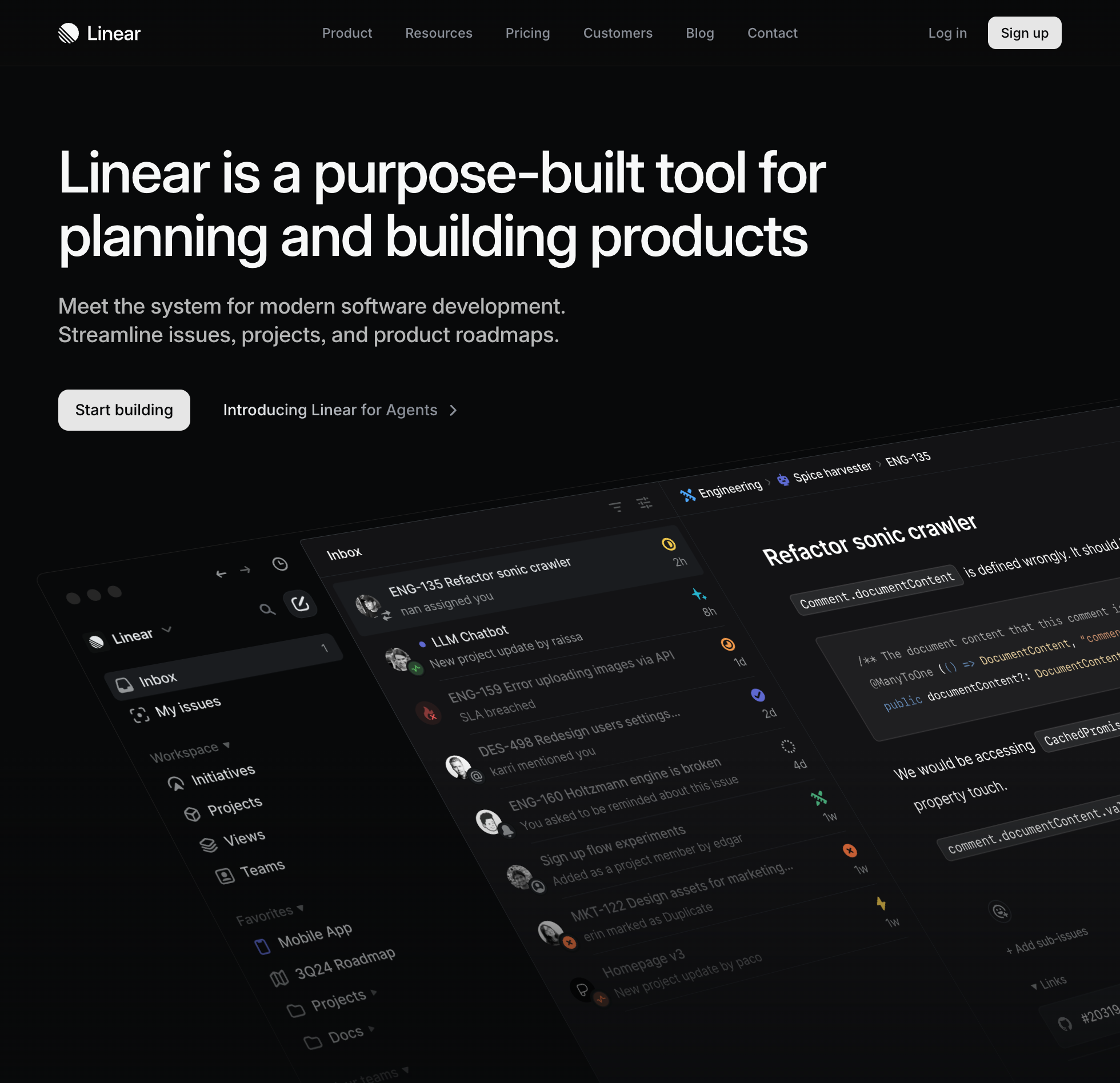
Linear puts its internal planning views on the $0 plan for unlimited team members. Each team's Projects page displays work as a list, board, or timeline, and Initiatives, which is Linear's name for workspace-level roadmaps, are included on every plan without a timeline paywall.
What limits a growing team is that Linear's Free plan caps your workspace at two teams and 250 issues, and every bug, chore, and roadmap task counts toward that ceiling. Once you cross it, Linear's billing docs are blunt: "If you have over 250 issues, you will no longer be able to create new issues." Everyone in a Free workspace is also made an admin, and guest accounts aren't available on Free or Basic.
Linear's documentation frames Projects and Initiatives as internal planning views for your team, and neither a public link that opens without a Linear account nor viewer voting is documented on Linear's pricing or product pages. Removing the 250-issue limit requires upgrading every member to Basic at $10 per user a month billed yearly.
Best for: Two- or three-person engineering teams that want an internal timeline view while their total issue history is still under 250 items.
7. Jira Product Discovery
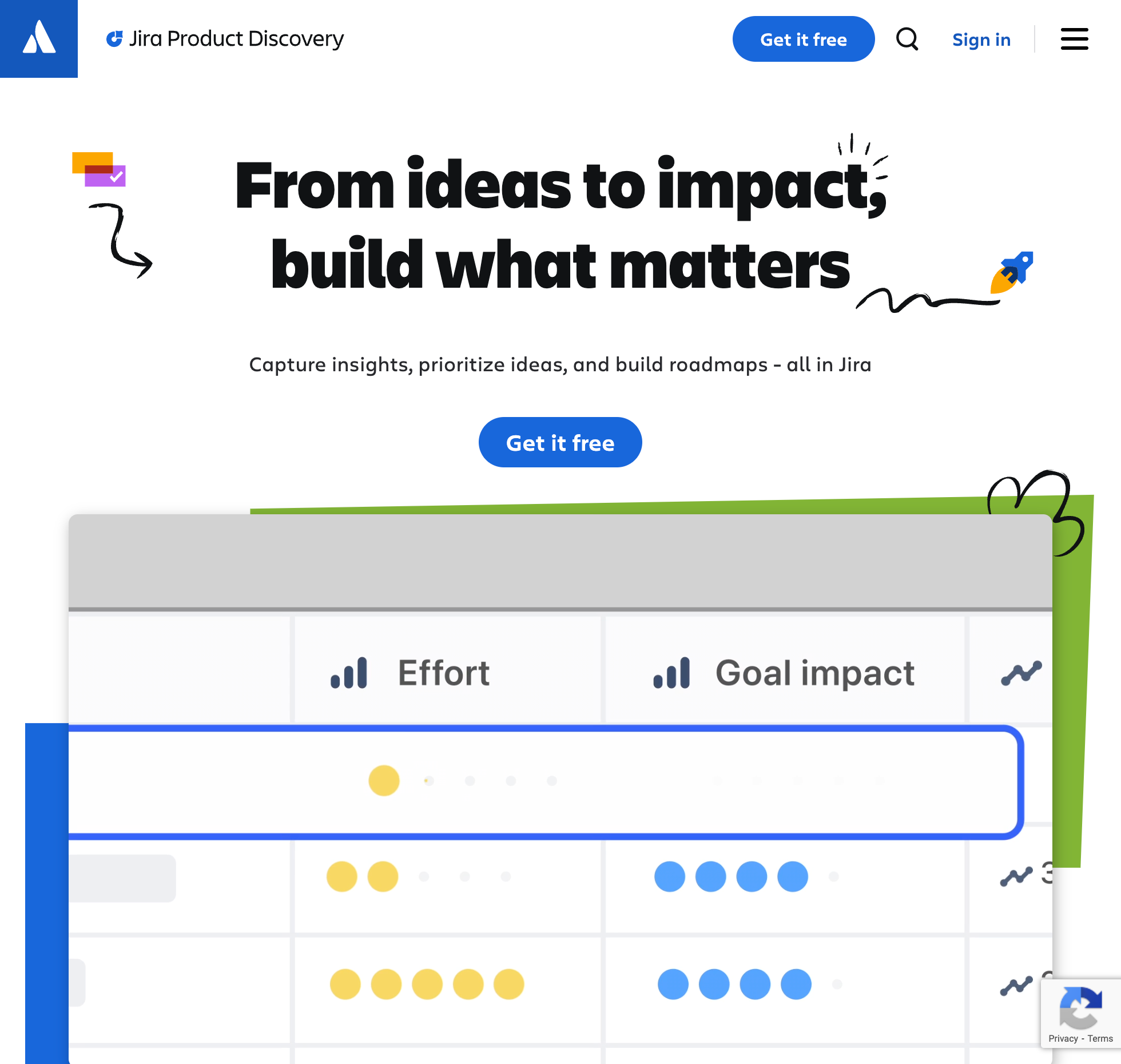
Jira Product Discovery is Atlassian's dedicated prioritization and internal roadmapping tool, and its Free plan gives up to three creators list, board, timeline, and matrix views with 2 GB of storage. Unlimited coworkers can join as free contributors to comment, react, and vote on ideas, provided every contributor signs in with an Atlassian account.
Where the free tier stops is sharing anything outside your company. Free workspaces only get internal links for people who hold a Jira license, because as Atlassian's help docs state: "Only customers on the Standard and Premium plans can publish views." Even when you pay to publish a roadmap link to the web, published views are read-only, while voting stays with contributors who sign in with an Atlassian account.
Watch your user roles if you invite teammates into a Free site, since Jira Product Discovery's pricing page notes an automatic upgrade rule:
If you're on the Free plan and exceed the user limit, we'll automatically upgrade you to a 14-day free trial of the Standard plan.
Standard costs $10.50 per creator a month, or $525 a year for one to five creators, up from $10 in early October 2026. For more detail, read our Jira Product Discovery alternatives comparison and Jira Product Discovery pricing breakdown.
Best for: Up to three product managers in an Atlassian shop who need internal timeline and matrix views for coworkers with Atlassian accounts.
8. Airtable
New Airtable signups start inside a 14-day trial of the paid Team plan before dropping down to Free. Timeline and Gantt views need a paid Airtable plan, so they come with the trial and not with Free.
Once your workspace is on the permanent Free plan, you manage your roadmap in grid and other standard views under a cap of 1,000 records per base, five editors or creators, 1 GB of attachments, and 100 monthly automation runs. Hitting 1,000 records stops you from adding new rows or files until you upgrade.
You can share any Free view externally using a public view share link that opens without an account, though password and domain restrictions require a paid tier. Those share links are view-only, with no voting or commenting options described in Airtable's sharing docs. Unlocking Timeline and Gantt views again requires the Team plan at $20 per collaborator a month billed yearly, or $24 monthly.
Best for: Teams that want to publish a read-only database grid of planned items under 1,000 rows and don't need a visual timeline or customer voting.
9. Miro
Miro approaches roadmapping as a whiteboard exercise, letting unlimited team members join a Free workspace and drop timeline and kanban roadmap templates onto a shared canvas, with 10 AI credits a month and low-resolution exports.
You can create as many boards as you like on Free, though only your three most recent boards remain editable. As soon as a teammate creates a fourth board for a wireframe or retro, an older roadmap board locks into view-only mode for the team, and Free workspaces have no private boards.
Whether outside customers can even view that roadmap without signing in is unclear from Miro's own pricing page, which contradicts itself. The comparison table marks Visitors as "View only" on Free and one FAQ line says visitors don't need an account, while the same FAQ also states that "there are no visitor or guest roles" on Free and external access starts on Starter. Either way, visitor editing isn't included on Free and no voting is available, with Starter beginning at $8 per member a month billed yearly.
Best for: Teams sketching a visual roadmap together during planning workshops who don't need ongoing card statuses or customer voting.
10. monday.com
monday.com offers a "free forever" plan aimed at individuals and pairs, capping your workspace at two seats, three boards, three Docs, eight column types, and 200 items to start, which only scales toward 1,000 items if you refer friends to create accounts.
On Free, your roadmap is a standard board table with no free viewer seats and no guest access. Whether a Free monday.com board can be shared via a public link or accept viewer votes could not be confirmed from monday.com's public documentation.
Outgrowing those two seats comes with a steep jump if what you really wanted was a dated roadmap. Basic starts at $9 per seat a month billed yearly with a three-seat minimum, so moving off Free starts at three paid seats even for a two-person team, and Timeline and Gantt views still aren't included until you step up another tier to Standard. See our monday.com alternatives page to compare other options.
Best for: One or two founders tracking under 200 items in an internal table who don't need a timeline view.
Tools that aren't free for a roadmap
Several tools come up when people look for a free roadmap, either because they have a free tier that leaves the roadmap out or because they have no free plan.
Free plans that leave the roadmap out
ClickUp and Asana both have a free plan that holds back their roadmap views. ClickUp gives you list, board, table, and calendar views with 60 MB of storage at $0, while marking Gantt Charts and Timeline view as "Trial" features where "Uses are cumulative throughout a Workspace and they do not reset or count down." Core at $9 per user a month billed yearly, shown beside a $12 regular price, unlocks unlimited Gantt charts, while Timeline stays on trial until Business. Asana's free Personal tier covers two users with list, board, and calendar views, gating Timeline and Gantt views on Starter at $10.99 per user a month billed yearly, or $13.49 monthly.
Two open-source feedback boards also fall into this bucket. LogChimp licenses its self-managed core under AGPLv3 with a $0 tier for one admin, while putting Boards, Roadmaps, and Comments behind a paid Pro license key at $24 a month billed yearly. Fider is open source under AGPL-3.0 with free self-hosting and a free hosted plan capped at 250 feedback requests under fair use, or $25 a month on Pro, and describes itself as "a public list of ideas" with no roadmap view found on the pages we read; see our Fider alternatives page for boards that pair voting with a roadmap.
Roadmap tools with no free plan on their pricing page
Productboard used to have a Free plan, and a support article updated in September 2026 still mentions it, though as of November 2026 both the Free and Plus plans are gone from its pricing page. Productboard now lists only Business and Enterprise with unprinted demo pricing and a five-maker minimum, which we cover in our Productboard pricing guide.
Three dedicated roadmap tools only offer time-limited trials. Roadmunk, now Strategic Roadmaps at Tempo, gives you a 14-day trial before starting at $19 per editor a month billed yearly on Starter; see our Roadmunk alternatives and Roadmunk pricing guides. Aha! Roadmaps runs a 30-day cardless trial and then starts at $59 per user a month, covered in our Aha! pricing breakdown, while Frill gives you a 14-day trial with no credit card before starting at $25 a month for 50 ideas.
Finally, ProductPlan and airfocus offer no self-serve free tier at all. ProductPlan lets viewers follow a paid team's roadmap for free while publishing neither a free plan nor a price tag, as detailed in our ProductPlan pricing post, and airfocus states on its pricing page that it does not offer a free trial, and it lists no free plan.
How to choose a free product roadmap tool
Start with who is supposed to read the roadmap, because public vs. internal narrows this list before any item limit matters. Out of the ten free plans above, only UserJot and Canny are built specifically for customers to open a public roadmap and vote on upcoming work, and UserJot avoids Canny's 25-user ceiling and sign-in gate. Trello, Notion, GitHub Projects, and Airtable can publish a board, page, or view via a public link when read-only sharing is enough, whereas Jira Product Discovery locks published views behind paid plans and Linear documents only internal team views.
Next, check whether you need calendar dates on a timeline bar. If a dated timeline on a $0 plan is required, pick between Linear, GitHub Projects on its roadmap layout, and Jira Product Discovery, or Notion, whose pricing page states no plan gate on its timeline view. UserJot uses three status columns without dates. Keep in mind too that no open-source option here gives you a free roadmap view, since LogChimp's roadmap is paid and Fider documents none. If you decide to compare paid plans alongside $0 tiers, see our full guide to the best roadmap tools.
Frequently asked questions
What is the best free roadmap tool?
UserJot is the best free roadmap tool for small software and SaaS teams that want customers to see what is planned and vote on it. Its permanent Free plan includes a three-column public roadmap, two feedback boards, a changelog, and an in-app widget for three teammates with no cap on users or posts. If you need an internal engineering timeline with dates instead of a customer-facing board, Linear and GitHub Projects both include timeline or roadmap views at $0.
Is there a free public roadmap tool?
Yes, UserJot and Canny both include a dedicated free public roadmap, while Trello, Notion, GitHub Projects, and Airtable let you share a board, page, or view on a public URL. UserJot lets unlimited visitors open the roadmap and vote without creating an account, whereas Canny stops at 25 tracked users on Free and requires a name and email before anyone can vote.
Which free roadmap software includes a timeline view?
Linear, Jira Product Discovery, and GitHub Projects via its roadmap layout include a timeline view on their free plans, and Notion's pricing page states no plan gate on its timeline view. Trello, Airtable, and monday.com keep their timeline views for paid plans, and ClickUp restricts Timeline and Gantt on Free to a non-resetting trial allowance.
Can customers vote on a free roadmap?
Yes, UserJot lets visitors vote directly on roadmap cards on the Free plan without signing up for an account. Canny also supports voting on Free for up to 25 tracked users once the voter enters a name and email, and Trello allows public voting if the visitor logs into a Trello account. Jira Product Discovery limits free voting to internal contributors who sign in with an Atlassian account.
Do Productboard, Roadmunk, or Aha! have a free plan?
None of the three lists a permanent free plan on its pricing page as of November 2026. Roadmunk, now Strategic Roadmaps at Tempo, offers a 14-day free trial before starting at $19 per editor a month billed yearly, and Aha! Roadmaps runs a 30-day trial before starting at $59 per user a month. Productboard removed Free and Plus from its pricing page, which now shows only Business and Enterprise with a five-maker minimum.
Is any free roadmap tool open source?
Not with a free roadmap view, as far as we found. The two open-source projects we checked, LogChimp and Fider, don't give you one. LogChimp's self-managed core is AGPLv3 open source, while its Roadmaps feature requires a $24-a-month Pro license billed yearly, and Fider is an AGPL-3.0 voting board with no roadmap view on the pages we read.
What do you get when you outgrow the free plan?
On most project trackers and feedback boards, upgrading removes a hard ceiling on issues, records, seats, or voters and moves you onto per-seat or metered pricing, such as Linear Basic at $10 per user a month billed yearly or Canny Pro from $79 a month billed yearly. On Trello and monday.com, the first paid plan doesn't include the timeline, so getting it means a second step up, to Trello Premium or monday.com Standard. Upgrading UserJot to Starter costs a flat $29 a month for the whole workspace, raising limits to five boards and up to 100 teammates while adding a custom domain, private boards, moderation, and automatic widget login.