Top 10 Feedback Tools with Public Voting
Shayan, FounderUpdated 21 min read

When customer requests go into a private contact form or support inbox, you end up answering the same idea thirty times in isolation with no easy way to tell whether two accounts care about it or two hundred do. A public voting board fixes that by letting users browse existing requests, click upvote in a second, and see what you are actually building. The catch when shopping for a voting tool is that the pricing model behind that upvote button matters just as much as the interface: some tools bill you per voter so a popular post multiplies your monthly invoice, while others lock guest voting behind sign-in walls, cap your board at 50 active ideas, or keep submitted requests private so customers cannot see each other's posts.
For most software and SaaS teams, UserJot is the best feedback tool with public voting in 2026 because it puts your public voting board, roadmap, changelog, and support inbox in one workspace, includes a permanent free plan with no cap on voters or posts, and charges a flat monthly price instead of taxing you as participation grows. Depending on your setup, Fider is an option if you want to self-host an open-source voting board on your own servers, and Canny can work if your workflow depends on native Jira or Salesforce sync and you have the budget for per-voter pricing.
Below, we compare 10 customer feedback tools on what actually happens once real users show up to vote: how they charge as your voter count grows, whether visitors can vote without creating an account, whether voters automatically hear back when a feature ships, and what else comes in the box.
Side-by-side comparison
| Tool | Price | Free plan | Vote without an account | Public voting on user posts | Roadmap and changelog |
|---|---|---|---|---|---|
| UserJot | $0, $29, $59 a month, flat | Unlimited users and posts, 2 boards | Yes, every plan | Yes | Both on every plan |
| Canny | From $79 a month yearly, by tracked user | 25 tracked users | Not documented | Yes | Both on every plan |
| Feature Upvote | $59 a month per board, or $49 yearly | None; 30-day trial | Yes | Yes | Neither; status filters only |
| Nolt | $29 to $69 a month yearly, by board | None listed; 10-day trial | Yes, if enabled | Yes | Both on every plan |
| Frill | $25 to $349 a month, plus add-ons | None on pricing page; 14-day trial | From $25 | Yes, 50 ideas on $25 plan | Both on every plan |
| Productboard | No published price; 5-maker minimum | None on its pricing page | Verified email required | No; only on PM-curated cards | Portal tabs only |
| Aha! Ideas | $39 to $59 a seat a month yearly, 3 minimum | None; 30-day trial | First idea only | Yes | Custom portal pages on Advanced |
| Sleekplan | $0, $13, or $38 a month yearly, metered | Board and changelog, 1 admin | Yes, in anonymous mode | Yes | Changelog on Free; roadmap from $13 |
| Upvoty | $15, $25, or $49 a month | None; 14-day trial | Yes, in anonymous mode | Yes | Roadmap from $15; changelog from $25 |
| Fider | Free to self-host; Cloud Pro $25 a board | 250 posts on cloud, not indexed | No; email code or OAuth | Yes | Roadmap on Pro/self-hosted; no changelog |
Prices and limits checked against each vendor's pricing page and documentation in October 2026, and Productboard's again in November 2026.
How public voting tools actually limit or charge you
Adding an upvote button to a web page is simple, which is why most feedback boards look similar in a five-minute demo. Where teams get surprised six months later is in how the vendor meters participation and what happens after a customer clicks vote:
- Per-voter billing that penalizes engagement. The whole point of a public voting board is getting more customers to participate. On tracked-user tools like Canny, every person who votes, posts, or comments counts toward your monthly bill, so a single popular feature request that brings in a few hundred voters can push your subscription from $79 into the hundreds of dollars a month.
- Per-board, per-seat, and active-idea ceilings. Even tools that advertise unlimited voters often put a meter right next to the board. Feature Upvote and Nolt charge by the board, Frill caps its $25 entry plan at 50 active ideas and sells branding removal as a $100 a month add-on, and Aha! Ideas requires a three-seat minimum where every internal teammate who even views ideas needs a paid license.
- Account walls versus frictionless voting. Making a customer create a separate portal password just to upvote a request cuts participation sharply. Some tools let signed-in users vote automatically through an
identifycall from your app and also allow guest voting without an account, while others force every voter through an email verification code or a full account signup first. - Portals where customers cannot see each other's requests. Not every feedback portal is a public voting board. On enterprise roadmapping suites like Productboard, ideas submitted by customers go into a private repository where other visitors cannot browse or upvote them; customers can only vote on cards that a product manager manually curates and publishes. And on tools like Fider, clicking upvote does not automatically subscribe the voter to status emails when the feature ships.
1. UserJot


UserJot puts a public feedback board, product roadmap, and changelog in one product, hosted at its own URL and embeddable inside your app with an in-app widget. It also includes live chat and a shared support inbox, currently in beta and free on every plan while in beta. Passing a uj.identify call from your application attributes every vote, post, and chat message to that signed-in user and their company on every plan, including Free, so your team knows which accounts are behind a request without forcing customers through a second login screen in the widget.
The free plan never expires and includes unlimited end users, voters, and posts across two feedback boards, three admin seats, the public roadmap, the changelog, and the widget. As customers type a new request on the board or in the widget, embedding search suggests similar existing posts so duplicate ideas don't split your vote count, and merging two threads combines their votes without double-counting anyone who voted on both. When you move a request to Planned or In Progress, it appears on the public roadmap automatically with its votes attached. Marking a request Completed automatically emails everyone who posted, voted, or commented, and Juno, our AI agent, can draft the changelog entry from your completed requests inside the editor for you to review. In the support inbox, Juno also answers customer questions from your docs and searches your public feedback board so she can add a vote or file a new request once the customer confirms.
Unlike per-seat or tracked-user tools where growing participation multiplies your bill, UserJot charges a flat workspace price and lets you export your posts as a CSV any time on every plan. Upgrading to Starter at $29 a month raises your workspace to five boards and up to 100 admins with no per-seat fee, and adds a custom domain like feedback.yourcompany.com, private boards, moderation queues, and automatic login that carries widget identity onto the hosted board. The REST API and MCP server are on every plan, including Free, so an agent or integration works from day one without paying. Professional at $59 a month adds single sign-on where your server signs a JWT, public identity masking, and the option to remove the "Powered by UserJot" badge. Because UserJot is built for software teams rather than enterprise procurement, it focuses on Slack, Discord, an email-to-feedback address, a REST API, and an MCP server rather than Salesforce or Jira sync.
Best for: SaaS teams that want public voting, a roadmap, a changelog, and a support inbox in one workspace, at a flat price that stays put no matter how many customers vote.
Stop guessing what to build. Let your users vote.
UserJot keeps feedback, roadmap, and changelog in one simple loop.
2. Canny
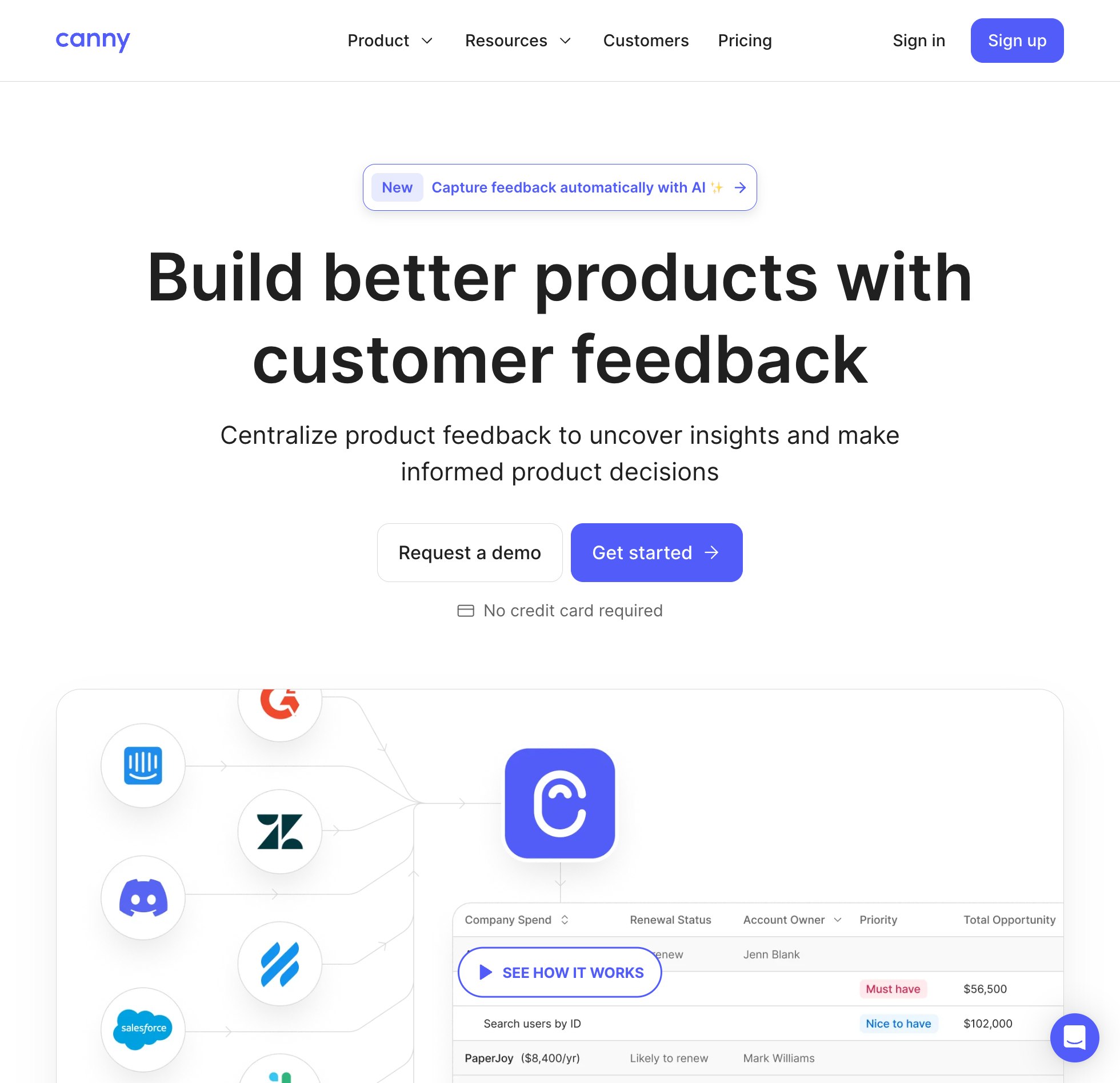
Canny prices its voting boards by "tracked users," which means every customer who submits a post, clicks upvote, or leaves a comment counts toward your monthly bill. The free plan gives you five admin seats, unlimited boards, a roadmap, and a changelog, but it caps your entire workspace at 25 tracked users. One active feature request that collects 25 upvotes fills your free tier, and the 26th customer cannot vote or comment until you upgrade.
Once you move past 25 voters, Canny Pro starts at $79 a month billed yearly for 100 tracked users and climbs with engagement: 1,000 tracked users costs $529 a month billed yearly, and 5,000 tracked users reaches $1,079 a month. Customers also have to sign in or be identified by your app to participate, as Canny documents no way for unauthenticated visitors to post or vote as guests without an account.
What you get on Canny's paid tiers is an established voting board with voter profiles, company attribute segmentation, a public roadmap, a changelog, and a long enterprise integration list. It connects directly to Jira, Linear, GitHub, Intercom, Zendesk, and Slack, offers Salesforce sync as an add-on on custom Business contracts, and includes an Autopilot feature that scans support conversations for feedback on metered credits.
Best for: Teams that need native Jira or Salesforce sync on their voting board and have a budget that scales with their voter count. See our Canny alternatives comparison and Canny pricing breakdown for the full tracked-user ladder.
3. Feature Upvote
Feature Upvote charges by the board rather than by the voter, starting at $59 a month per board, or $49 a month billed yearly, on its Indie plan. Every board includes unlimited users, votes, comments, and admins, and visitors can click upvote without signing in or submit a new suggestion with just a name and email. There is no free plan, and during the 30-day trial status-change emails to your users are disabled.
If you need a second board for another product or want to separate bug reports from feature requests, each additional board adds another $59 a month. Removing the "Powered by Feature Upvote" footer, adding custom CSS, or connecting Jira, Microsoft Teams, Zapier, and SAML requires stepping up to the Standard tier at $119 a month per board, or $99 billed yearly.
The bigger trade-off is that Feature Upvote stops at the voting board itself. Its own feature matrix marks a public roadmap as absent, leaving visitors to filter the suggestion list by status tags like Planned or Done, and its help center documents no changelog or release-notes tool. When you update a status, emails go out in a daily batch up to 24 hours later, and voters only receive them if they explicitly opted in. Its documentation also describes its JavaScript in-app embed as a proof of concept that leaves out image uploads, moderation, and duplicate suggestions.
Best for: Teams that want a single standalone voting board with guest voting in 19 languages and don't need a roadmap, changelog, or in-app widget. See our Feature Upvote alternatives page.
4. Nolt
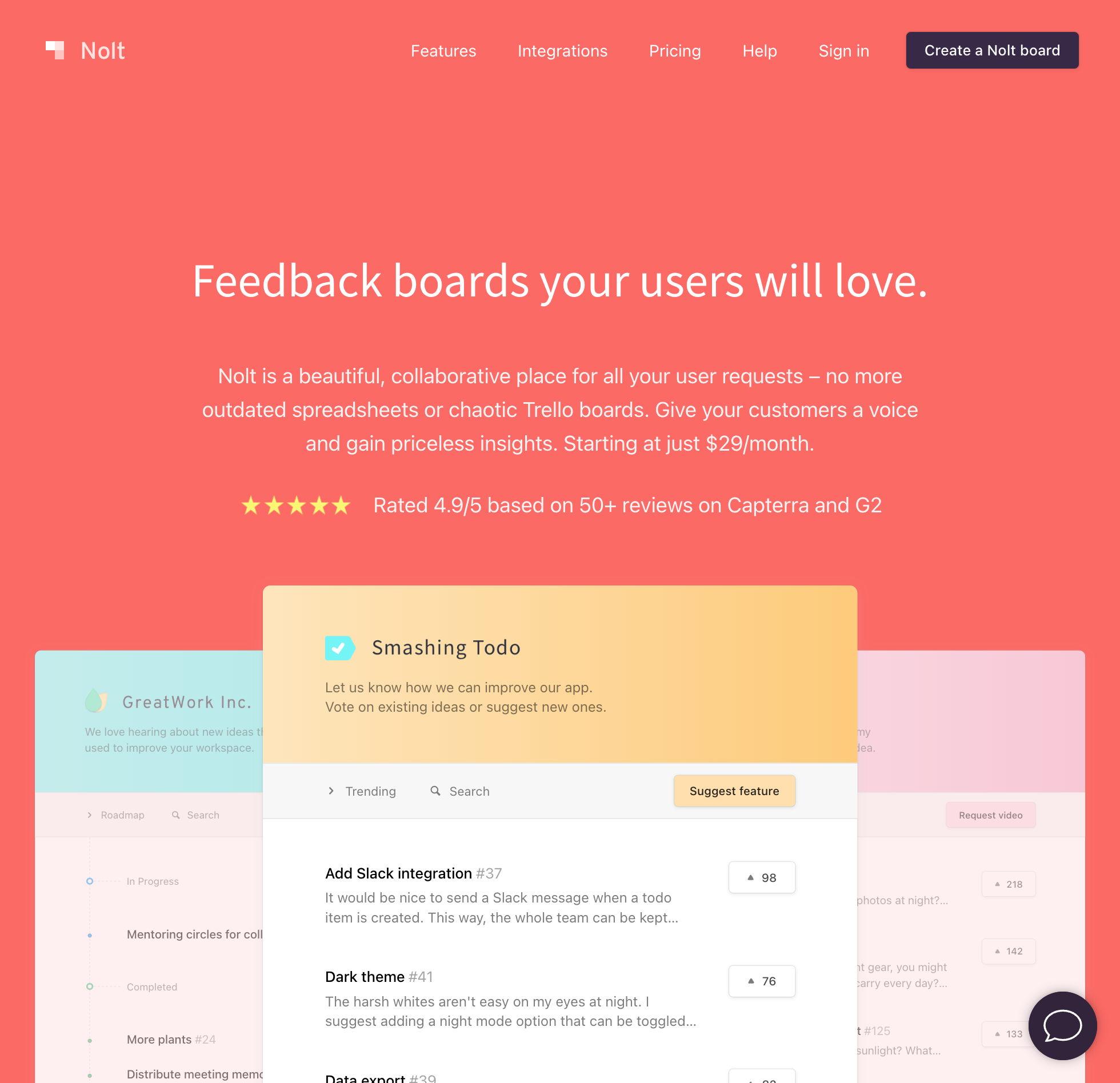
Nolt skips the free tier and gives you a 10-day trial before asking for a card. After the trial, Essential costs $29 a month billed yearly, or $39 monthly, for a single feedback board, and Pro runs $69 a month billed yearly, or $89 monthly, for up to five boards.
Every Nolt plan includes unlimited voters, posts, and internal admins, along with a public roadmap and a changelog. If you turn on guest access, visitors can vote and post without creating an account, and Nolt suggests similar posts while a user is typing. It also includes an AI helper that drafts changelog posts from completed requests or GitHub commits on a token meter whose quotas and overage rates aren't published.
Several common controls sit behind the $69 Pro tier, including the moderation queue for holding new posts for approval, password-protected boards, the export API, and integrations with Jira, Linear, Intercom, and Zapier, while Essential covers Slack, Discord, GitHub, and Trello. Nolt lists no plan or add-on that removes its sidebar attribution, and its terms prohibit hiding it.
Best for: Teams that want a single hosted voting board with GitHub, Trello, Jira, or Linear sync and are comfortable paying from day one without a free tier. See our Nolt alternatives comparison.
5. Frill
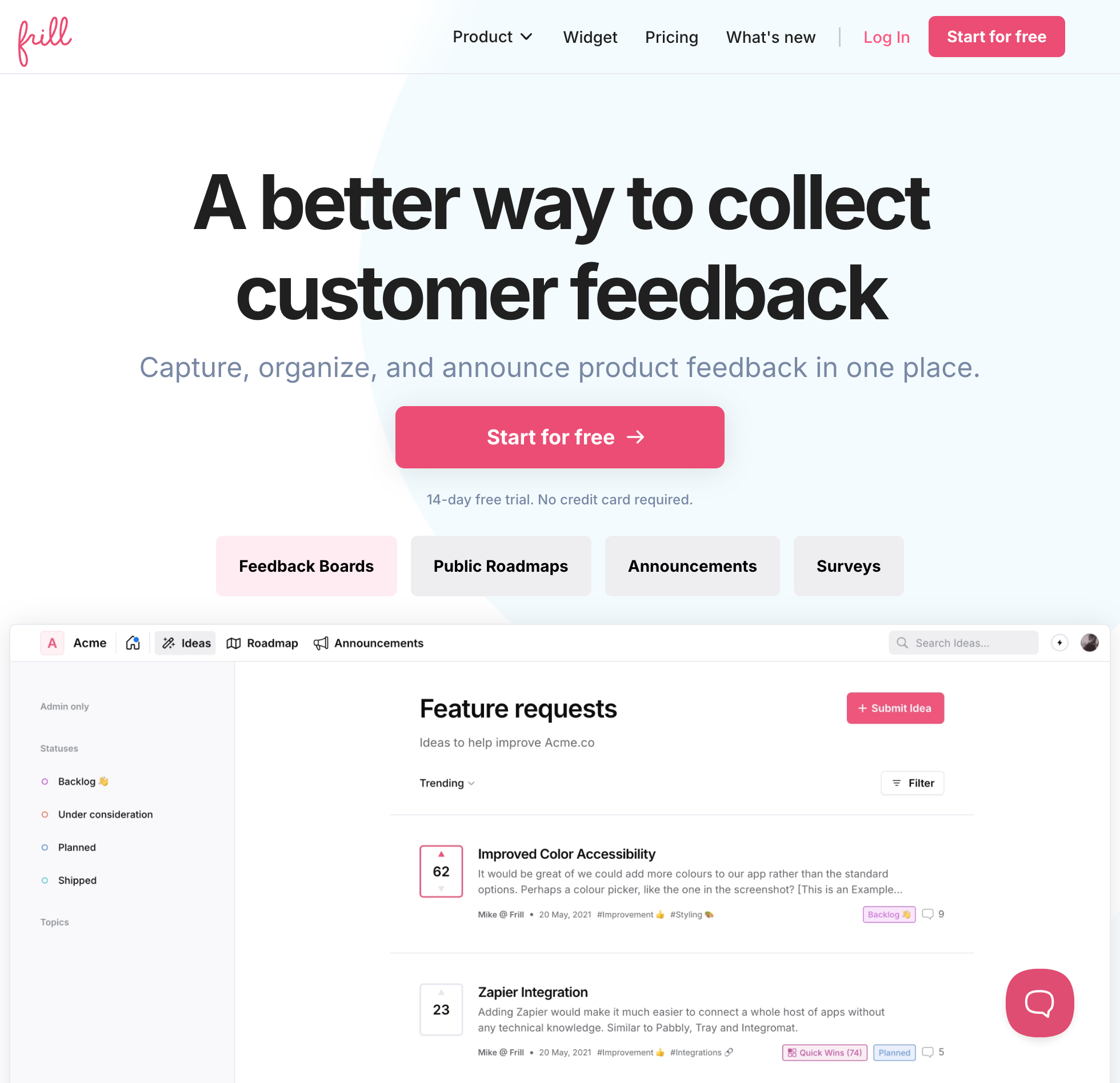
Frill advertises a $25 a month entry price, or $22 billed yearly, with unlimited voters and admins, a public roadmap, announcements, and in-app surveys, but that Startup tier caps your workspace at 50 active ideas and one survey. Frill does not publish whether shipped or archived requests free up a slot toward the 50-idea ceiling, so any active product quickly has to move to Business at $49 a month, or $44 billed yearly, to unlock unlimited ideas.
The second catch on Frill is how core features are unbundled into paid add-ons. Removing the "Powered by frill.co" badge requires the White Label add-on at $100 a month on top of your base plan, which turns a $25 Startup subscription into $125 a month. Holding new ideas in a moderation queue before they go public and running private boards sit behind a separate Privacy add-on, or you can buy the Growth plan at $149 a month where White Label, Privacy, and unlimited surveys are bundled together.
For public voting itself, Frill runs a single board organized by Topics rather than separate boards, supports guest and anonymous voting modes from the $25 tier, and offers a read-only MCP server with ten tools. It connects to Jira, Linear, Trello, Slack, Intercom, Zendesk, and Help Scout, though it has no built-in live chat or customer-facing AI agent.
Best for: Teams that want ideas, announcements, and in-app micro-surveys in one widget and are willing to pay $49 to $149 a month once they pass 50 ideas or need moderation and white-labeling. See our Frill alternatives comparison.
6. Productboard
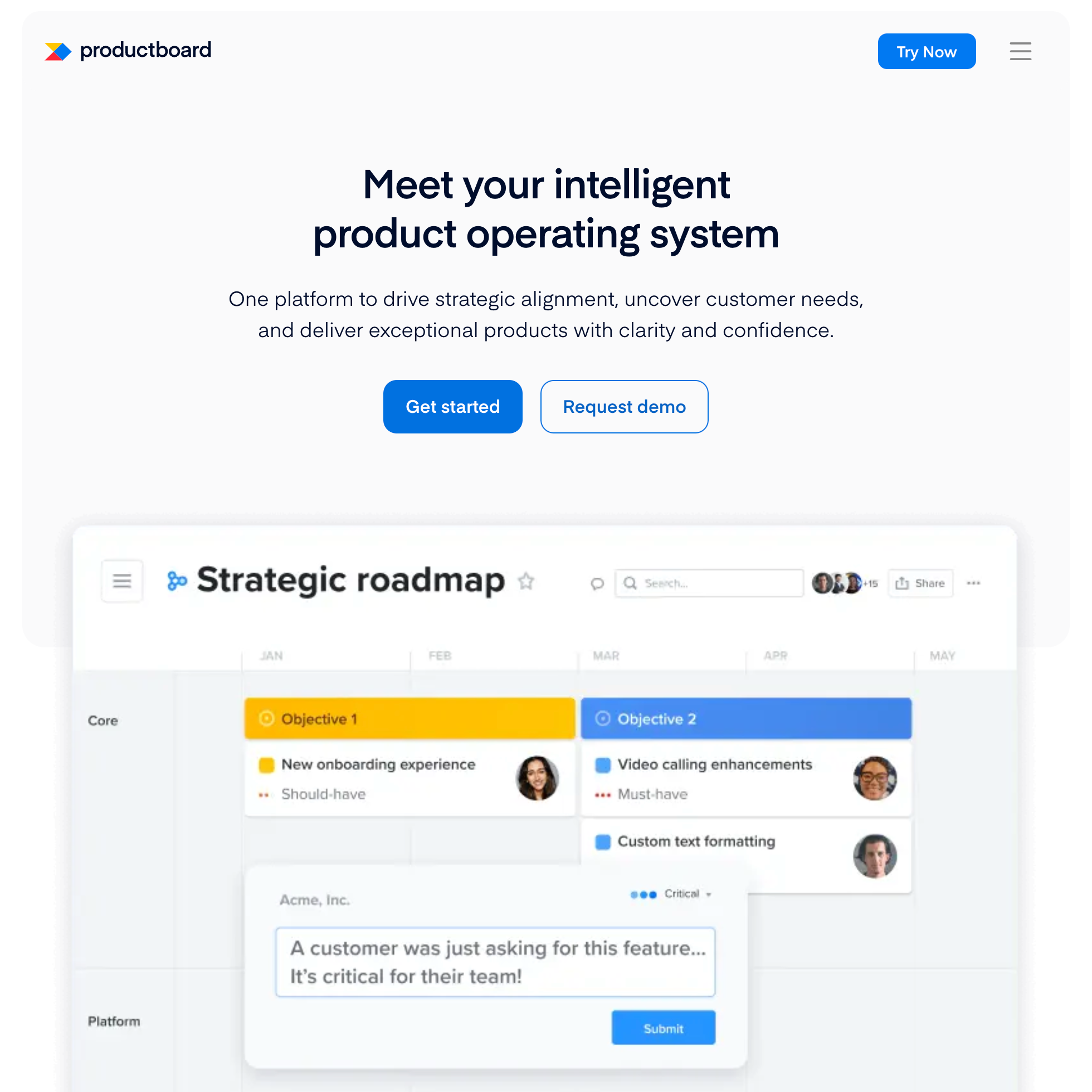
Although Productboard shows up on almost every list of feedback tools, its portal does not let customers see or vote on each other's submitted requests. When a user submits feedback on a Productboard portal, they verify their email and write a note that goes straight into your team's private repository. Other visitors cannot browse that submission, upvote it, or leave a public comment; customers can only rate how important a feature is on portal cards that a product manager manually curates and publishes.
That design reflects what Productboard is built for: internal product management and roadmapping priced per "maker" seat. Its pricing page lists only Business behind "Request demo" and Enterprise behind "Contact sales", shows no prices, Free plan, Plus plan, or trial, and sets a five-maker minimum on both. Business includes unlimited feedback, 25 contributors, and 500 monthly credits per maker for Spark AI.
On the portal side, Business covers two product portals, an embedded portal, and portal single sign-on, while a white-label portal, SAML single sign-on, and unlimited contributors wait for Enterprise. Status updates to customers go out as card update emails that a maker composes and sends.
Best for: Internal product management teams that want weighted prioritization matrices and timeline roadmaps and prefer to keep customer submissions private rather than running an open community voting board. See our Productboard alternatives guide and Productboard pricing breakdown.
7. Aha! Ideas
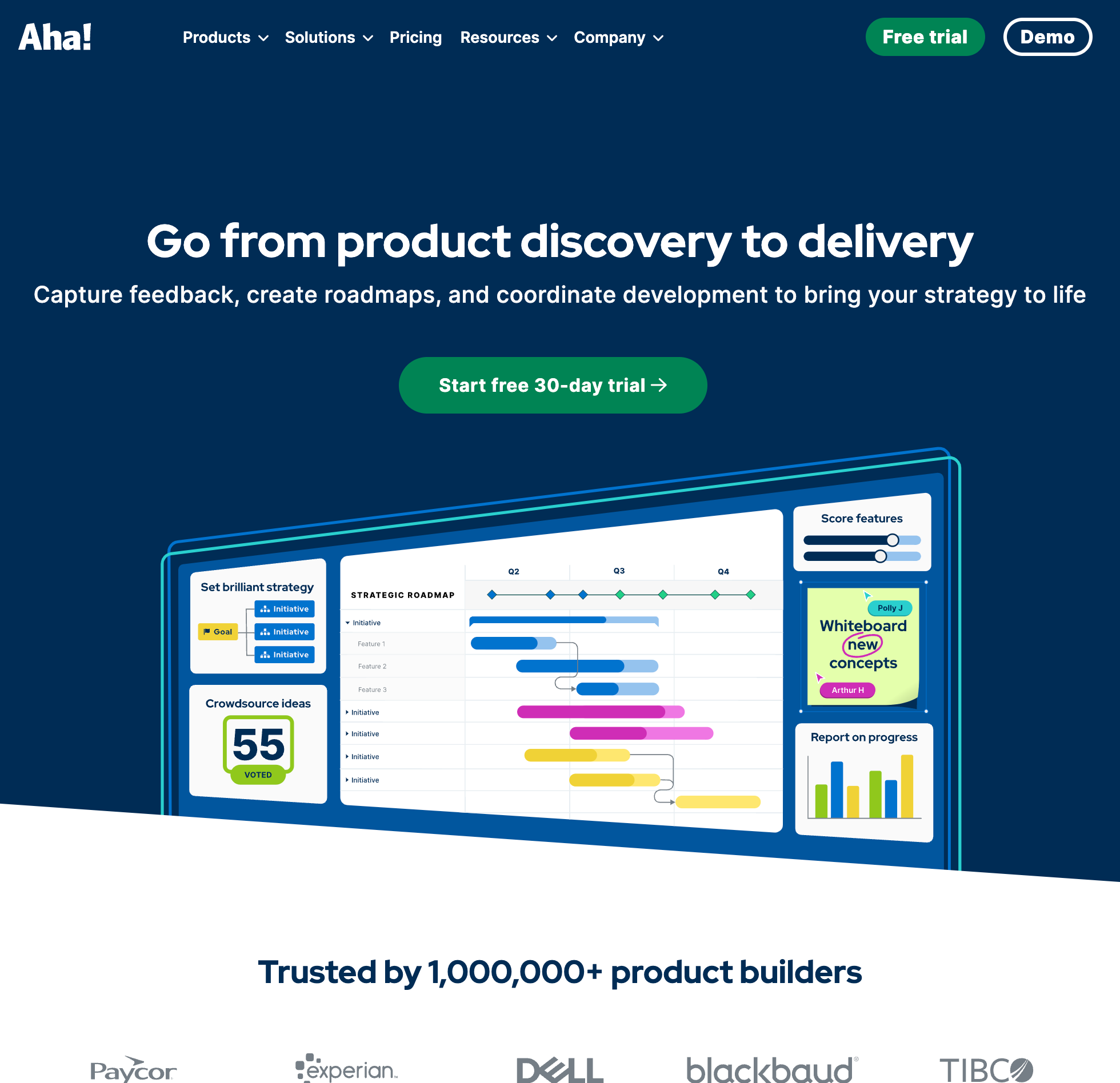
Aha! Ideas is the customer portal side of the broader Aha! product suite, and it bills per internal seat with a mandatory three-seat minimum. Ideas Essentials costs $39 per user a month billed yearly, or $49 monthly, which sets the smallest possible bill at $1,404 a year or $147 a month after the 30-day trial, with no free plan. Unlike tools where only admins pay, Aha! requires a paid seat for every internal teammate who accesses the workspace, including read-only viewers who just want to read customer requests.
On the external portal, unlimited customers can browse, comment, and vote on ideas for free, and visitors can submit their first idea without a password before being prompted to create an account. Voters automatically get an email when an idea's status changes, and product managers can score ideas with custom formulas and promote them into Aha! Roadmaps.
However, most of the features SaaS teams expect on a voting board sit on Ideas Advanced at $59 per user a month billed yearly, or $74 monthly, which starts at $2,124 a year for three seats. Custom portal domains, in-app feedback widgets, proxy voting on behalf of customers, Jira, Salesforce, and Zendesk sync, and custom portal pages for publishing a public roadmap report or release notes all require Advanced. Its internal AI assistant, Elle, also runs on a pooled meter of 10 to 15 credits per seat a month, with 250-credit packs sold for $39.
Best for: Larger organizations whose product managers already plan inside Aha! Roadmaps and have the budget to license every internal viewer. See our Aha! Ideas alternatives comparison and Aha! pricing guide.
8. Sleekplan
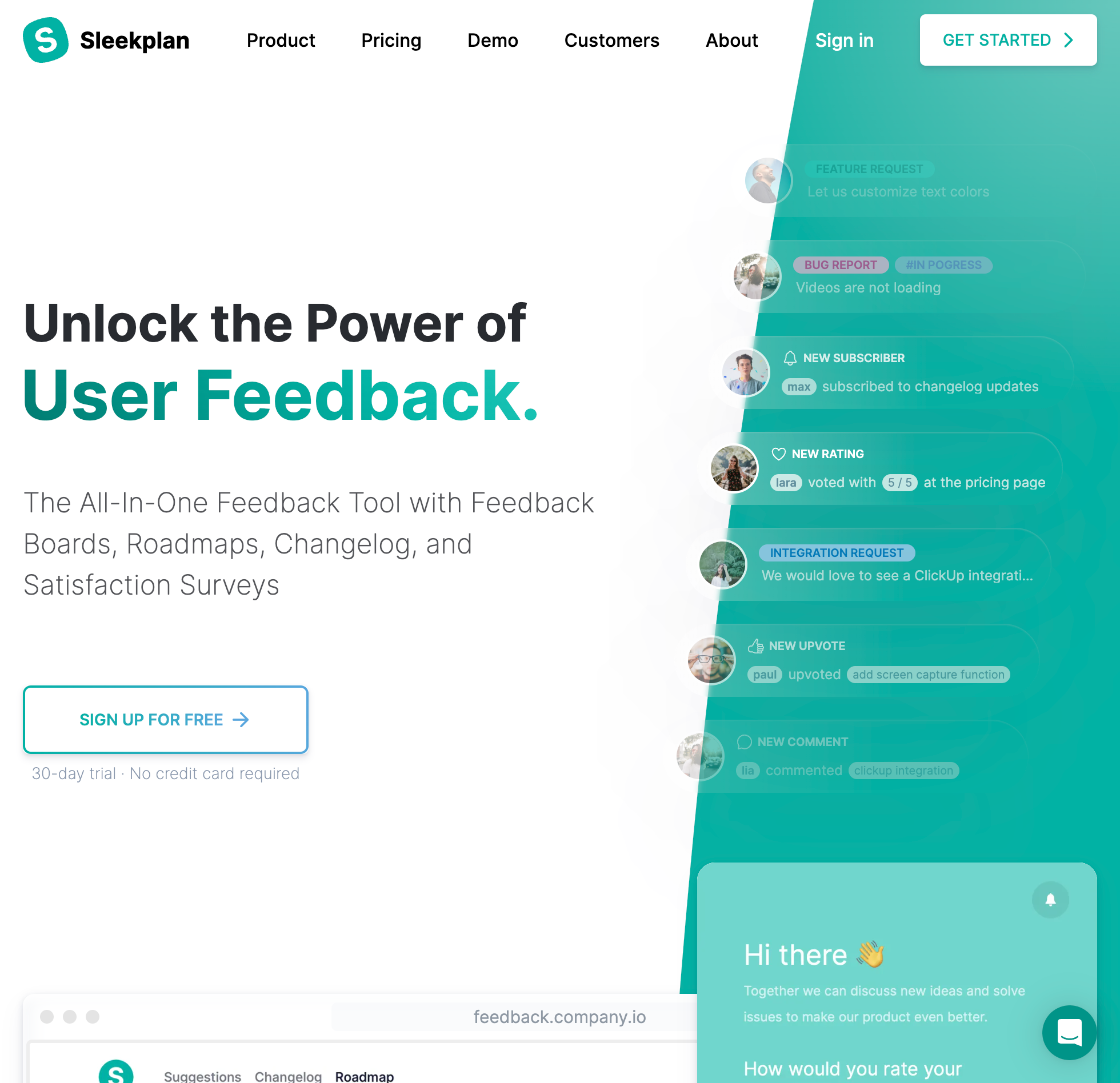
Sleekplan allows unlimited voters and posts on its permanent free Indie plan, including guest voting when anonymous mode is enabled, but it limits your workspace to a single admin seat and leaves out the public roadmap. Free workspaces also run on monthly delivery meters of 500 outbound emails and 1,000 announcement views, with no AI access.
Unlocking the public roadmap, adding up to three admin seats, turning on NPS and CSAT surveys in the widget, and getting 2,000 monthly emails requires upgrading to Starter at $13 a month billed yearly, or $15 monthly. Custom domains, removing Sleekplan's branding, scheduled changelog posts, and user segmentation sit on the Business tier at $38 a month billed yearly, or $45 monthly. On paid plans, AI actions like duplicate checks and spam detection consume monthly credits, where a duplicate check costs 50 credits out of Starter's 1,000-credit monthly pool.
Two details in Sleekplan's documentation are worth checking before you migrate a busy board. First, status-change emails go to post creators and subscribers on every transition, whereas voters only receive an email when a request is marked Completed and voter notifications are enabled. Second, CSV exports are capped at the newest 5,000 rows per dataset, and the download links expire after 14 days.
Best for: Solo founders who want a low-cost voting board paired with in-app CSAT and NPS micro-surveys and can work within monthly email, view, and AI credit allowances. See our Sleekplan alternatives comparison.
9. Upvoty
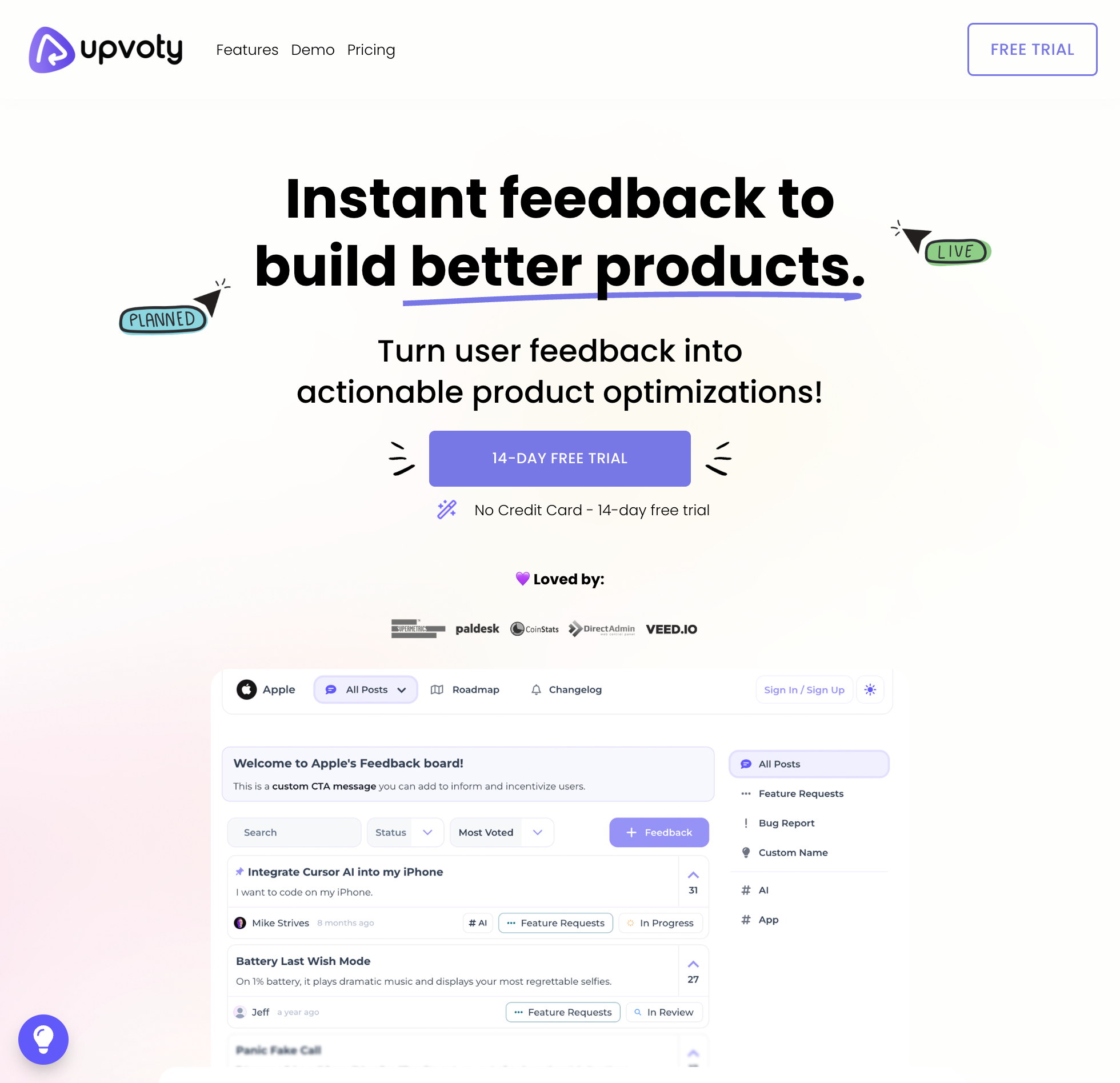
Upvoty dropped its old tracked-user limits in 2025 in favor of flat monthly tiers with unlimited voters, starting at $15 a month on the Power plan after a 14-day trial, with no free plan. Power gives you one project with feedback boards, a public roadmap, a custom domain, bug reports with screenshots from the widget, and anonymous guest voting, while keeping Upvoty branding on your portal.
The catch with Upvoty's pricing is how quickly everyday features push you onto the higher plans. Power does not include a changelog or any integrations. Publishing a changelog, removing Upvoty branding, or connecting Slack, Discord, Jira, Linear, Intercom, or Zapier requires the Super plan at $25 a month. If you need more than one project, REST API access, webhooks, custom JWT single sign-on, or Upvoty's MCP server, you have to move to the Hyper plan at $49 a month.
On the board itself, Upvoty includes Merge AI to combine duplicate requests and smart tags to categorize incoming posts, though it has no built-in live chat or customer-facing AI agent. Upvoty's terms also state that subscriptions renew automatically and fees are non-refundable, so be sure to export your posts and voters as a CSV before your renewal date if you switch.
Best for: Small teams that want a basic flat-rate voting board and roadmap for a single project at $15 a month and don't need a free plan, a changelog, or API access on the entry tier. See our Upvoty alternatives page.
10. Fider
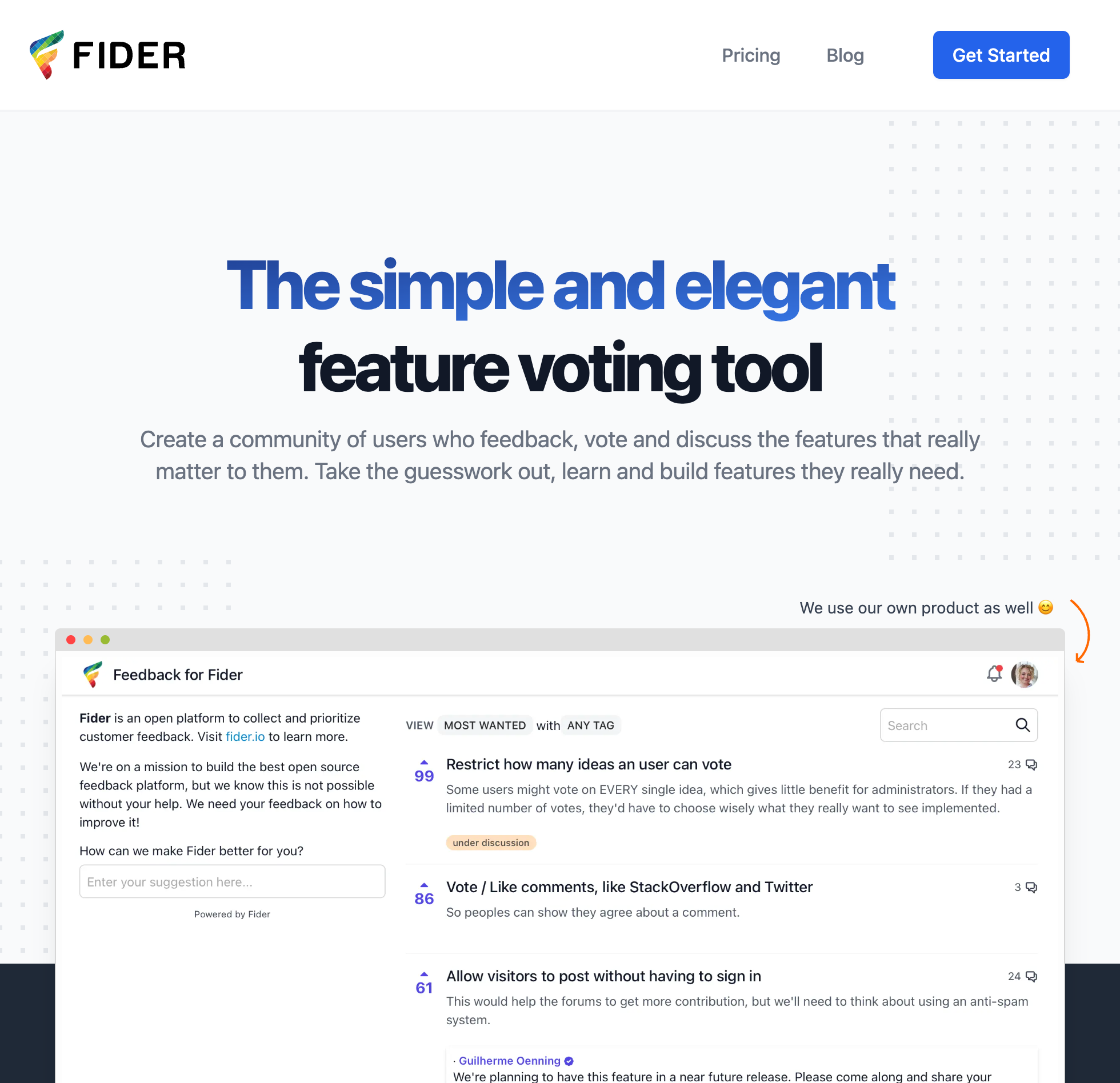
Fider is an open-source voting board licensed under AGPL-3.0, giving technical teams two ways to run it: self-host the software for free with Docker and a Postgres database, or use Fider Cloud. Self-hosting unlocks every feature in the codebase with no post or voter limit, though your team is responsible for provisioning the server, configuring SMTP for outbound email, running database backups, and applying upgrades.
If you prefer not to manage infrastructure, Fider Cloud Free gives you unlimited voters and a custom domain, but caps your board at 250 feedback posts under a fair-use policy and puts a noindex header on every page so search engines won't index your board. Upgrading to Fider Cloud Pro at $25 a month per board removes the 250-post cap, turns on search indexing and post moderation, and adds the three-column public roadmap that Fider introduced in June 2026.
Whether you self-host or pay for Fider Cloud, Fider is strictly a standalone voting board. Every user must sign in with an email verification code, Google, GitHub, or OAuth before they can vote or post, as guest voting is not supported. Clicking upvote on a post does not subscribe the voter to status emails either; voters only hear when a feature ships if they also clicked the separate follow button on that thread. Fider has no changelog product, no in-app widget, and no AI features.
Best for: Developer-focused teams that need to self-host an open-source voting board on their own infrastructure. See our Fider alternatives comparison and our guide to free customer feedback tools.
Stop guessing what to build. Let your users vote.
UserJot keeps feedback, roadmap, and changelog in one simple loop.
Guest voting vs. identified voting: which one should you turn on?
One of the first settings you'll choose on any public feedback board is whether visitors can click upvote as guests or whether they need to be identified first. Both approaches solve different problems depending on where the user is coming from, and we cover the broader trade-offs in our guides on how to collect customer feedback and internal vs. public feedback.
When a customer opens your feedback board from inside your web app, they have already logged into your product once. Making them create a second username and password just to vote on a feature request kills momentum. The easiest setup is passing an identify call to your in-app widget so every vote and post is automatically tied to that user's email and company account, and using automatic login so that same identity follows them if they click over to your hosted board. On UserJot, uj.identify attribution in the widget works on every plan including Free, and automatic login onto the hosted board starts on the $29 Starter plan.
For visitors who land on your public board from a link in your docs, a community thread, or a changelog post without being logged into your app, guest voting removes the sign-in wall altogether. Turning on guest posting and voting lets anyone cast a vote or submit an idea without an account, while duplicate detection as they type keeps five people from filing the same request under different titles. Then, when you mark the request Completed, everyone with an email on file who posted, voted, or commented gets notified automatically.
Other tools teams compare for feature voting
If you are working through a longer shortlist, three other tools come up frequently alongside the ten above, though each one has a specific pricing or privacy catch to watch for.
ProductLift is a founder-run feedback board, roadmap, changelog, and knowledge base that starts at $19 a month billed yearly, or $29 monthly, with no permanent free plan beyond its 14-day trial. Voters are unlimited and guest voting is supported, but the entry plan includes only two admin seats and charges $15 a month for each additional admin, while AI actions run on a monthly credit meter.
ProdPad sells roadmaps, ideas, and customer feedback as separate modules starting at $36 per editor a month billed yearly, or $45 monthly, per module, or $116 yearly for all three. Like Productboard, ProdPad's customer portal keeps votes private: customers can submit feedback and click "I want this" on published ideas, but they never see vote counts or other customers' comments.
Usersnap is primarily a visual bug-tracking tool built around annotated screenshots, screen recordings, and browser console logs, priced from $59 to $549 a month with no free tier. While it includes a public voting board and roadmap for feature requests, that module is locked behind the $259 a month plan. For a broader look at how these platforms compare beyond voting, see our guide to the best customer feedback tools.
Frequently asked questions
What is the best feedback tool with public voting?
UserJot is the best feedback tool with public voting for most SaaS teams because it includes a public voting board, roadmap, changelog, in-app widget, and support inbox at a flat workspace price of $0, $29, or $59 a month, with no per-voter or per-seat fees. If you need native Jira or Salesforce sync and have the budget for tracked-user pricing, Canny is the main alternative. If your security policy requires self-hosting open-source software on your own server, pick Fider.
Which feedback tools let users vote without creating an account?
UserJot supports guest posting, voting, and commenting without an account on every plan, on by default, while signed-in users passed through uj.identify in the widget can vote on every plan including Free. Feature Upvote, Nolt, Frill, Sleekplan, and Upvoty also support guest or anonymous voting modes when enabled in settings. Canny documents no guest voting option, and Fider requires every voter to sign in with an email verification code or OAuth first.
Why do some feedback tools charge more when more users vote?
Tools like Canny use a "tracked user" billing model, where any unique person who ever submits a post, clicks upvote, or writes a comment counts against your monthly allowance. Canny's free plan caps you at 25 tracked users total, and its Pro plan scales from $79 a month billed yearly for 100 tracked users up to $529 a month at 1,000 tracked users. Flat-rate tools like UserJot, Nolt, Upvoty, and Feature Upvote charge the same monthly price whether 50 customers vote or 50,000 do.
Does Productboard have a public voting board?
No, Productboard's portal does not work like a public community voting board. When a customer submits a request through a Productboard portal, that note goes into a private repository where other visitors cannot see it, vote on it, or comment on it. Customers can only rate importance on portal cards that a product manager manually curates and publishes.
How do public voting boards prevent duplicate requests from splitting votes?
UserJot runs embedding search as a user types a title on the feedback board or in the widget, surfacing similar existing requests before they hit submit. If a duplicate still slips through, admins can merge the new post into the existing thread, which combines the comments and moves all votes over without double-counting anyone who voted on both. Most other voting tools also offer type-ahead keyword matching and manual or AI-assisted merging.
Do voters get notified automatically when a feature ships?
On UserJot, changing a request's status to Planned, In Progress, or Completed automatically emails everyone with an email on file who posted, voted, or commented on that thread. Not every tool works that way: on Fider, voters do not get status emails unless they also clicked a separate follow button on the post, and on Feature Upvote, status emails are batched once a day and only go to voters who explicitly opted in. On Productboard, a product manager has to manually write and send a card update to notify people.
Can we run both a public voting board and a private board for enterprise accounts?
Yes. On UserJot's $29 a month Starter plan and $59 a month Professional plan, you can run public voting boards alongside private boards in the same workspace. On a private board, a signed-in customer sees only their own requests while your team sees all of them, and on Professional you can also turn on public identity masking so non-admin names and avatars appear as anonymous on public boards.
Should vote counts alone decide what goes on our product roadmap?
No. Vote counts tell you which problems come up most often across your user base, but a 200-vote request for a minor shortcut shouldn't automatically outrank a core reliability fix or a feature needed by your largest accounts. Use vote counts and voter comments to spot patterns and understand why customers are stuck, then move the items you actually commit to building onto your public roadmap.