Best In-App Feedback Tools (2026): Ten Compared
Shayan, Founder21 min read

An in-app feedback tool is a widget you install inside your own product so users can send feedback without leaving the screen they're working on. The confusing part when you shop for one is that software vendors use that exact phrase to describe three completely different kinds of tools. One kind puts a feedback board inside your app where customers post ideas and vote on each other's requests, a second captures annotated screenshots or screen recordings for bug reports, and a third pops up an in-app survey to ask a question your team wrote.
Because those three categories solve different problems, their pricing pages count very different things. Two tools can sit near the same monthly entry price while growing on opposite meters. One bills for every customer who ever clicks upvote, another counts monthly survey responses, and a third charges by internal team seats, sites, or snippet page views. If you pick the wrong category or the wrong billing meter for how your customers behave, your invoice climbs just because people started participating.
For most small software and SaaS teams trying to decide what to build next, UserJot is the best in-app feedback tool in 2026 because its widget puts your feedback board, public roadmap, and product updates right inside your app on every plan, including Free, at a flat $0, $29, or $59 a month for the whole workspace. Depending on the job you're hiring for, Userback or Usersnap fits when you mainly need bug reports with annotated screenshots and recordings, PostHog makes sense when your team already runs PostHog and wants in-app surveys with 1,500 free responses a month, and Formbricks is the pick if you want an open-source survey tool you can host yourself.
Below, we compare ten in-app feedback tools across all three categories on what a user actually does inside the widget, what the permanent free plan keeps or leaves out, and what makes the monthly bill grow.
Side-by-side comparison
| Tool | Kind | What a user does in the widget | Entry price, monthly billing | Permanent free plan | What the price grows with | Users vote on each other's feedback |
|---|---|---|---|---|---|---|
| UserJot | Board with voting | Post, vote, attach an annotated screenshot, read roadmap and updates | $0, $29, or $59 a workspace, flat | Yes: 3 teammates, 2 boards, no cap on users or posts | Nothing; the price is flat | Yes, every plan |
| Canny | Board with voting | Browse, vote, and post on one embedded board | $99 for 100 tracked users | 25 tracked users | Tracked users | Yes, every plan |
| Frill | Board with voting | Post, vote, comment, read roadmap and announcements | $25, capped at 50 active ideas | No; 14-day trial | Active ideas, surveys, white label | Yes, every plan |
| Sleekplan | Board with voting | Post, vote, comment, capture a screenshot, read the changelog | $15 | Yes: one admin, board and changelog, no roadmap | Seats and monthly view and email allowances | Yes, every plan |
| Userback | Visual feedback | Report a bug or idea with a screenshot or screen recording | $49 for 5 seats and 5 sites | Yes: 2 seats, 2 sites, feedback viewable for 7 days | Seats and sites | Only with the Feature Portal |
| Usersnap | Visual feedback with surveys | Send an annotated screenshot or video, answer a survey | $59 for 2 seats and 2 projects | No; trial only | Projects, page views, plan tier | From the $259 plan, on a separate page |
| Hotjar | Surveys | Answer a survey, or press a feedback button that takes a screenshot | $99 for 500 responses | Yes: 100 responses a month | Responses a month | No |
| Survicate | Surveys | Answer a survey | $89 for 100 responses | Yes: 25 responses a month | Responses a month | No |
| PostHog | Surveys | Answer a survey, or open a feedback tab | $0.10 a response after 1,500 free each month | Yes: 1,500 responses a month | Responses | No |
| Formbricks | Surveys, open source | Answer a survey, or open a feedback box | $89 for 2,000 responses | Yes: 250 responses a month, or self-host for free | Responses and workspaces | No |
Entry prices above list the cheapest paid plan on monthly billing from each vendor's pricing page or help docs, checked in November 2026. Where a vendor publishes a lower yearly rate for that plan, it's in the breakdown below.
How in-app feedback tools actually charge you
What decides whether you still like a tool six months later is the meter running behind the widget and what gets held back for higher tiers:
- Tracked-user meters. Canny counts every customer who submits a post, votes, or leaves a comment, and steps your subscription up automatically when you pass your tier's cap unless you set a spend limit. UserJot, Frill, and Sleekplan don't meter voters, so a busy thread costs the same as a quiet one.
- Monthly response caps. Survey tools bill on how many answers come back each month. Hotjar, Survicate, PostHog, and Formbricks all meter monthly responses, and hitting your limit either stops collection, until next month's reset on Hotjar or until you buy more on Survicate's Growth plan, or bills per extra response if you opt into overages.
- Seats, sites, projects, and page views. Visual bug-reporting tools charge for the teammates reading reports and the domains or projects running the widget. Userback gates plans by internal seats and sites, while Usersnap caps projects and counts a page view every time its snippet loads to display a widget, survey, announcement, or board.
- Caps on what you can keep or show. Even flat-priced plans can hide tight ceilings in the fine print. Frill's $25 Startup plan stops at 50 active ideas, Sleekplan caps monthly announcement views and outbound emails, and Userback's free tier hides feedback once it turns seven days old, a detail worth checking whenever you compare free customer feedback tools.
- Taking the vendor's name off the widget. Removing a "Powered by" badge from an embedded widget often requires a steep tier jump. UserJot includes badge removal on its $59 Professional plan and Sleekplan includes it on Business at $45, whereas Frill charges $100 a month for its White Label add-on or $149 on Growth, Userback waits until Business Plus at $199, Usersnap requires Premium at $549, and Canny sells it as a paid add-on on custom Business contracts.
1. UserJot


UserJot puts your feedback board, public roadmap, and product changelog inside your web app through a single in-app feedback widget, and adds live chat in the same widget when you switch on Conversations, currently in beta. You install the widget with a script tag, and it opens full screen on mobile browsers. Inside, users switch between tabs for feedback, your roadmap, product updates, and notifications once you identify them, while the launcher can display an unread count or expand to show the title of a new release. You can also embed the board, roadmap, or changelog inline on any page of your app.
Every plan includes the widget, starting on Free, with no cap on end users or posts across two boards and three teammates. When a user opens the feedback composer, embedding search suggests matching existing requests as they type so votes gather on one thread instead of splitting across duplicates, and visitors can post and vote without creating an account on every plan. Clicking the camera button in the composer captures the current browser tab and opens an annotation editor with pen, arrow, box, text, and redact tools. Passing your signed-in user's ID, email, name, avatar, traits, and company through uj.identify also works on every plan, with an optional signed token.
Unlike tracked-user, per-response, or per-seat tools where growing multiplies your bill, UserJot charges a flat workspace price with no per-user, per-seat, per-response, or per-pageview fees. Starter at $29 a month covers up to 100 teammates and five boards, and adds a custom domain like feedback.yourcompany.com, private boards, moderation, and automatic login from the widget onto your full board. Professional at $59 a month raises the limit to 100 boards and adds single sign-on where your server signs a JWT, public identity masking, and removing the UserJot badge. The REST API and MCP server are on every plan, including Free. UserJot connects to Slack, Discord, and an email-to-feedback address, and skips surveys, NPS, CSAT, session replay, and heatmaps on purpose so the product stays focused on feature requests, roadmaps, and updates.
Best for: Software and SaaS teams that want an in-app widget with a voting board, annotated screenshot capture, roadmap, and product updates on every plan at a flat workspace price.
Stop guessing what to build. Let your users vote.
UserJot keeps feedback, roadmap, and changelog in one simple loop.
2. Canny
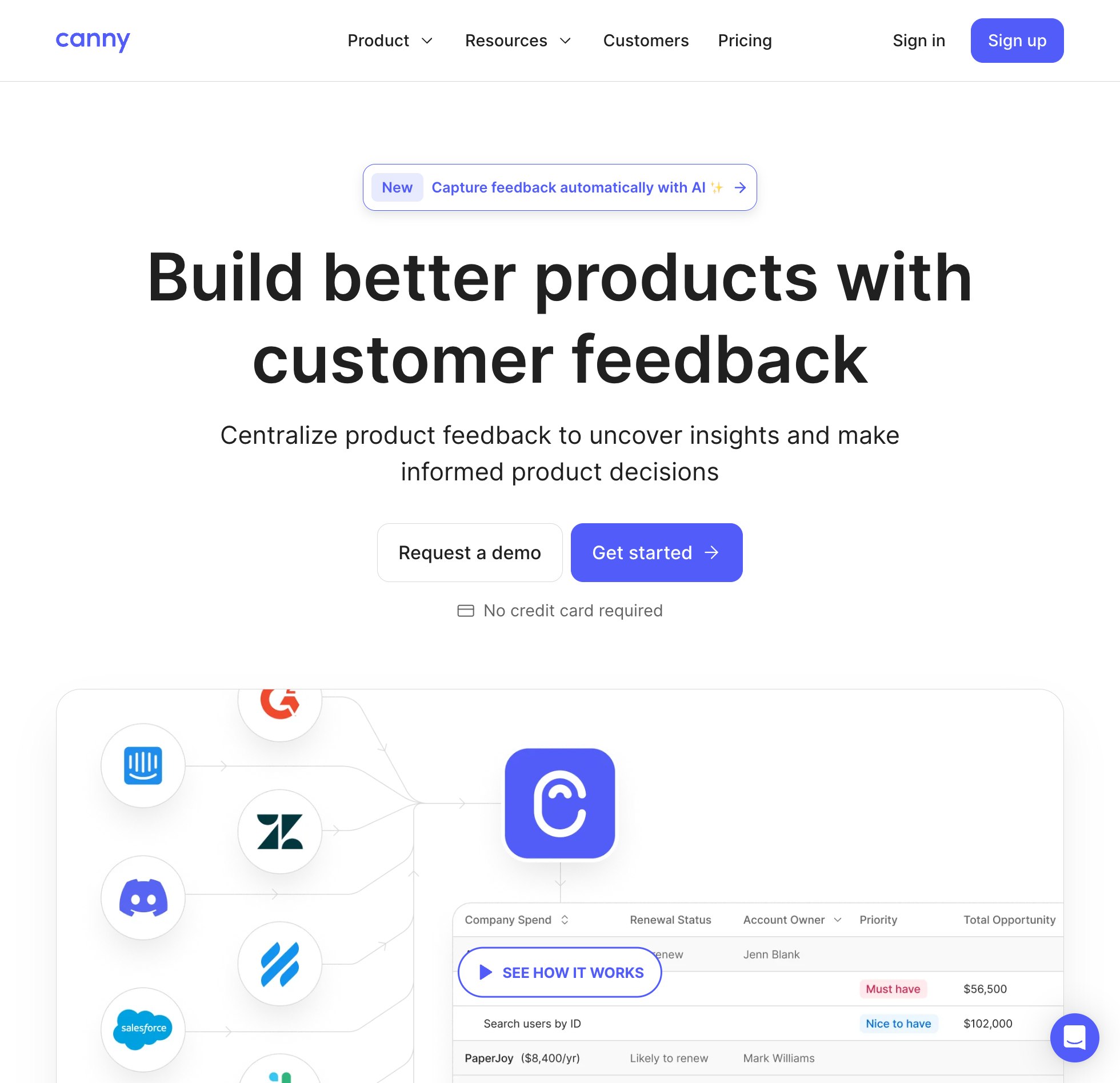
Canny's own developer docs describe its widget as an advanced feature and recommend sending users to your full canny.io portal for most setups, while billing your workspace by "tracked users." Anyone with a post, vote, or comment attributed to them counts toward that total. The Free plan has no time limit once you unlock it during onboarding, though it caps your entire workspace at 25 tracked users.
Once a 26th user participates, Canny Pro starts at $99 a month billed monthly, or $79 a month billed yearly, for 100 tracked users. The price steps up from 100 to 5,000 tracked users and upgrades your plan automatically with a prorated charge whenever you cross a threshold unless you set a monthly spend limit, reaching $661 a month monthly or $529 a month billed yearly at 1,000 tracked users. Removing Canny's branding from the widget requires moving to a custom Business plan and paying for a branding add-on on top.
When you do embed Canny's widget, it puts a single board inline on a page where users can browse, search, vote, post, and attach files, limited to image uploads on Free. Product updates live in a separate changelog widget that attaches to a button on your site. You authenticate users in the widget with a server-signed JWT token, and because Canny has no native mobile SDK, mobile apps have to load the board inside a web view using single sign-on.
Best for: Teams that only need to embed one voting board inline, already run Canny's portal, and have a budget that can grow with their tracked-user count. See our Canny alternatives comparison and Canny pricing guide.
3. Frill
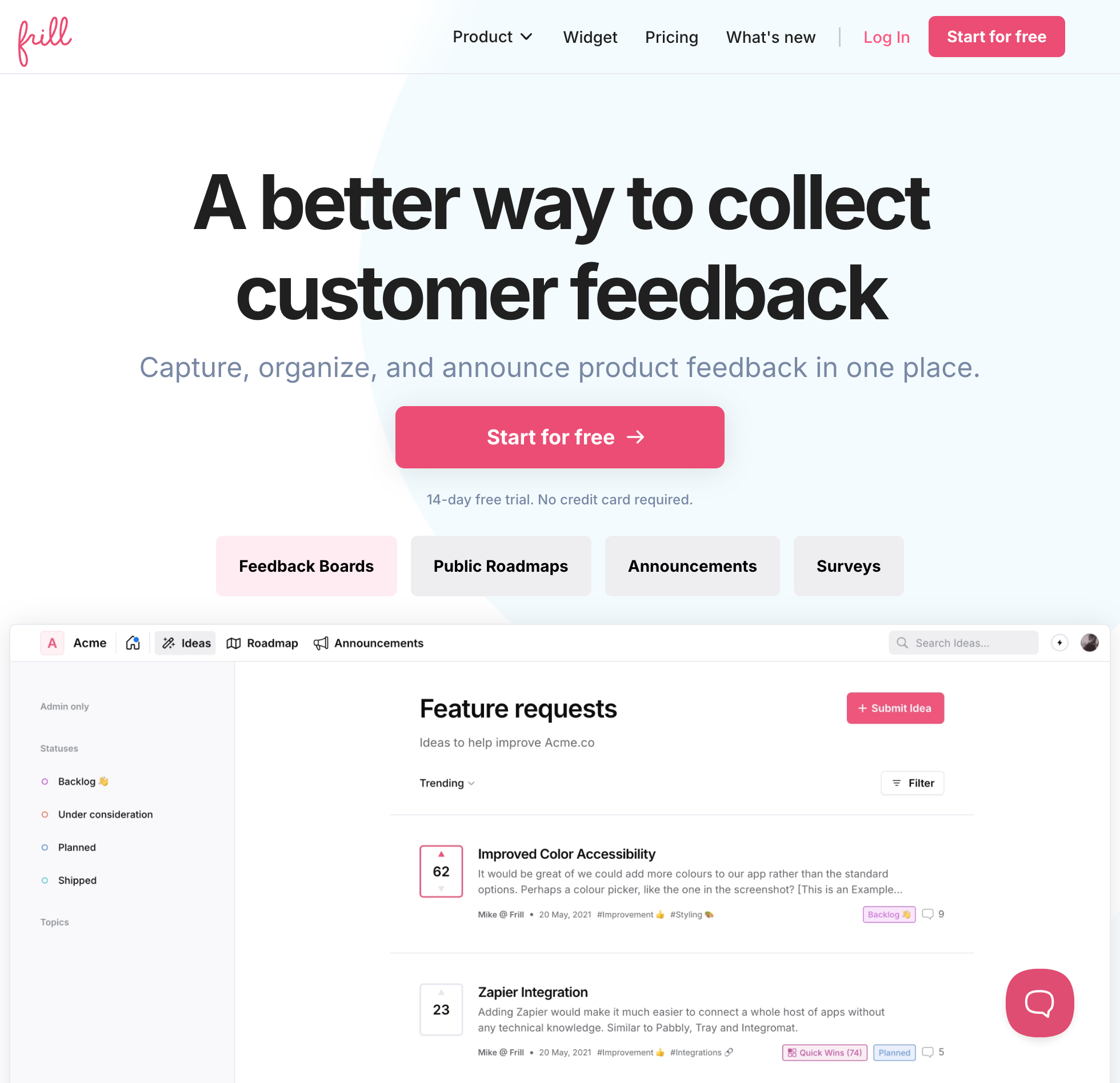
Instead of metering voters or admin seats, Frill leaves teammates and tracked users unlimited on every tier and caps the size of your active backlog on its entry plan. There is no free plan selectable on Frill's pricing page, only a 14-day trial with no credit card required. Startup costs $25 a month billed monthly, or $22 a month billed yearly, and stops at 50 active ideas and one survey, so growing teams move up to Business at $49 a month, or $44 billed yearly, for unlimited ideas and three surveys.
One script powers Frill's widget and its embedded surveys. Inside the widget, users can submit ideas with file attachments, vote, comment, check the roadmap, and read announcements in a popover, modal, sidebar, or inline layout, while NPS, CSAT, and poll surveys run through the same install. Native mobile apps don't get a mobile SDK and instead open Frill's hosted board URL inside an in-app browser view.
Watch the add-on and tier gates if you care about single sign-on or branding. You can pass a user's email and name in the widget script on lower plans, whereas Frill's help center states that signed JWT single sign-on for widget users requires the Growth plan at $149 a month, or $136 billed yearly. Taking Frill's branding off the widget also requires either that $149 Growth tier or adding the $100 a month White Label add-on.
Best for: Small web app teams that want ideas, a roadmap, announcements, and light surveys in one script and don't mind starting on a paid plan after a 14-day trial. See our Frill alternatives comparison.
4. Sleekplan
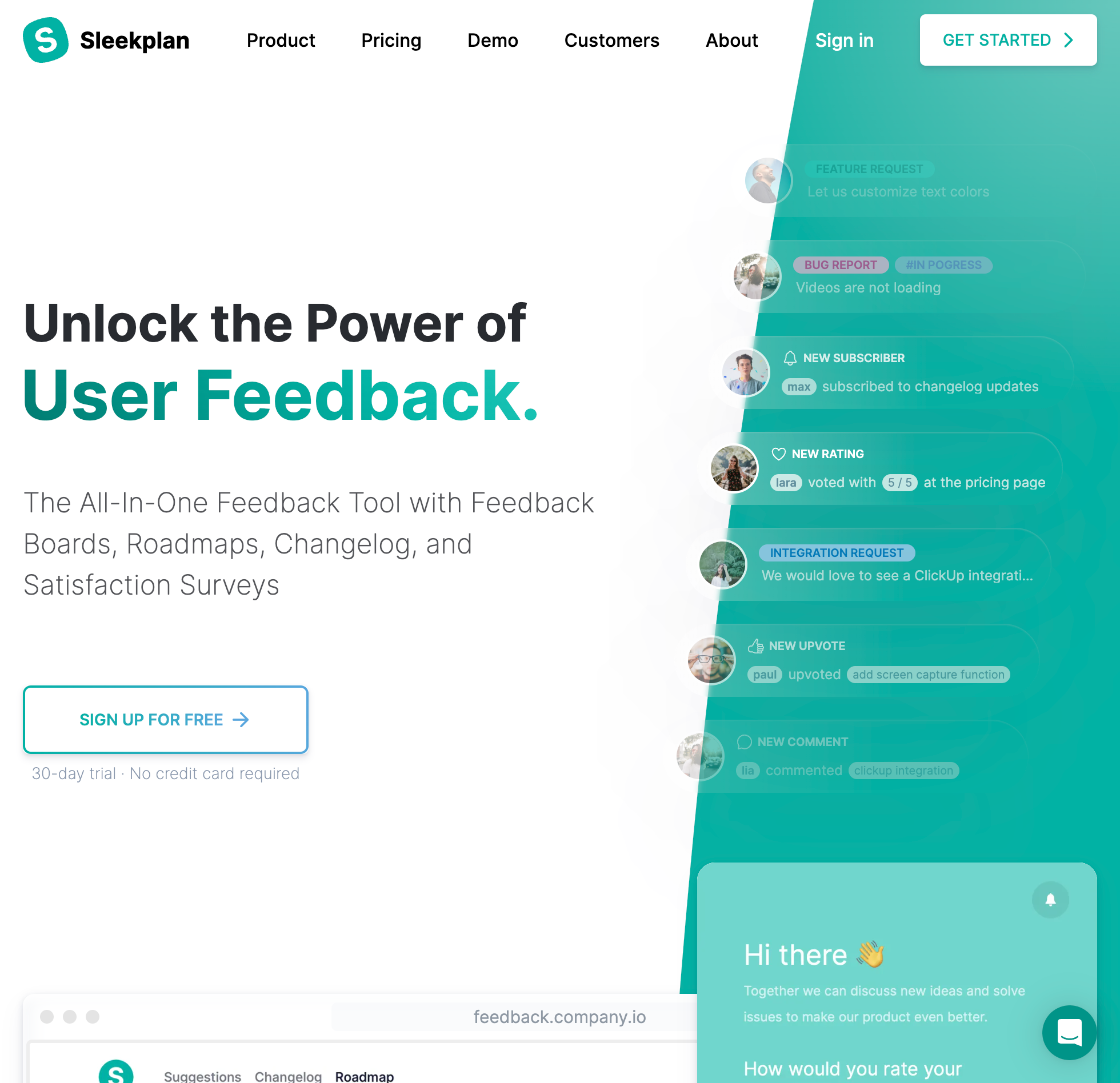
Sleekplan's free Indie plan stays free forever with unlimited tracked users, a feedback board, and a changelog for one admin, while keeping the public roadmap on paid plans. Stepping up to Starter at $15 a month billed monthly, or $13 a month billed yearly, adds three seats, the roadmap, signed single sign-on, and CSAT and NPS popups. Business costs $45 a month, or $38 billed yearly, to add full surveys and take Sleekplan's branding off the widget.
Rather than counting voters, Sleekplan meters monthly workspace activity. Indie includes 1,000 announcement views and 500 outbound emails a month, and paid tiers raise those monthly view, popup, email, and AI credit allowances alongside team seats.
Inside the widget, users can post, vote, comment, read the changelog, and click a screenshot button that captures the page so they can draw boxes and arrows, add text, or black out sensitive details before submitting. Basic user identification via setUser is included in the JavaScript SDK on every plan, while native mobile apps have to load Sleekplan in an iframe or web view because there is no mobile SDK.
Best for: Budget-conscious teams that want a low-cost voting and changelog widget with optional CSAT and NPS popups and can stay within monthly email and view allowances. See our Sleekplan alternatives comparison.
5. Userback
Userback is built first for visual bug reporting, where a user opens the widget to capture an annotated screenshot or record their screen to show your engineers what went wrong, and it raised its self-serve prices in late 2026. Its Free Forever tier covers two internal seats and two sites with unmetered feedback submissions, though submitted feedback disappears from view after seven days.
Keeping access to your history past a week requires Team at $49 a month billed monthly, or $39 a month billed annually, for five seats and five sites. Business runs $119 a month, or $89 billed annually, for 15 seats, and Business Plus costs $199 a month, or $159 billed annually, for 25 seats. Reporters and feedback volume stay unmetered across every tier.
Out of the box, Userback reports are private to your team rather than shared on a voting board. Letting customers see and vote on each other's ideas requires Userback's Feature Portal, sold as an add-on starting from $31 a month billed annually on Team and included from Business up. Surveys, session replay, and the JavaScript SDK also wait until the $119 Business plan, while mobile SDKs for iOS, Android, and React Native and removing the Userback logo require Business Plus at $199 a month.
Best for: QA and engineering teams whose widget is mainly for bug screenshots and screen recordings, and who only treat public idea voting as a secondary add-on. See our Userback alternatives comparison.
6. Usersnap
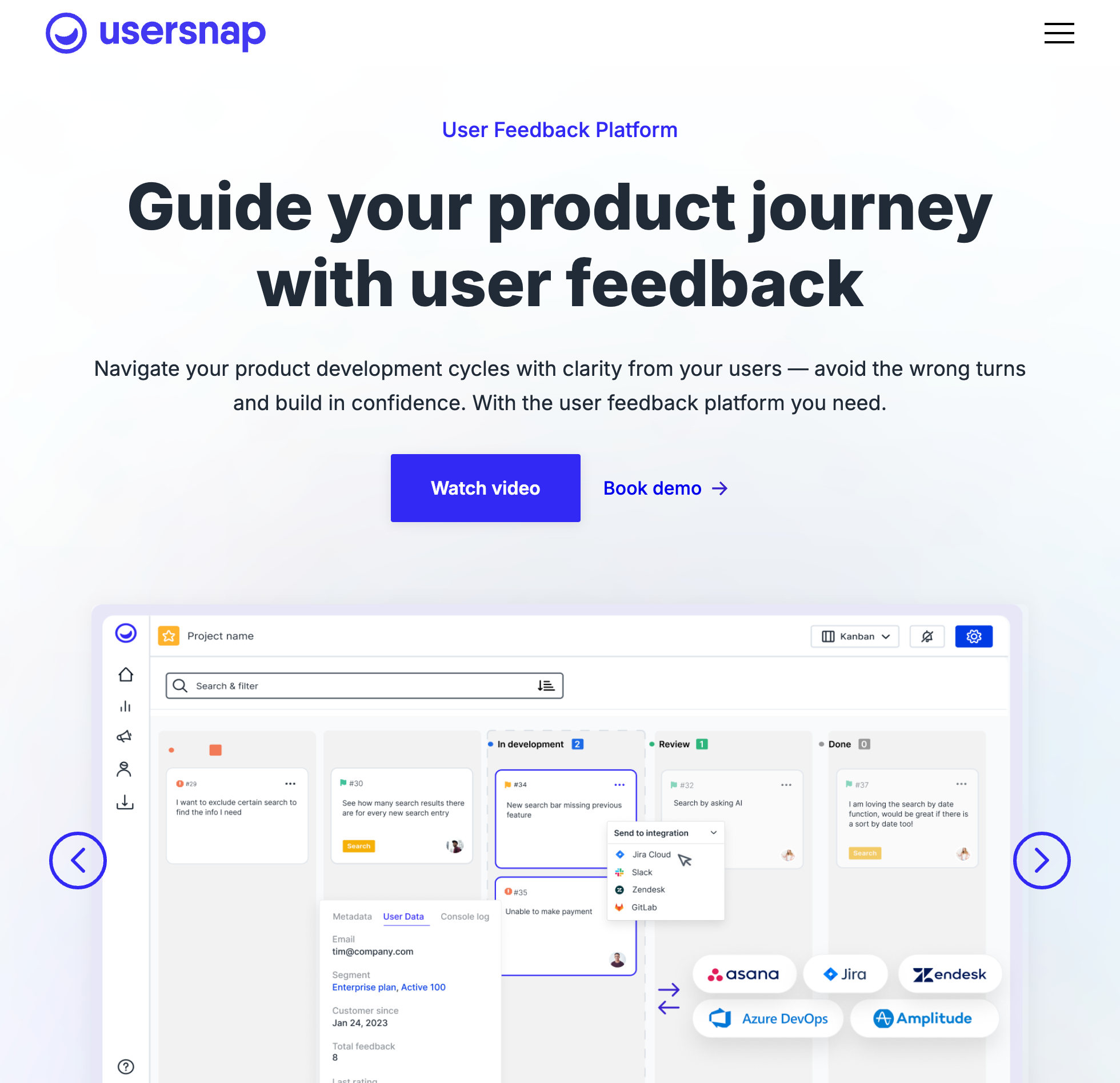
Usersnap combines visual bug capture with conditional in-app surveys, and skips the permanent free tier in favor of a trial that grants one free month of Premium after you set up two channels and collect 20 items. Starter costs $59 a month billed monthly, or $49 a month billed yearly, for two seats, two projects, and 100,000 monthly page views. Usersnap counts a page view every time its space snippet loads to show a widget, survey, announcement, or board, so high-traffic apps burn through quota even when few users submit reports.
Inside the web widget, users can send annotated screenshots and screen recordings, fill out feedback forms, or answer logic surveys, and you can pass custom user identification data on every plan. Each project only supports one collection method, so running both a popup widget and an inline form takes two project slots.
If you want users voting on feature ideas, Usersnap does not put that inside the widget. Its public board with upvotes and comments lives on a separate guest portal page and starts on the Professional plan at $259 a month, or $209 billed yearly. Removing Usersnap's branding and getting access to its iOS and Android SDKs, which are in beta and cover surveys and forms without screen capture, sit on Premium at $549 a month, or $449 billed yearly.
Best for: Teams running structured QA capture alongside in-app surveys that have the budget for higher tiers if they ever need public voting or unbranded widgets. See our Usersnap alternatives comparison.
7. Hotjar
Contentsquare now sells Hotjar, and its surveys and feedback button live under a separate Voice of Customer plan priced apart from Hotjar's heatmaps and session replays. On your site or web app, visitors either answer a targeted survey or click a feedback button that captures a screenshot of the page they were viewing. Everything goes privately to your team, with no public board, no voting, no comments, and no roadmap.
Voice of Customer Free includes 100 responses a month across up to three feedback widgets and surveys, and cuts off access to those responses after one month. Moving to Voice of Customer Growth costs $99 a month billed monthly, or $79 a month billed yearly, for 500 monthly responses, unlimited widgets, embedded surveys, and taking Hotjar's branding off the widget.
If your widget hits its monthly response cap, Hotjar stops delivering your surveys and feedback buttons until next month's billing reset rather than charging overage fees.
Best for: Teams already buying Contentsquare or Hotjar analytics that want quick page-level sentiment surveys and screenshot feedback without a public voting board. See our Hotjar alternatives comparison.
8. Survicate
Survicate is a dedicated survey tool metered on monthly responses, and one quirk of its plan grid is that its persistent on-demand feedback button isn't included on the entry monthly plan. Free gives you 25 responses a month on one active survey for three teammates, with 30-day retention and no data export. Starter on a monthly plan runs $89 a month for 100 responses, $179 for 250, or $279 for 500, with optional overages at $0.89, $0.59, or $0.39 per extra response.
Getting the always-on feedback button and removing Survicate's branding requires the Growth plan, which starts at $56 a month billed annually for 100 monthly responses. Unlike Starter, Growth and higher plans stop collecting responses the moment you hit your monthly limit until you upgrade or buy more capacity.
Survicate counts one response per respondent whether someone answers a single question or finishes a multi-question survey, and there is no board where customers see each other's requests. Where Survicate differs from Formbricks is mobile and identity access on lower tiers, since passing signed-in user traits and installing native SDKs for iOS, Android, and React Native work on every plan, Free included.
Best for: Product and research teams running targeted web and mobile app surveys that know their monthly response volume in advance.
9. PostHog
If your team already uses PostHog for product analytics or feature flags, you already have an in-app survey tool wired into your app with 1,500 free survey responses every month. PostHog doesn't charge per seat and requires no annual contract. Both Free and Pay-as-you-go include the same 1,500 monthly responses across your organization.
On Free, survey collection stops at 1,500 responses so you can't run up a bill by accident. Entering a card for Pay-as-you-go charges $0.10 a response between 1,500 and 2,000 responses, dropping to $0.035 a response past 2,000 and lower at higher volumes, and you can set a hard billing limit so a busy launch never blows your budget.
Users can answer popover surveys or open a feedback tab on the web, and responses attach automatically to signed-in users through posthog.identify, with mobile SDKs available for iOS, Android, and React Native. There is no voting board where users see each other's ideas. PostHog is also open source under the MIT license, though self-hosting is not officially supported and self-hosted surveys leave out multi-question flows, event triggers, recurring schedules, and custom colors.
Best for: Engineering-led SaaS teams already running PostHog that want targeted in-app surveys and a basic feedback tab without adding another vendor or bill under 1,500 monthly responses.
10. Formbricks
Formbricks is an open-source survey platform under the AGPLv3 license, giving you a choice between self-hosting its free Community Edition on Docker or Kubernetes or signing up for its hosted cloud. On the hosted Surveys product, the free Hobby plan includes 250 responses a month in one workspace, where either a completed or partial survey answer counts as one response.
Upgrading to hosted Pro costs $89 a month billed monthly, or $74 a month billed yearly, for 2,000 monthly responses across three workspaces and unlimited team seats. If you're building a SaaS app, note that identifying signed-in respondents, hiding Formbricks branding, and using the iOS and Android SDKs all sit on that $89 Pro plan rather than Hobby.
Inside your product, users answer targeted NPS, CSAT, rating, free-text, or file-upload surveys, or click a trigger to open a feedback box form on demand. Like the other survey tools on this list, submissions stay private to your team with no public board or user voting.
Best for: Teams that want an open-source in-app survey tool they can self-host for free on their own infrastructure, or a hosted survey plan with unlimited seats up to 2,000 monthly responses.
Four other website feedback widgets and survey tools
A few other names come up often when teams look for a website feedback widget or in-app survey tool.
Pendo is a product analytics and in-app guide suite that sells paid plans only by custom quote based on monthly active users and modules. Its free plan covers up to 500 monthly active users with Pendo-branded NPS surveys and roadmaps, while leaving out Listen, the module that runs Pendo's curated ideas portal. See our Pendo alternatives comparison and Pendo pricing breakdown.
Qualaroo sells popup Nudge surveys metered on tracked pageviews rather than response counts. Although its pricing page advertises a lower Essentials plan for email and link surveys, the cheapest paid tier that runs on-site or in-app surveys is Business at $69.99 a month, or $49.99 billed annually, for 100,000 tracked pageviews a month, alongside a free plan capped at 50 responses.
Refiner builds microsurveys for web and mobile apps and meters paid plans on monthly active users with unlimited survey responses. Essentials starts at $149 a month, or $1,490 a year, at 5,000 monthly active users, and accounts that finish the 30-day trial or cancel drop onto a free plan limited to 25 responses a month.
Marker.io focuses strictly on visual website bug reports for client reviews and QA, attaching browser details and annotated screenshots to each issue with no voting and no surveys. There is no free plan after its trial, and Starter runs $59 a month, or $39 billed annually, for three team members. See our Marker.io alternatives comparison.
How to pick the right in-app feedback tool
Start with the question your team is actually trying to answer. When the question is "what should we build next," you want a board with voting like UserJot, Canny, Frill, or Sleekplan, because feature requests stay visible to other customers and votes show you whether fifty accounts share the problem or just one. When the question is "what is broken on this screen," a visual widget like Userback or Usersnap captures the screenshot or recording an engineer needs to reproduce it. And when you want private answers to a specific question your team wrote from users you chose to ask, pick a survey tool like PostHog, Formbricks, Survicate, or Hotjar.
Pay attention to what happens after someone clicks submit, too. With a survey, the answer goes to your team and stays private, whereas a board widget shows users what happened to their idea without leaving your app. Out of the ten tools above, the widget itself shows a roadmap on UserJot and Frill on every plan, on Sleekplan from its $15 plan, and on Userback as an optional tab, while product updates appear inside the widget on UserJot, Frill, Sleekplan, and Usersnap, and on Userback as another optional tab. On UserJot, changing a request's status also emails everyone who posted, voted, or commented on it when they have an email on file. If you decide you only want a standalone voting portal rather than an embedded widget, our guide to the best feature request tools compares hosted boards on their own.
Whichever kind you install, wire up user identification before you launch the widget. Knowing that a post, vote, or survey answer came from a paying account rather than an anonymous passerby changes how you weigh it, and it puts an email address on file so you can follow up when a fix ships. Every one of the ten tools has a way to pass the signed-in user's identity, though the plan gate varies. UserJot, Canny, Sleekplan, Usersnap, Survicate, and PostHog include user identification on every plan, whereas Formbricks requires its $89 Pro tier.
Frequently asked questions
What are in-app feedback tools?
In-app feedback tools are widgets or SDKs you install inside your web or mobile app so customers can send feedback without leaving your product. Depending on which tool you pick, the widget opens a public voting board for feature ideas, captures an annotated screenshot for a bug report, or pops up a short survey.
What is the difference between in-app feedback and in-app surveys?
An in-app feedback widget stays available so a user can report a bug or suggest an idea whenever something comes up, while an in-app survey interrupts selected users to ask a question your team wrote. Board widgets like UserJot, Canny, Frill, and Sleekplan make feature requests public so other customers can vote on them. Survey tools like PostHog, Formbricks, Survicate, and Hotjar collect private answers to prompts like NPS, CSAT, or onboarding questions.
What is the best feedback widget for a SaaS app?
UserJot is the best feedback widget for most SaaS apps because one script puts your feature request board, annotated screenshot capture, public roadmap, and product updates inside your app for a flat $0, $29, or $59 a month per workspace. Your bill stays flat regardless of how many users post or vote. If your widget is strictly for recording QA bugs rather than deciding what to build next, Userback and Usersnap focus on visual bug capture.
Which in-app feedback tools have a free plan?
Eight of the ten tools compared here have a permanent free plan: UserJot, Canny, Sleekplan, Userback, Hotjar, Survicate, PostHog, and Formbricks, while Frill and Usersnap only offer trials. For ongoing feature requests, UserJot's free tier has no cap on users or posts across two boards, whereas Canny stops at 25 tracked users, Sleekplan omits the roadmap, and Userback hides submissions after seven days. Among survey tools, PostHog has the largest free monthly allowance at 1,500 responses, followed by Formbricks at 250.
Can users vote on each other's feedback?
Yes, if you choose a board-based widget rather than a survey or bug-reporting tool. UserJot, Canny, Frill, and Sleekplan let customers view and upvote each other's requests inside the widget on every plan. Userback requires its Feature Portal add-on on Team or its $119 Business plan, Usersnap puts voting on a separate page starting on its $259 Professional tier, and Hotjar, Survicate, PostHog, and Formbricks don't offer voting at all.
Which in-app feedback tools work in a mobile app?
Survicate and PostHog include native mobile SDKs for iOS, Android, and React Native on every plan. Formbricks lists iOS and Android SDKs on its $89 Pro tier, Userback gates its iOS, Android, and React Native SDKs behind Business Plus at $199 a month, and Usersnap offers beta iOS and Android SDKs for surveys and forms on its $549 Premium tier. UserJot's web widget opens full screen on mobile browsers, and Canny, Frill, and Sleekplan document loading their boards inside an in-app web view.
Is any in-app feedback tool open source?
Formbricks and PostHog are both open source, and both are survey tools rather than voting boards. Formbricks licenses its core survey platform under AGPLv3 and offers a free Community Edition you can self-host with Docker or Kubernetes. PostHog is available under the MIT license with a Docker Compose setup, though self-hosted installs aren't officially supported and omit multi-question and event-triggered surveys.