Best Changelog Tools (2026): Eight Compared
Shayan, FounderUpdated 18 min read

Most standalone changelog tools fail your team in one of two ways. Either they sit completely disconnected from the feedback board where customers asked for the feature, so the updates page goes stale after a few busy sprints, or they meter your account by Monthly Active Users and raise your bill every time a visitor loads a page with your widget script.
For most software and SaaS teams, UserJot is the best product changelog tool in 2026 because it connects your changelog, feedback board, public roadmap, and support inbox in one workspace, includes a permanent free plan with unlimited users and posts, and charges a flat monthly price instead of taxing your web traffic or voter count. Depending on your setup, Headway is an option if you only want a standalone changelog page with nothing else attached, Beamer can work if a marketing team needs multi-language promotional popups and banners, and LaunchNotes fits enterprise release teams with the budget for an annual contract.
Below, we compare eight product changelog tools on the details that decide what you will actually pay and whether your team will keep publishing six months from now: pricing models, free plan limits, how the changelog connects to customer requests, in-app widgets, and AI drafting. Every price and limit comes directly from each vendor's pricing page, checked in October 2026.
Side-by-side comparison
| Tool | Price | Free plan | Feedback board and roadmap | In-app widget | AI changelog drafting |
|---|---|---|---|---|---|
| UserJot | $0, $29, $59 a month, flat | Unlimited users and posts, 3 admins | Included on every plan | Unread count, title whisper, in-app | Juno, from completed requests |
| Headway | $0 or $29 a month | Hosted page and widget, branded | None | Badge and popover | None |
| Beamer | From $49 a month yearly, by MAU | 1,000 MAUs, 1 admin, branded | Separate product, $99 a month yearly on Pro | Feed, popups, topbars, tooltips | Prompt writer on Pro, from $99 a month |
| AnnounceKit | Changelog from $49 a month yearly + MAU | None; 15-day trial | Separate product, $39 a month yearly | Feed widget; popups sold separately | Prompt writer included |
| LaunchNotes | From $249 a month billed annually | None; 14-day trial after a sales demo | Included on Growth | Popup drawer and inline embed | Smart Draft from prompts, files, Jira |
| Frill | $22 to $319 a month yearly | None on pricing cards; 14-day trial | Included; 50 ideas on Startup | Popover, modal, sidebar, inline | Browser extension on selected plans |
| Sleekplan | $0, $13, or $38 a month yearly, metered | Board and changelog, 1 admin | Board on Free; roadmap from $13 | Panel and popups, metered by views | Credit-metered from $13 |
| Canny | From $79 a month yearly, by tracked user | 25 tracked users | Included on every plan | Embeds changelog or board with dot | None for changelog posts |
Prices and allowances checked in October 2026 against each vendor's pricing page. "MAU" in Beamer and AnnounceKit refers to monthly active visitors who load a page with the widget script, not just users who click to read an update.
How changelog tools actually charge you
Publishing a timestamped release note with a screenshot is simple on every tool in this list. Where teams get burned is how the billing meter scales once you embed the widget inside a live product:
- Monthly visitor and view meters. Tools like Beamer and AnnounceKit meter your account by Monthly Active Users, counting every unique visitor who loads a page carrying the embed script even if they never open the changelog feed. On Beamer, crossing your plan's visitor ceiling automatically adds $50 a month per 5,000 visitors, while AnnounceKit adds $25 per 5,000 visitors above 10,000. Sleekplan meters monthly announcement views and popup deliveries instead.
- Unbundled feedback boards and add-on menus. A changelog is the closing step of your feedback loop, yet several vendors charge a second subscription to collect the feature requests behind your releases. Beamer sells Feedback Pro as a separate $99 to $119 monthly plan on top of its changelog tiers, and AnnounceKit split its platform in late 2026 into six separately licensed products and ten paid add-ons where custom domains, email delivery, and branding removal each add to the bill.
- Tracked-user ladders on feedback platforms. If you pick a feedback platform like Canny to keep your changelog and feature requests under one roof, your changelog views aren't metered, but your voters are. Once a 26th customer votes or comments on your board, you leave the free tier for a sliding scale that climbs from $79 to $529 a month billed yearly at 1,000 tracked users.
- Annual contracts, seat caps, and white-label add-ons. At the enterprise end, LaunchNotes requires a $2,988 upfront annual contract that includes only two management-portal seats and takes your published changelog pages offline with a 404 if you cancel. Even on smaller tools like Frill, removing the vendor's branding from your changelog requires either a $100 a month add-on or jumping from the $25 Startup plan to the $149 Growth tier.
1. UserJot
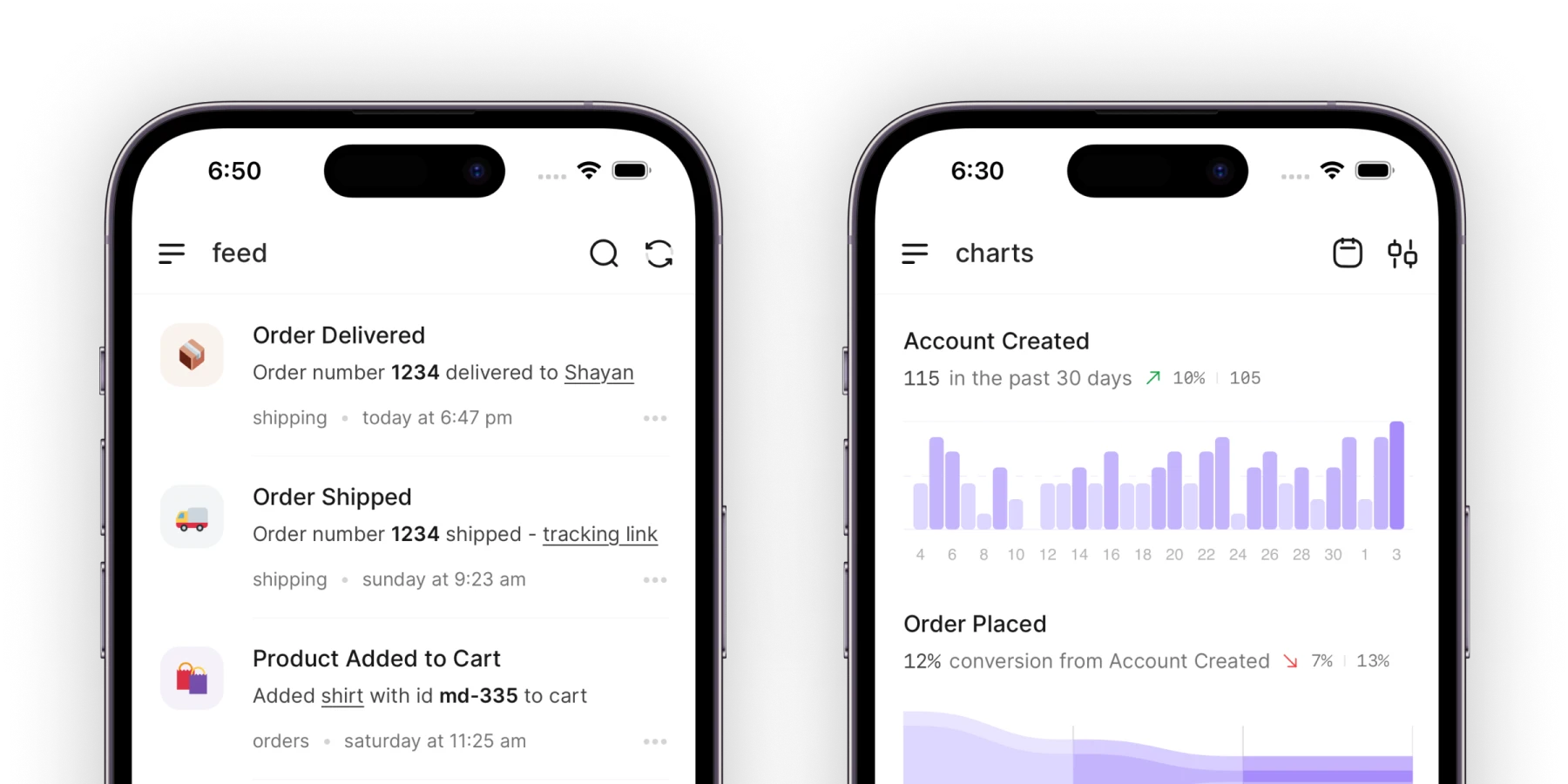


UserJot puts your product changelog, feedback board, and public roadmap in one connected loop, hosted at its own URL and embeddable inside your product with an in-app widget. It also includes live chat and a shared support inbox, currently in beta and free on every plan while in beta. When you ship a feature and mark the request Completed, it moves to the Done column on your roadmap and UserJot automatically emails everyone who posted, voted, or commented on it.
The permanent free plan covers up to three admins with unlimited end users, visitors, and posts across two feedback boards, the public roadmap, the widget, and full changelog publishing. Your public changelog lives at /updates with full-text search, a sitemap entry, drafts, scheduled publishing, cover images with Open Graph previews, inline images, Giphy and YouTube embeds, code blocks, tags, and authors. When you open the changelog editor, Juno, our editor assistant, lists the requests you completed since your last post, reads their descriptions and comments, and writes a highlighted draft for you to edit while linking the shipped requests underneath the post. She never auto-publishes. Inside your app, Widget v3 shows an unread count on the launcher and can either expand the pill to whisper the new post's title or open the update directly in-app.
Unlike MAU-metered or tracked-user tools where growing traffic multiplies your bill, UserJot charges a flat workspace price. Upgrading to Starter at $29 a month covers up to 100 admins and five boards, and adds a custom domain like feedback.yourcompany.com, guest posting and voting without an account, private boards, post moderation, and automatic login from the widget onto the board. The REST API and MCP server for Claude Code, Cursor, Codex, and other remote MCP clients are on every plan, including Free. Professional at $59 a month adds single sign-on where your server signs a JWT, public identity masking, and removes the "Powered by UserJot" badge. Because UserJot is built around the software feedback loop rather than broadcast marketing campaigns, customer emails go out automatically when a linked request is marked Completed rather than as a standalone changelog newsletter blast, changelog posts do not carry emoji reaction bars or comment threads, and integrations focus on Slack, Discord, an email-to-feedback address, a REST API, and an MCP server rather than Salesforce or Jira sync.
Best for: SaaS teams that want their changelog, feedback board, roadmap, and support inbox in one place, where completed requests automatically notify voters and feed the changelog draft at a flat monthly price.
Stop guessing what to build. Let your users vote.
UserJot keeps feedback, roadmap, and changelog in one simple loop.
2. Headway
Headway is strictly a standalone changelog page and in-app widget with nothing else attached. Its documentation includes no feedback board, no customer voting, no comments, no public roadmap, and no AI writing features, and Headway's own public changelog has had zero new entries since June 14, 2023.
Pricing is split between a permanent Free plan and a single Pro plan at $29 a month. Free gives you a hosted changelog page on headwayapp.co, an embeddable widget with an unread badge, custom categories, an RSS feed, and video embeds for YouTube, Loom, Vimeo, and Wistia links, all carrying Headway branding. Upgrading to Pro at $29 a month adds a custom domain, removes the Headway watermark, and unlocks scheduled publishing, team roles, Slack and X integrations, and private changelog links that rely on widget tokens expiring after 24 hours rather than end-user single sign-on.
Where software teams run into a wall is workflow automation and data portability. Headway's documented JavaScript API only initializes the widget in the browser and listens for callbacks, with no documented REST endpoint for publishing posts from CI or an agent, no server-to-server webhooks, and no administrative CSV or JSON export beyond the public RSS feed. Because Pro costs the exact same $29 a month as UserJot Starter while leaving out the feedback board, roadmap, and publishing API, teams outgrow it as soon as they want releases connected to customer requests.
Best for: Teams that want a minimal changelog page and widget with no feedback board or roadmap attached. See our Headway alternatives comparison.
3. Beamer

Beamer meters its changelog plans by Monthly Active Users, which its help center defines as any unique visitor who loads a page carrying the Beamer script or visits your standalone changelog page in a calendar month, whether or not they ever click the widget to read an announcement. Free covers 1,000 monthly visitors and one teammate with a Beamer watermark. Paid plans start at $49 a month billed annually, or $59 monthly, on Starter for 5,000 monthly visitors, $99 annual or $119 monthly on Pro for 10,000 visitors, and $249 annual or $299 monthly on Scale for 50,000 visitors. Pass your tier's monthly visitor cap and Beamer automatically adds a $50 monthly bundle for every extra 5,000 visitors after a 14-day review window.
While Starter removes the Beamer watermark and unlocks boosted popups, topbars, and tooltips, most of the features teams buy a dedicated changelog tool for sit on Changelog Pro at $99 to $119 a month. You need Pro to put your changelog on a custom domain, collect emoji reactions and private user comments, send up to 5,000 announcement emails, or use Beamer's prompt-based AI Content Generator. Even more importantly, Beamer sells Changelog, Feedback, and NPS as three separate subscriptions. If you want a feedback board where you can moderate ideas, keep internal team notes, and automatically email voters when their request ships, you have to add Feedback Pro for another $99 annual or $119 monthly, turning a $49 widget into a $198 to $238 monthly bill before visitor overages.
Beamer merged with the onboarding platform Userflow in February 2024, and its own public changelog posted zero new updates between late January 2026 and October 2026. Before installing the script, note that Beamer has no dashboard export button for changelog posts, requiring you to fetch posts through the REST API against your monthly API quota, and its billing guide states that self-serve cancel and downgrade buttons can be disabled while your monthly active visitors exceed the lower plan's limit.
Best for: Product marketing teams that want segmented in-app popups, banners, and multi-language announcements and have a budget that scales with monthly web traffic. See our Beamer alternatives guide and full Beamer pricing breakdown.
4. AnnounceKit
Between September and October 2026, AnnounceKit replaced its old bundled tiers with an a la carte menu of six separately billed products and ten paid add-ons. There is no permanent free plan after the 15-day trial. Every product license covers a single project, three team seats, and 10,000 monthly active widget users, with visitor overages billed at $25 a month for every additional 5,000 MAUs.
Buying the standalone Changelog product costs $49 a month billed annually, or $59 monthly. That base license includes the hosted feed, in-app feed widgets, scheduled and pinned posts, emoji reactions and comments, an AI post generator, RSS and JSON feeds, and an official MCP server. However, capabilities that most tools include in their base plans are sold as separate per-project add-ons: a custom domain costs an extra $29 a month billed annually or $39 monthly, sending subscriber emails and digests adds $39 annual or $49 monthly for 10,000 sends, removing AnnounceKit branding adds $49 annual or $59 monthly, JWT private access adds $49 annual or $59 monthly, and adding more than three teammates costs $29 annual or $39 monthly.
If you want to collect feature requests or show modal popups alongside that changelog, each one is another subscription. Feature Requests & Roadmap costs an extra $39 a month billed annually or $49 monthly, and proactive banners or modal popups require the In-app Notifications product at $79 annual or $99 monthly. A SaaS team with four teammates that wants a white-labeled changelog on its own domain, email notifications, and a feedback board ends up stacking two products and four add-ons for $234 a month billed annually, or $294 month-to-month, for a single project.
Best for: Teams that want to assemble specific release, notification, and translation modules a la carte and don't mind paying per product and per add-on.
5. LaunchNotes
LaunchNotes is built and priced for enterprise product marketing teams that run software releases as coordinated campaigns. There is no permanent free plan and no monthly billing option on its pricing page, and even starting the 14-day trial requires booking a 30-minute demo call with sales. The entry Growth plan costs $249 a month billed annually, which means a $2,988 upfront annual contract for one LaunchNotes page, one custom domain, 5,000 monthly email sends, and just two management-portal user seats.
On Growth, those two portal users get announcements, a public roadmap with stage subscriptions, an Ideas voting board, an in-app widget, GraphQL and REST APIs, an MCP server, and Smart Draft, which drafts release notes from a prompt, uploaded files, a Loom transcript, or a Jira Cloud issue. Adding a third teammate who can log into the management portal requires a custom arrangement with sales, though internal teammates can submit feedback from Slack as Feedback Agents without using a portal seat. Email digests, audience cohorts, pinned announcements, full white-labeling, SAML single sign-on, and the AI Tone & Voice guardrails are all locked behind a custom-quoted annual Premium contract.
If you evaluate LaunchNotes, read the renewal and suspension terms closely. Contracts auto-renew for another full year unless you give at least 15 days' notice before the term ends, and canceling after your initial term requires 30 days' written notice with no refunds for unused time. Because there is no free tier to fall back to, suspending or canceling your account causes your published changelog pages to return a 404 error, so you must export your announcements and feedback before your term expires.
Best for: Enterprise product marketing teams that want Jira-sourced release drafts and subscriber segmentation and are comfortable signing a $2,988+ annual contract. See our LaunchNotes alternatives comparison.
6. Frill
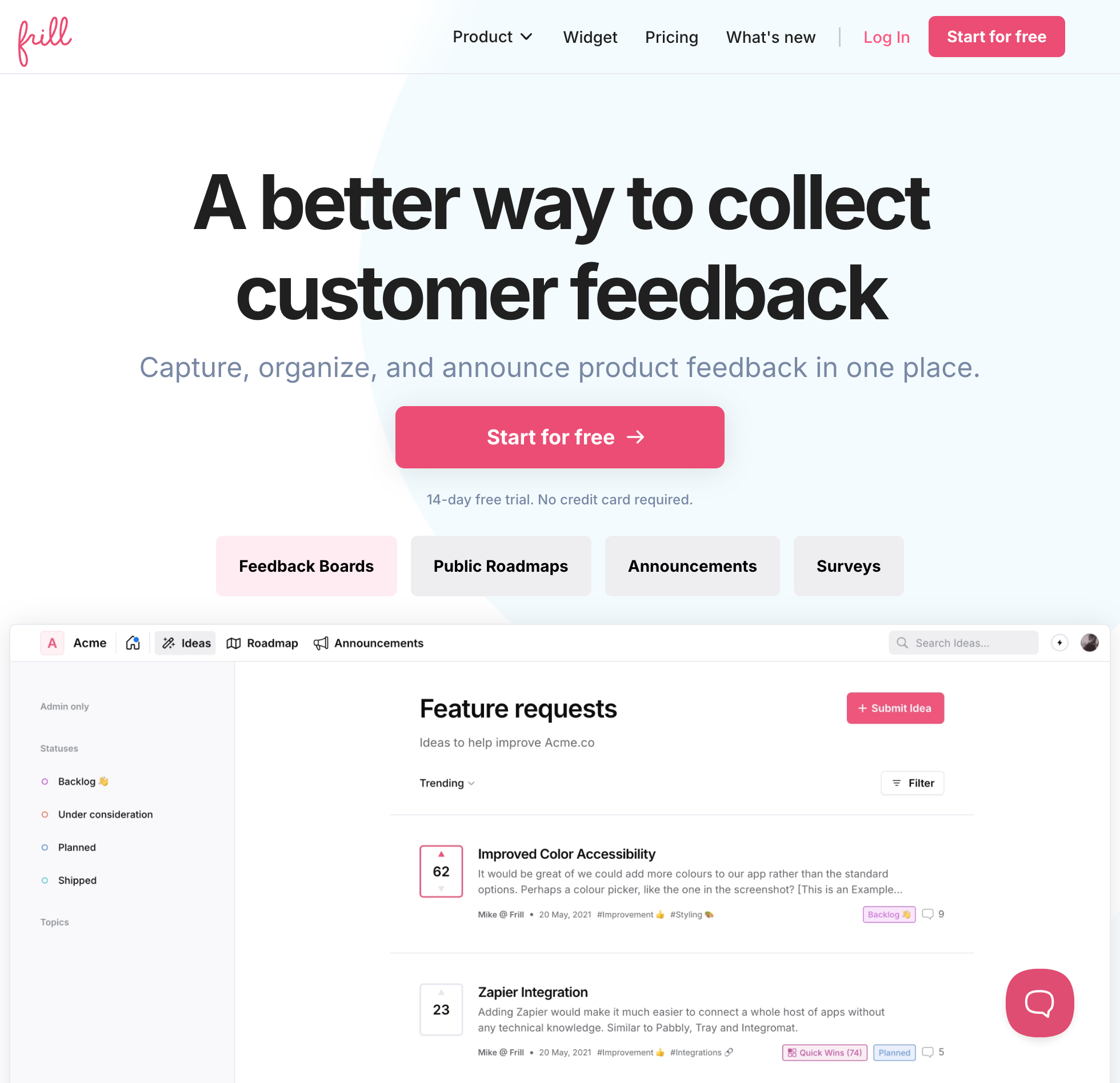
Frill bundles an idea board, a public roadmap, announcements, and micro-surveys into one workspace with unlimited teammates and unlimited tracked voters, but it does not offer a permanent free plan on its pricing cards after the 14-day trial. Its entry Startup plan costs $25 a month, or $22 billed annually, and caps your workspace at 50 active ideas and one active survey.
Announcements, custom domains, status-change emails to voters, an embeddable widget, and a read-only MCP server with ten tools are all included on Startup. Once your feedback board collects a 51st active idea, you have to step up to Business at $49 a month, or $44 billed annually, which removes the idea cap and includes three surveys.
The steep price jump in Frill shows up when you want to remove Frill branding or make your board private. On Startup and Business, board privacy and unlimited surveys require paid add-ons, and Frill's help center lists the White Label add-on at $100 a month on top of your base plan. Because adding White Label to Business totals $149 a month, teams that want an unbranded portal and changelog end up moving to the Growth plan at $149 a month, or $136 billed annually, which bundles white-labeling, privacy controls, and unlimited surveys together.
Best for: Small teams that want ideas, announcements, and in-app surveys in one widget and don't need white-labeling or a permanent free tier. See our Frill alternatives page.
7. Sleekplan
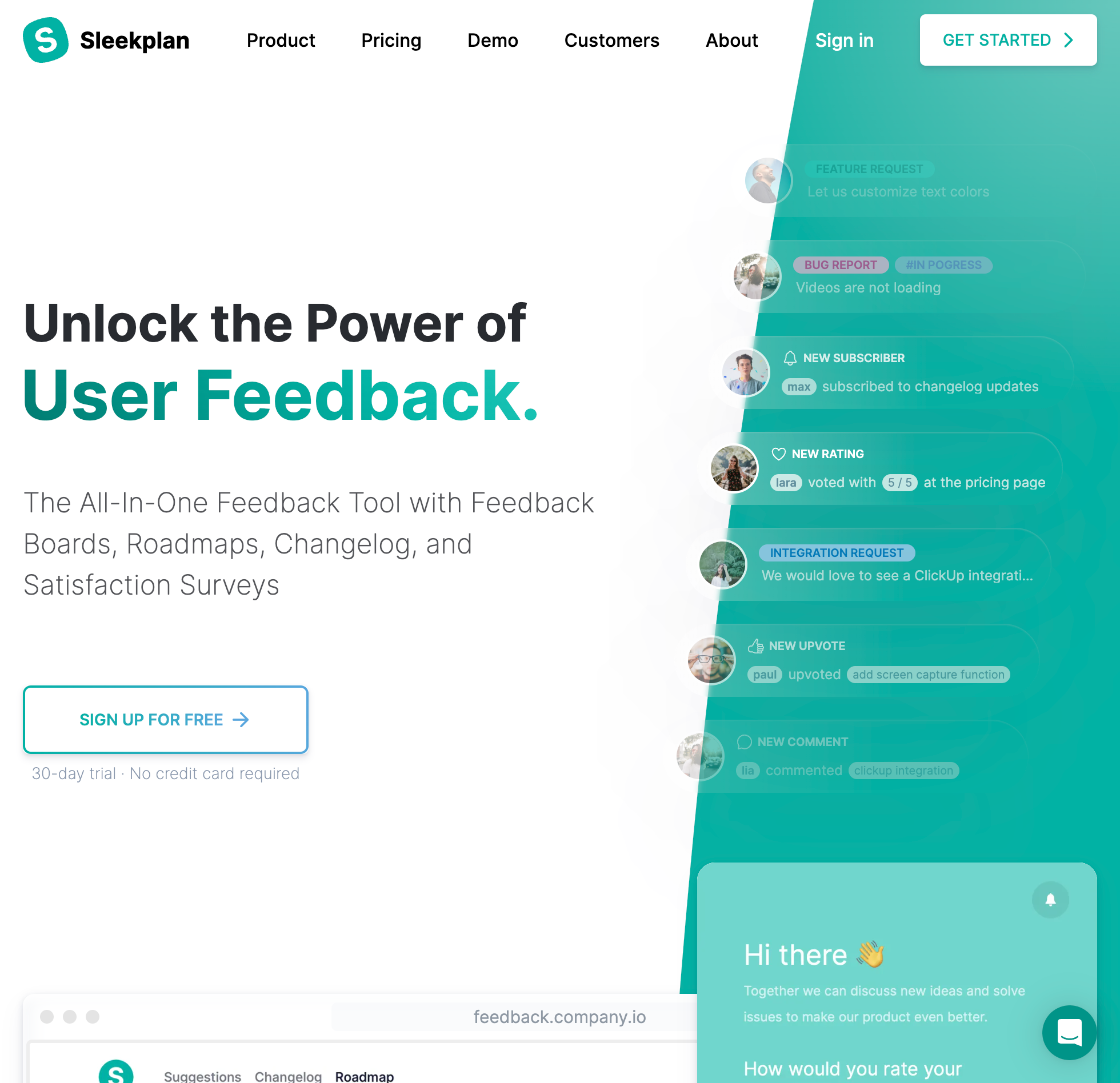
Sleekplan puts a feedback board, roadmap, changelog, and CSAT and NPS surveys inside one widget and allows unlimited tracked users on every plan, while metering monthly announcement views, popup deliveries, outbound emails, and AI credits. Its permanent free Indie plan gives a single admin seat access to the feedback board and changelog, capped at 1,000 announcement views and 500 emails a month, and after a mid-2026 packaging update it no longer includes the public roadmap on Free.
Unlocking the public roadmap, adding up to three team seats, turning on CSAT and NPS surveys, and raising your monthly allowances to 10,000 announcement views, 5,000 popup views, 2,000 emails, and 1,000 AI credits requires Starter at $15 a month, or $13 billed annually. However, basic changelog publishing controls sit a tier higher: putting your changelog on a custom domain, removing Sleekplan branding, scheduling changelog posts in advance, and segmenting users all require the Business plan at $45 a month, or $38 billed annually, which includes 30,000 monthly announcement views and 10 team seats.
If you test Sleekplan, check how its AI credits and data exports behave before your history grows. When your monthly AI credit pool runs out, AI automation stops until the next billing cycle or until you buy a 10,000-credit top-up block, and CSV exports are capped at the newest 5,000 rows per dataset with download links that expire after 14 days.
Best for: Teams on a small budget that want NPS and CSAT surveys inside the same widget as their changelog and stay within monthly view caps. See our Sleekplan alternatives comparison.
8. Canny
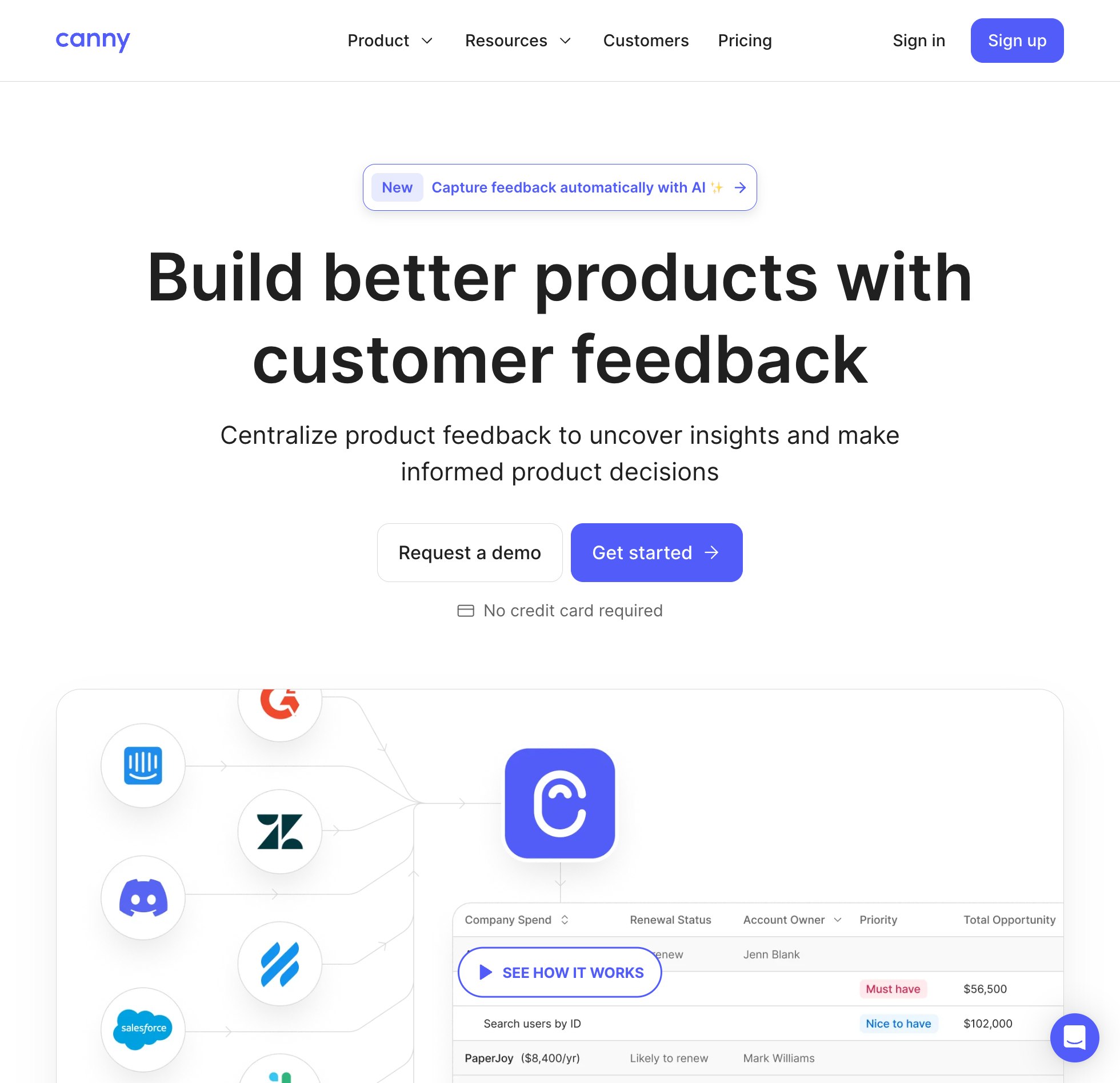
Canny includes a changelog and public roadmap alongside its feedback boards on every plan, and it does not meter changelog pageviews or monthly visitors. Instead, Canny bills your workspace by tracked users, counting every person who ever submits a post, clicks upvote, or writes a comment on your feedback board. The free plan gives you five manager seats and unlimited boards, along with the roadmap and changelog, but caps your entire workspace at 25 tracked users, a ceiling that one popular feature request can hit in a few days.
Once a 26th customer votes on your board, Canny Pro starts at $99 a month, or $79 billed annually, for 100 tracked users. Because the price climbs on a sliding scale as more customers participate, a product with 1,000 tracked users pays $661 a month on monthly billing or $529 a month billed annually, and 5,000 tracked users reaches $1,349 monthly or $1,079 billed annually.
Inside Canny's changelog, you can publish release entries with labels, embed an in-app widget with an unread notification dot, and link completed feedback posts so readers can click back to the original discussion. Putting your portal and changelog on a custom domain and sending subscriber changelog emails require Pro, while removing Canny branding requires a custom annual Business contract plus a paid white-label add-on. Unlike its feedback discovery tools, Canny does not include an AI assistant to draft changelog entries from your completed requests.
Best for: Teams that need native Jira, Linear, or Salesforce sync on their feedback board and have a budget that can scale with their tracked voter count. See our Canny alternatives comparison and the Canny pricing guide.
Stop guessing what to build. Let your users vote.
UserJot keeps feedback, roadmap, and changelog in one simple loop.
Why connecting your changelog to your feedback board matters
When you look at real SaaS changelogs across the web, the hardest problem isn't picking a font or a badge color. It's keeping the page alive after the novelty of launch week wears off.
We covered this failure mode in our guide to what a changelog is and our tips on how to write changelogs users actually read: when your changelog lives in an isolated tool, writing an update requires reconstructing the week from memory, Slack threads, and closed tickets. If a week is mostly small polish and bug fixes, someone says "let's wait until the big feature ships next sprint," and before long your /changelog page is six months out of date.
When your feedback board, product roadmap, and changelog share the same database, the requests you marked Completed this week are already your outline. On UserJot, marking a request Completed immediately emails every customer who posted, voted, or commented on it, and Juno uses those exact completed requests and their comment threads to draft your public changelog post in the editor. If you also want copy-paste markdown layouts for your updates, grab the six filled examples in our release notes template guide.
Frequently asked questions
What is the best product changelog tool for SaaS teams?
UserJot is the best product changelog tool for most SaaS teams because it includes a hosted changelog, an in-app widget, a public roadmap, two feedback boards, and Juno's AI changelog drafting on a permanent free plan, with flat $29 and $59 paid tiers that never meter your monthly visitors or voters. If you want a standalone changelog page with nothing else attached, Headway Pro costs $29 a month. If a product marketing team needs multi-language popup campaigns and banners, Beamer is built for that workflow starting at $49 a month billed annually.
Which changelog tools have a permanent free plan?
UserJot, Headway, Beamer, Sleekplan, and Canny all offer permanent free plans, though their ceilings are very different. UserJot gives three admins unlimited monthly visitors, end users, and posts across a changelog, roadmap, and two feedback boards. Headway's free plan includes a branded changelog and widget with no feedback board, Beamer caps free workspaces at 1,000 monthly active visitors and one admin, Sleekplan caps you at one admin and 1,000 monthly announcement views without a public roadmap, and Canny stops accepting new voters after 25 tracked users interact with your board.
How does MAU pricing work on changelog tools like Beamer and AnnounceKit?
On Beamer and AnnounceKit, a Monthly Active User is any unique visitor who loads a page where the changelog widget script is installed during a calendar month, even if that visitor never clicks the launcher or reads an update. If you embed the script on a public marketing site or documentation page, anonymous traffic counts against your monthly allowance alongside signed-in app users. Once you cross the included visitor limit, Beamer automatically adds $50 a month per 5,000 visitors and AnnounceKit adds $25 a month per 5,000 visitors.
Does publishing a changelog automatically notify customers who requested a feature?
That depends on whether your changelog is connected to a feedback board and which action triggers the email. On UserJot, changing a feature request's status to Completed is what automatically emails everyone who posted, voted, or commented on that request, while publishing the changelog post puts the update live at /updates and in the widget with the completed requests linked underneath. On Beamer, automatic status-change emails to voters require buying a separate Feedback Pro subscription at $99 a month billed annually on top of your Changelog plan.
Can AI write product changelog posts from shipped features?
Yes, though most tools only generate generic text from a short prompt you type by hand. On UserJot, Juno sits inside the changelog editor, reads the actual customer requests and comment threads you completed since your last post, writes a highlighted draft for you to edit, and links those requests under the entry without ever auto-publishing. LaunchNotes offers a Smart Draft writer on its $249 a month annual plan that can pull context from Jira Cloud issues, Loom transcripts, or uploaded files, while Beamer and AnnounceKit use prompt-based AI generators.
Where should a SaaS changelog live?
A SaaS product changelog should live on a public, indexable URL like /updates or updates.yourcompany.com so prospective buyers and search engines can see that your product is actively maintained, paired with an in-app widget inside your product for signed-in users. Most active customers never visit your marketing footer to check for release notes, so showing an unread badge or title whisper inside the app is what drives adoption of new features.
How do I migrate my existing changelog to UserJot?
If you are moving from Canny, UserJot's built-in Canny importer brings over your changelog entries along with your boards, posts, votes, comments, and images in a few clicks. For other tools, you can paste previous entries into the UserJot changelog editor and set their original publish dates, or send markdown entries directly to the UserJot REST API or MCP server on every plan, including Free.