What is headless customer support?
Shayan, Founder6 min read

About a year ago Claude Code changed how we work with agents. Instead of a chat window that suggests code, you had an agent in your terminal that reads the repo, makes a plan, edits files, runs the tests, and keeps going until the job is done. Cursor's agent mode and Codex followed, and within a few months that was just how software got written.
Two things happened next. Adoption was fast, faster than any developer tool before it, and the models kept getting better at long tasks. An agent that could hold a plan together for ten minutes could soon hold it for an hour, then for a whole job. Once that's true, there's no reason the agent needs you sitting there. So the next step was an agent that runs without you.
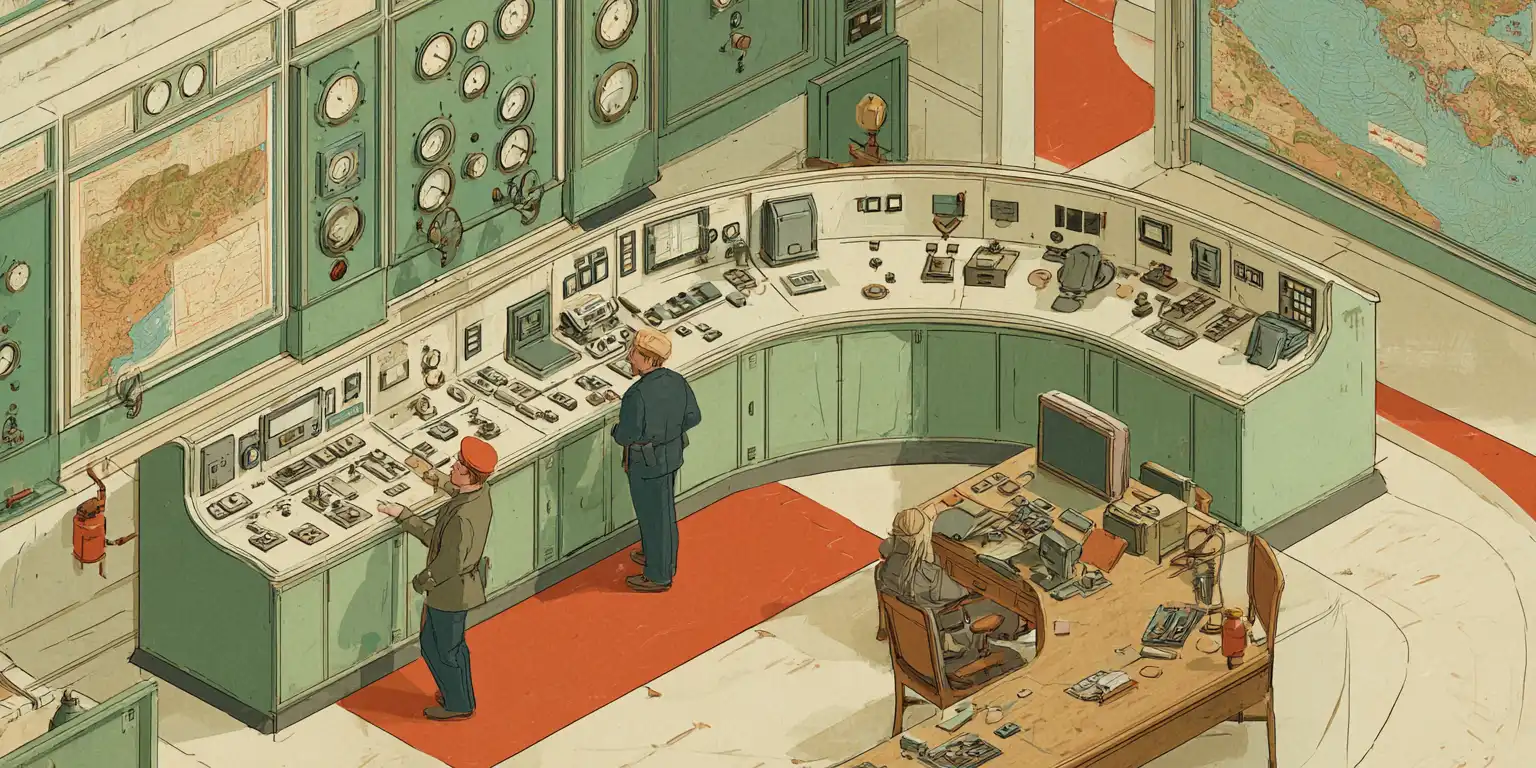
Scheduled routines in Claude Code and Cursor were the first version: a prompt that fires on a timer. Grok Bot was the first one that felt like a new kind of thing. An agent with its own computer in the cloud, always on, that you talk to in chat and that keeps working when you close the laptop. It landed hard, and ChatGPT Dots followed a few weeks later. That's where we are now. The agent has a machine, it runs on a schedule or when something happens, and you tell it what it can touch.
What you give it access to is what it becomes. Give it the repo and it knows how the product works. Give it a read-only database and it knows what customers do. Add the CRM, the docs, the error tracker. A few months in, the agent knows your product better than anyone on the team, because it has read all of it and it doesn't forget.
It does work with that knowledge. It opens PRs, fixes bugs from Sentry alerts, updates docs, ships features, writes release notes. On a lot of small teams the agent is already doing a real share of the engineering.
The one thing it can't do is reach your customers.
The missing connection
The agent sees the code, the data, and the errors. It doesn't see the person on the other end: what they asked for, what confused them, what they reported, what they're waiting on. That lives in your support tool, and support tools were built for a person to sit in, not for an agent to connect to.
So the agent knows everything about the product and nothing about the customers. It ships a fix without knowing who reported the bug. It writes release notes without knowing who was waiting. It reads the docs without knowing which questions keep coming in because the docs are unclear.
That's the gap. Headless support fills it.
What headless means
The word comes from headless Chrome: a full browser with no window. It does the work and a person looks at the result later. A headless product is built so an agent can connect to it and operate it directly, the way it connects to your repo or your CRM. The UI is still there and you still use it. It's no longer the only way in.
UserJot Headless is that for customer support. Your agent connects once, with a token, over the MCP server or the REST API, and gets the whole support side of your product: live chat and the inbox, the feedback and requests customers submit, the roadmap, and the changelog with the notifications that go out when something ships. One connection, and your agent is in the loop with your customers.
What your agent does once it's connected
These are the jobs that used to need a person and usually got skipped.
Triage. Every morning the agent reads the new conversations and requests, works out what each one is, tags it, routes it. A bug report goes to the right place. A feature request gets linked to the one already on the board. A question the docs answer gets the link. Your team opens an inbox that's already sorted.
Keep requests current. When the agent ships the fix for a request, it marks it done, comments, and moves it on the roadmap. The people who voted find out. The board stays accurate without anyone remembering to update it.
Ask the customer. A bug report without enough to go on gets a question in the thread, and the agent comes back when the answer arrives. A vague request gets asked what the customer was trying to do. That back-and-forth used to need an owner.
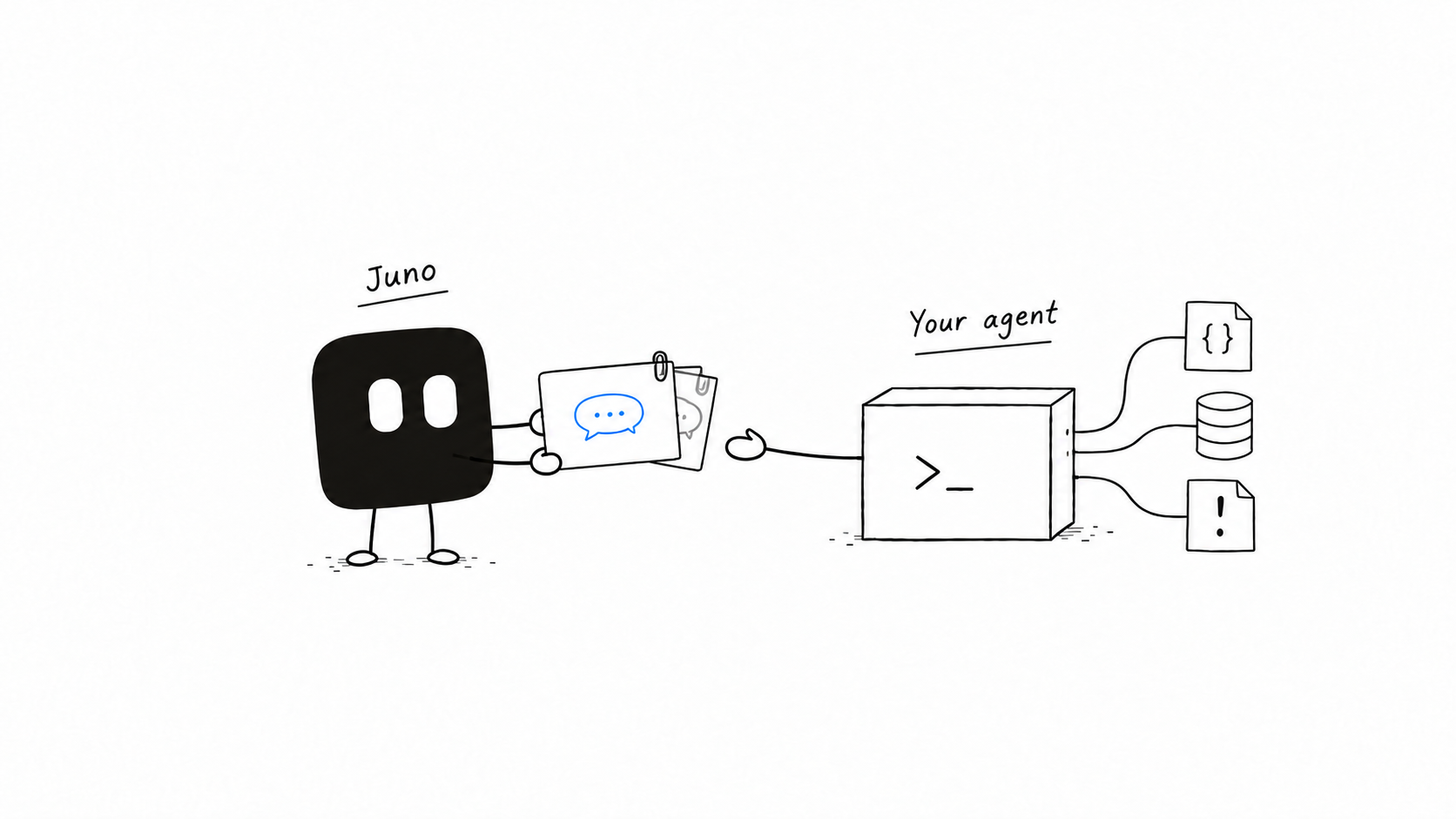
Take Juno's handoffs. Juno is the agent we run inside UserJot. She answers the first line of chat from your board and changelog, files the requests customers ask for, and hands a conversation to your team when she can't resolve it. Your agent takes those handoffs because it knows what Juno doesn't: your code, your data, your systems. It checks the actual error, looks at the customer's account, and drafts the real answer for your team to send.
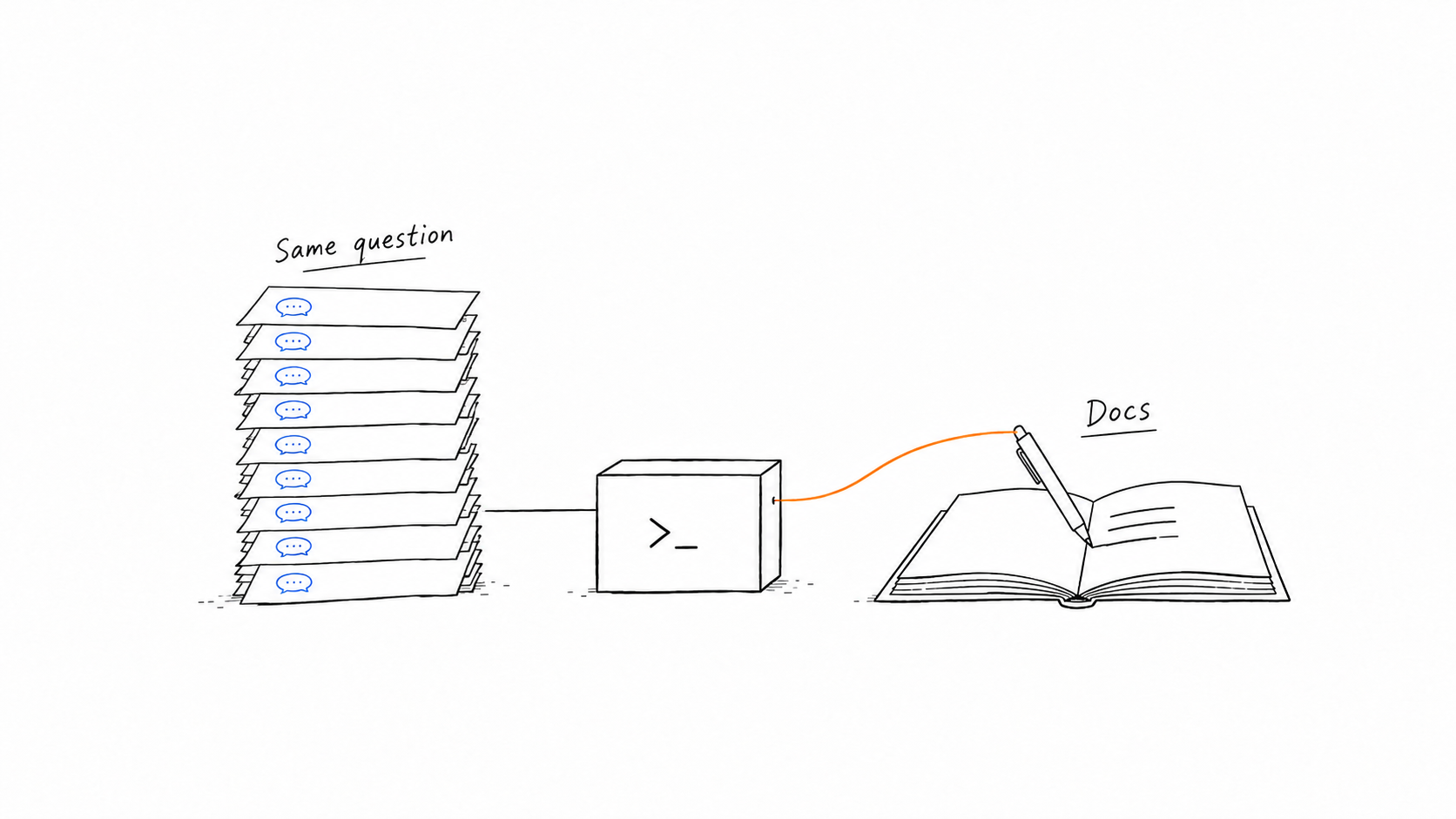
Find the patterns. The agent reads across every conversation and piece of feedback, not one at a time. The same question ten times is a docs problem, and it fixes the docs. Five people describing the same thing in different words is one request, and it merges them. You only see this if you read everything. Nobody on the team reads everything.
Tell people when it ships. The agent drafts the changelog entry, links the requests it closes, and leaves it for you to publish. Publishing notifies everyone who asked or voted. The loop closes with the people who started it.
None of this replaces the team or the inbox. Your team still works there. Juno still runs the first line. The headless layer sits on top so your own agent is part of the loop. You decide how far it goes, from reading and summarizing to drafting and updating.
The feedback loop
Your agent is only as good as its feedback loop. Most agents have half of one. They see the code and the data, so they know what the product does. They don't see the customers, so they don't know whether it's the right product.
Headless support is the other half. Feedback comes in through the widget in your product and the board. The agent reads it, acts on it, ships something, and the changelog carries the answer back to the people who asked. They respond, and it starts again. The agent gets better at building your product because it hears from the people who use it.
That's why this is a layer between your agent and your customers, not another bot that talks to them. The bot was the easy part. The hard part is everything around the conversation: knowing who asked, following up, closing the loop, and feeding what you learn into the next thing you build. That's what UserJot does, so your agent doesn't have to.
Where this goes
It isn't all or nothing. Some teams will have an agent that reads and summarizes. Some will let it triage and draft. Some will let it handle whole categories of conversations with a person reviewing. Most will move along that line over time.
The direction is set. Agents get their own machines and more access every month. Products an agent can connect to become part of the loop. Products it can't become something a person copies information out of. Support has been the second kind. We're making it the first.
Start here
Create a token in Settings, API Tokens, and connect your agent with the MCP server address. Start with a routine that only reads: what came in overnight, what's trending on the board, what Juno handed off. Run it for a week. Then let it leave notes and draft. The headless page has the routines to copy and the setup for each agent. If you want to see the interactive version first, I wrote about connecting my feedback board to my coding agent when the MCP server shipped.