I Connected My Feedback Board to My Coding Agent
Shayan, Founder4 min read

UserJot now has an MCP server, which means you can connect your workspace to whatever coding agent you use. Cursor, Claude Code, Codex, Windsurf, anything that supports remote MCP servers.
MCP isn't new, and plenty of products have an API. So instead of announcing the feature, I want to walk through the workflow it opened up for me. I've been running it for a few weeks on UserJot's own feedback board, and it's honestly the best product development loop I've ever had. A user reports a bug in the morning and by the afternoon they have a comment from us saying it's fixed and live, with a changelog entry to go with it. I want to show you how that works, because you can have the same thing running in a few minutes.
The problem it solves
Most feedback never gets a proper follow-up, and the reason is pretty mundane. When someone reports a bug or asks for a feature, actually closing that out involves a lot of small steps: reading the discussion, fixing the thing, remembering which ticket it was, going back to comment, updating the status, writing a changelog entry. None of these steps are hard, but together they add up to enough friction that most of them get skipped. Usually the fix ships and the person who asked for it never hears about it.
That follow-up work is exactly the kind of thing an agent is good at, and once your feedback board is connected to it, most of that friction goes away.
What the workflow looks like
I start most days by asking my agent to check what came into UserJot. It lists the new requests, reads through the comment threads, and gives me a summary of what people are running into. This alone is useful, because it reads the actual discussions, not just the titles. If three people reported the same problem in different words across different tickets, it notices.
When there's a bug worth fixing, I ask it to look into it. It has the full context from the feedback thread, including whatever details users posted in the comments, so it goes into the codebase already knowing what to look for. It finds the cause and opens a PR.
I review the PR like I would any other. The agent doesn't merge or deploy anything on its own, and I wouldn't want it to. My job in this loop is the judgment: is this the right fix, is this worth shipping.
After the fix goes out, the agent handles the follow-up. It comments on the original request to let people know it shipped, marks it as completed, and drafts a changelog entry with the related tickets linked to it. Linking the tickets matters because UserJot notifies everyone who reported or voted on them. So everyone who cared about that bug finds out it's fixed, without me keeping a list of who to tell.
The part I like most is that from the user's side, nothing changed. They posted feedback on a normal board, in plain English, and got a reply from the team saying it was fixed. They didn't talk to a chatbot and they didn't learn a new tool. But the amount of work it took on my side dropped to reviewing a PR and approving a changelog draft.
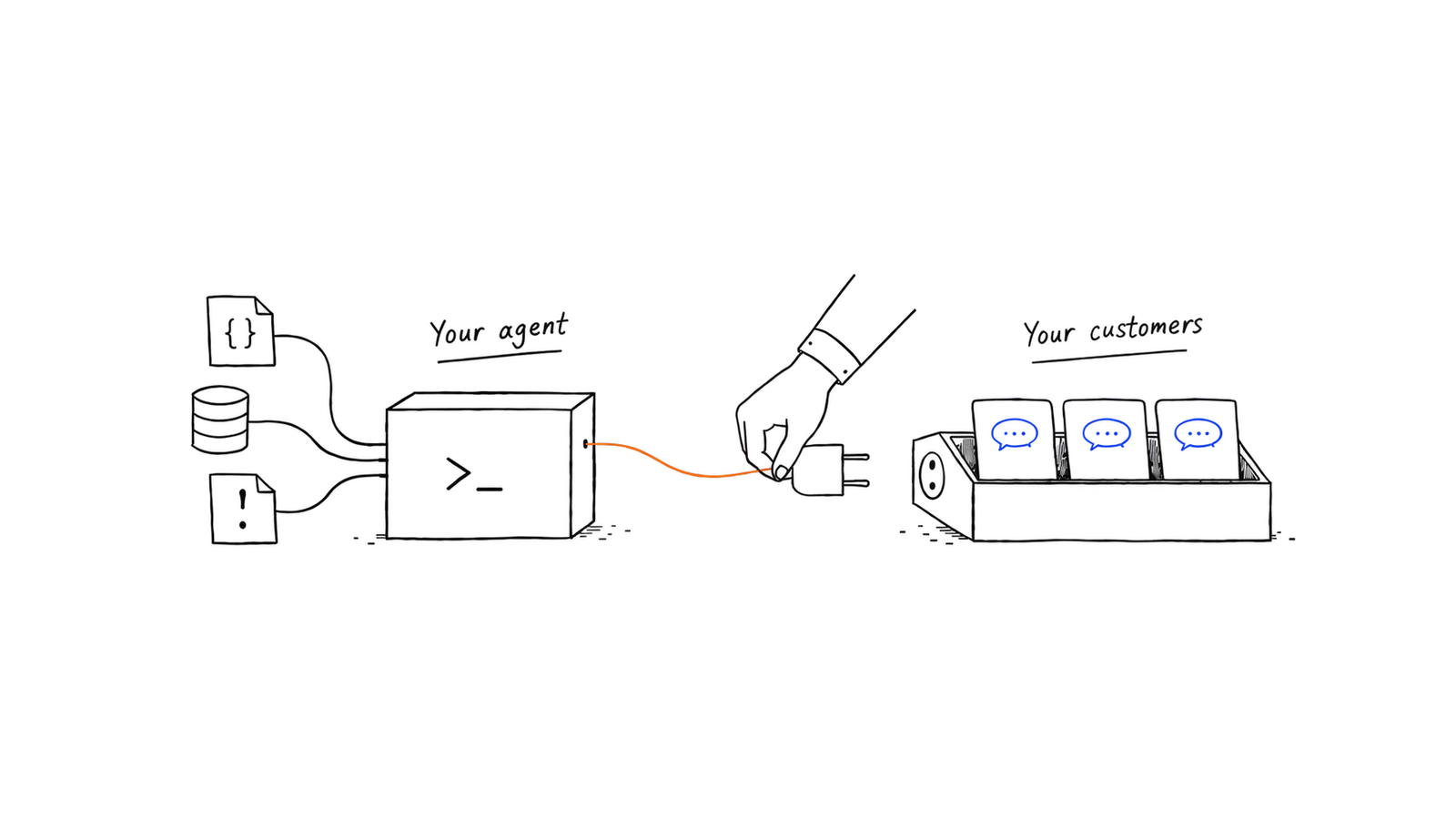
Once you see this running, the feedback board starts to look like something more than a place to collect requests. It's the interface between your users and your agent. Users describe problems in their own words, your agent turns the real ones into PRs, you make the calls, and the board carries the answer back to everyone who cared. That whole loop used to require a team. Now it mostly requires you to review the work.
Setting it up
UserJot exposes a remote MCP server at:
https://api.userjot.com/v1/mcpYou authenticate with an API token from Settings → API Tokens in your dashboard. The docs have setup guides for each client.
The agent gets tools for everything you'd normally do by hand: listing and reading requests, reading comment threads, commenting, changing statuses, managing tags, writing changelogs, and linking requests to them.
Some prompts I use regularly:
- "What came into UserJot this week? Anything trending?"
- "Read the discussion on the export bug and summarize what people actually need."
- "We shipped the fix for that ticket. Comment on it, mark it completed, and draft a changelog entry."
- "Which planned items have the most votes right now?"
If you're trying this for the first time, start with the read-only prompts. Asking what's trending is useful immediately and doesn't touch anything. Once you've watched how the agent handles your data, let it start commenting and drafting changelogs. That's the order I went in, and it didn't take long before I was comfortable with the full loop.
Why I think this matters
Everyone already knows the advice: listen to your users, ship fast, and tell them when you did. The reason so few teams actually do all three is that the work connecting those steps is tedious, and it always loses to building the next thing. That connecting work is what just got automated. What's left is the part that should be human anyway: deciding what to build and reviewing the work.
I think this is where product development is heading, and it's the most fun I've had building UserJot in a while. Users get a team that actually responds. You get to spend your time on judgment instead of bookkeeping.
If you're already using UserJot, connecting your workspace takes a couple of minutes. Start with the read-only prompts and see what your feedback has been trying to tell you.