
 Tally,
 OpenPanel,
 Drizzle,
 SuperWhisper,
 Scite,
 Throne,
 Nuelink,
 Ghostbase,

NewOctober 14
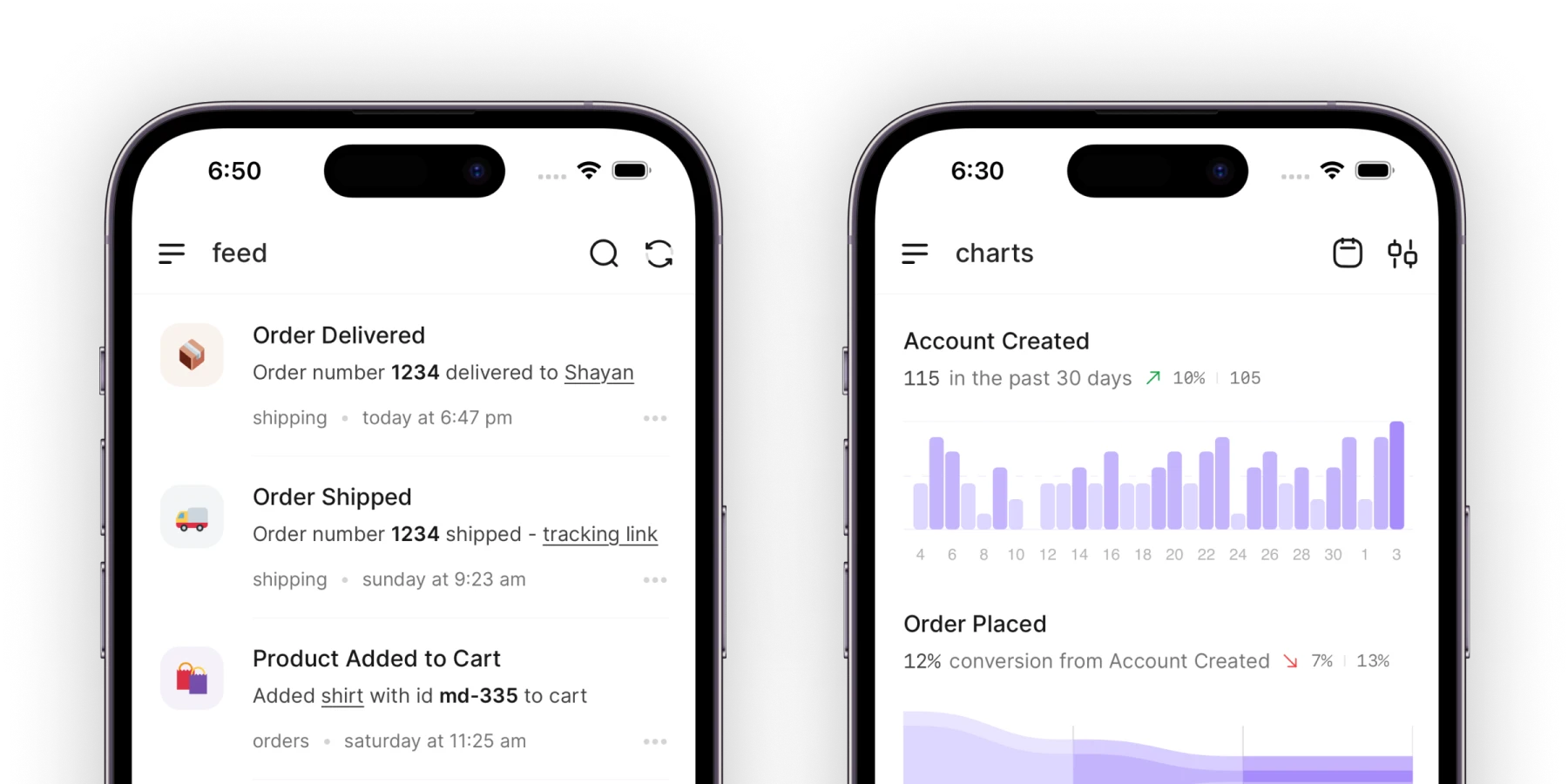
Acme 2.4: The whole app, on your phone
You asked for this more than anything else. Acme is now on iPhone and Android, with every project, comment, and file you have on the web.
Mobile app128 votes
Connect UserJot and your dot answers customers in your widget, adds their votes to feature requests, and tells them when it ships.
Every day, the teams behind Tally, OpenPanel, Drizzle, SuperWhisper, Scite, Throne, Nuelink, Ghostbase, and hundreds of others talk with their customers in UserJot.
They never see your dot or its computer. They see your widget, your board, and your changelog, and the reply lands in the same conversation they started.
Hi there 👋
How can we help?
Send us a message
Typically replies in a few minutes
“Instead of piecing together feedback from support, email, and social, we have one hub to collect feedback, gauge interest, and keep users updated.”
 Corey Rabazinski, VP of Marketing, Scite
Ask for a changelog post and your dot drafts it from what you completed. You publish it, and it goes up on your changelog page and inside your app.
Oct 14·New Feature
Acme 2.4: The whole app, on your phone
You asked for this more than anything else. Acme is now on iPhone and Android, with every project, comment, and file you have on the web.
Sep 30·New Feature
Due dates, on your Google Calendar
Connect your calendar once and every due date in Acme shows up there. Move a task and its event moves with it.
Sep 12·Bug Fix
Search that keeps up with you
Results now appear as you type, and searching a large workspace no longer freezes the page.
“Ever since we added UserJot, the most common thing users mention in reviews is that we actually listen.”
 Igor Amidzic, Founder, Kualia
Each of these uses tools on the UserJot MCP server, which your dot calls with your API token.
Create an API token in UserJot under Settings, then API Tokens. In ChatGPT, connect UserJot as an app your dot can use, with the MCP server address below and that token.
https://api.userjot.com/v1/mcp
In Custom Rules, choose what your dot does alone and what it asks you first. You might let it answer how-to questions and have it ask before anything about billing.
Ask your dot to keep checking the UserJot inbox and answer what comes in. If Juno answers your chat today, turn it off so new conversations come to your team, or keep it on and have your dot take the ones Juno hands off.
Running Grok Bot instead? See Grok Bot with UserJot. Any other agent connects through the UserJot MCP server.
Dots are always-on agents in ChatGPT, announced by OpenAI on September 29, 2026. Each one has its own cloud computer and browser, works with the apps you connect, and keeps going after you close the chat. They're rolling out to ChatGPT Pro and Business Premium first.
Give them one place to ask, and give your team and your agents one place to answer.