Tally,
 OpenPanel,
 Drizzle,
 SuperWhisper,
 Scite,
 Throne,
 Nuelink,
 Ghostbase,

NewOctober 14
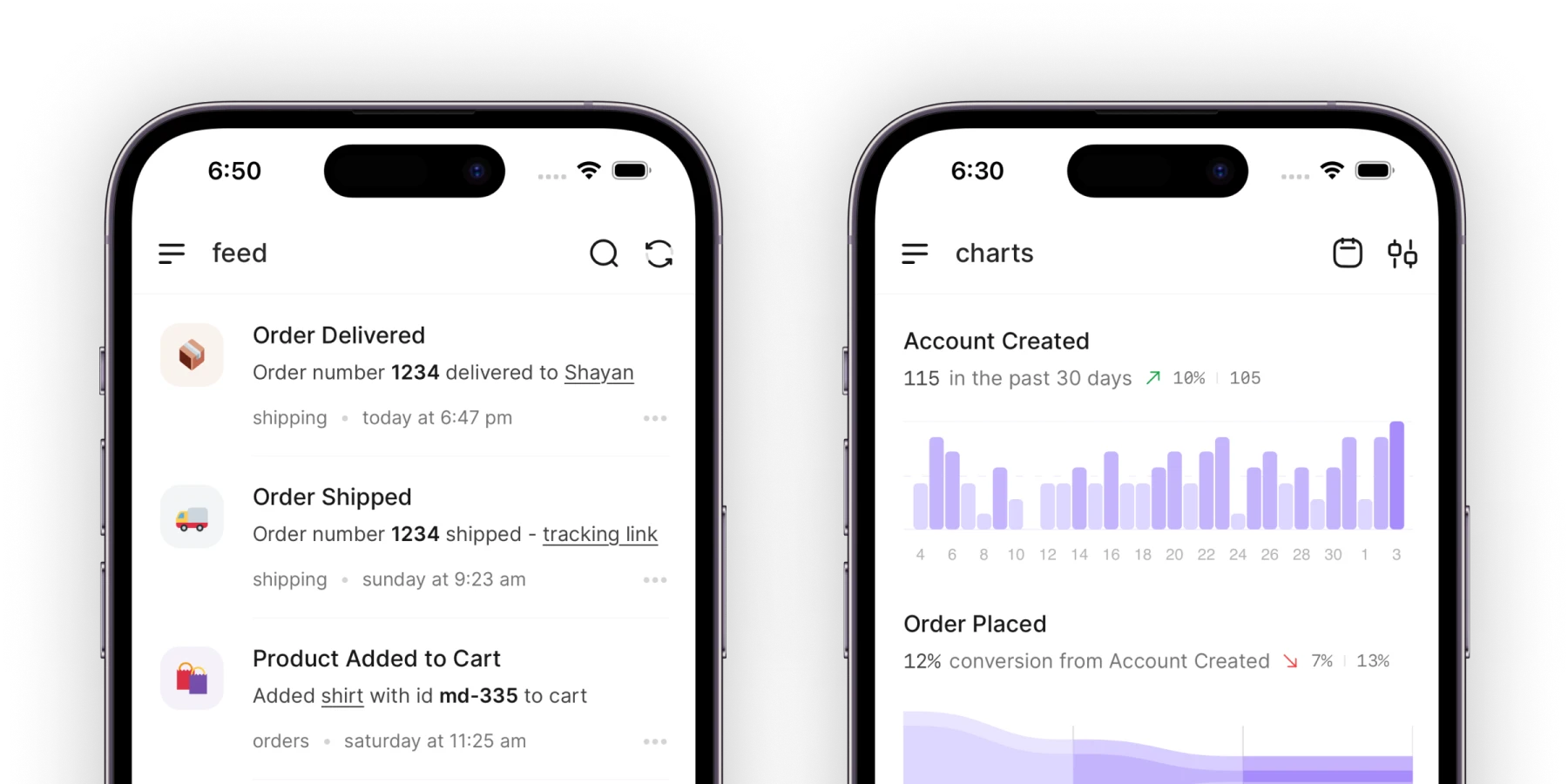
Acme 2.4: The whole app, on your phone
You asked for this more than anything else. Acme is now on iPhone and Android, with every project, comment, and file you have on the web.
Mobile app128 votes
Connect UserJot and your Grok Bot works the support inbox, files feature requests, and drafts the changelog when things ship.
Every day, the teams behind Tally, OpenPanel, Drizzle, SuperWhisper, Scite, Throne, Nuelink, Ghostbase, and hundreds of others talk with their customers in UserJot.
Your Grok Bot works in the cloud. Customers only see your widget, board, and changelog, and its replies land in their conversation.
Hi there 👋
How can we help?
Send us a message
Typically replies in a few minutes
“Our strategy is to stay close to our users and obsess over quality. UserJot makes that easy.”
 Filip Minev, Cofounder, Tally
Ask for the changelog and your Bot writes it from what you completed. Publish it, and it’s on your changelog page and inside your app the same day.
Oct 14·New Feature
Acme 2.4: The whole app, on your phone
You asked for this more than anything else. Acme is now on iPhone and Android, with every project, comment, and file you have on the web.
Sep 30·New Feature
Due dates, on your Google Calendar
Connect your calendar once and every due date in Acme shows up there. Move a task and its event moves with it.
Sep 12·Bug Fix
Search that keeps up with you
Results now appear as you type, and searching a large workspace no longer freezes the page.
“We set up UserJot and our users actually started leaving feedback. Clean, simple, and we finally know what to build next.”
 Carl Lindesvärd, Founder, OpenPanel
Your Bot calls the UserJot MCP server with the token in its Secrets. These are the jobs it covers.
Create an API token in UserJot under Settings, then API Tokens. Save it in your Bot’s Secrets as USERJOT_API_TOKEN, then tell the Bot to use the UserJot MCP server with it.
https://api.userjot.com/v1/mcp
Ask your Bot to check the UserJot inbox on a schedule and answer what comes in. It saves that as a routine, which runs in the cloud with your laptop closed.
Put billing, refunds, and anything else you want to decide behind Ask first. If Juno answers your chat today, turn it off so new conversations come to your team, or have your Bot take the ones Juno hands off.
Running an OpenAI dot instead? See OpenAI Dots with UserJot. Any other agent connects through the UserJot MCP server.
Grok Bot gives you AI teammates, called Bots, that each have a job. Bots work on a cloud computer with a browser, files, and a terminal, keep going while your laptop is closed, and come back when something needs your approval. It's included with paid Cursor plans, Cursor Teams, and SuperGrok subscriptions.
Give them one place to ask, and give your team and your agents one place to answer.