Best Idea Management Software for SaaS Teams in 2026
Shayan, FounderUpdated 7 min read

If you search for "idea management software," you'll find two very different types of tools mixed together. There are enterprise innovation platforms built for corporate R&D programs (think: employee suggestion boxes for Fortune 500 companies). And there are customer feedback tools built for product teams who want to collect feature requests and build what users actually want.
This guide focuses on the second category. If you're a SaaS founder, product manager, or anyone building software for real users, this is for you.
What is idea management software?
Idea management software helps you collect, organize, and prioritize ideas from your users. It's closely related to feature request software, but with a broader scope. Instead of feature requests getting buried in emails, Slack messages, and support tickets, everything lives in one place.
Most tools include:
- A place for users to submit ideas (feedback boards, widgets, forms)
- Voting so you can see what matters most
- Status tracking so users know what's happening
- A roadmap to show what you're working on
The goal is simple: stop guessing what to build and start knowing.
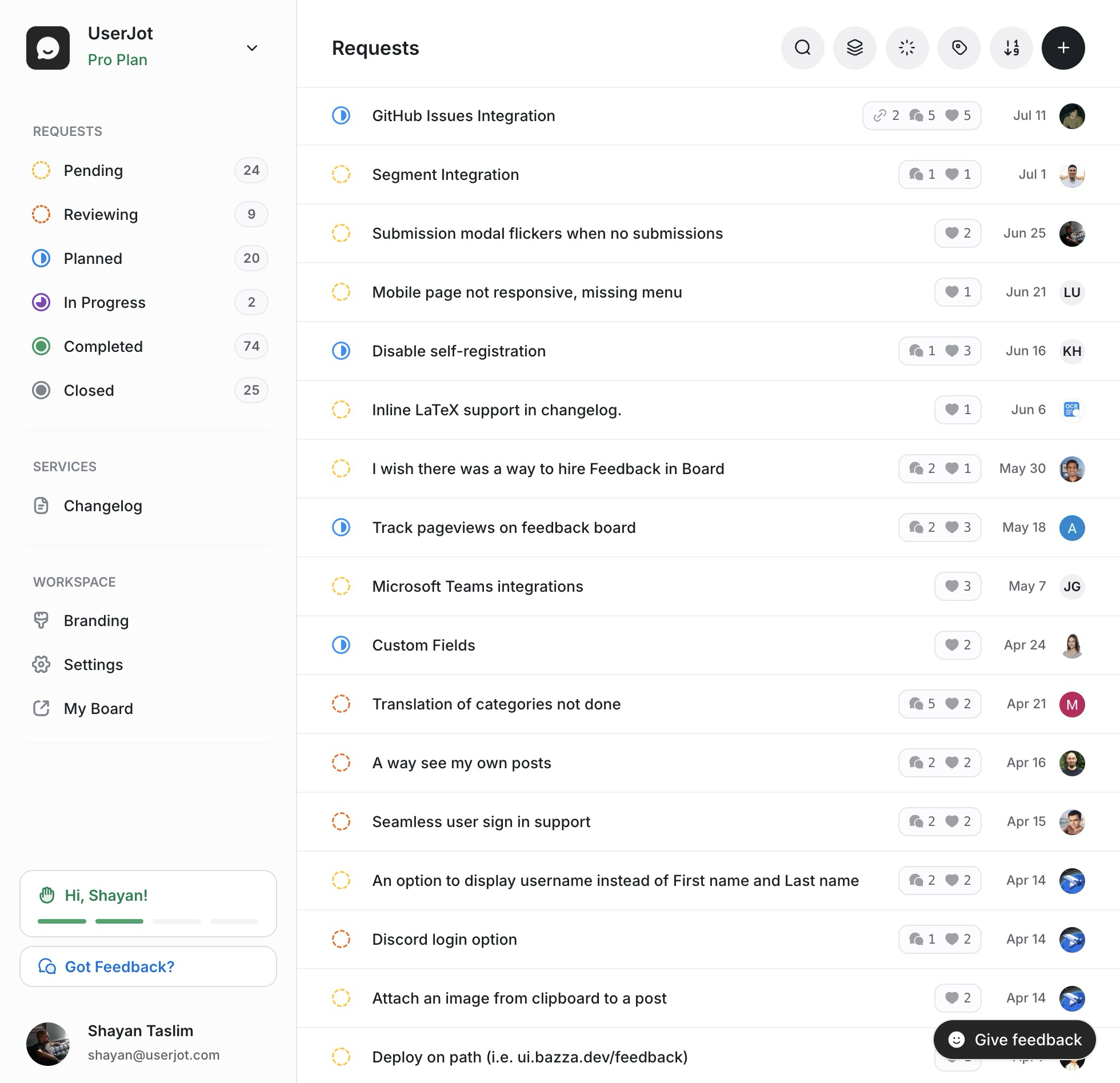
Stop guessing what to build. Let your users vote.
UserJot keeps feedback, roadmap, and changelog in one simple loop.
Why this matters for SaaS teams
Without a system, feature requests pile up in random places. Your team builds based on whoever complained last. Users feel ignored because their feedback disappears. You miss patterns because everything is scattered.
A good idea management tool fixes this. Users can submit ideas, vote on what matters, and see progress. Your team gets clarity on what to prioritize. Everyone wins.
The catch? Many tools in this space are priced for enterprises or packed with features you'll never use. So let's look at what's actually out there.
The tools
Here's a look at six options, ranging from simple and affordable to full-blown enterprise platforms. I've included honest takes on each, including where they fall short.
UserJot
UserJot is a feedback and roadmap tool built for SaaS teams who want something simple that just works.
Pricing:
- Free plan: Unlimited posts, unlimited users, 3 admins, 2 boards, roadmap, changelog
- Starter: $29/month (custom domain, branding, guest posting, 5 boards)
- Professional: $59/month (unlimited boards, SSO, unlimited integrations)
What's included:
- Feedback boards with voting
- Public roadmap that updates automatically when you change statuses
- Changelog with email notifications
- In-app widget for collecting feedback
- AI duplicate detection
- Slack, Linear, and Discord integrations
Best for: SaaS startups and small-to-mid teams who want feedback, roadmap, and changelog in one tool without paying enterprise prices.
The honest take: UserJot is newer than some competitors, which means fewer integrations than Canny. But it's also leaner, faster to set up, and significantly cheaper. The feedback-to-roadmap-to-changelog loop is tighter than most tools, so users actually see when their ideas ship.
Canny
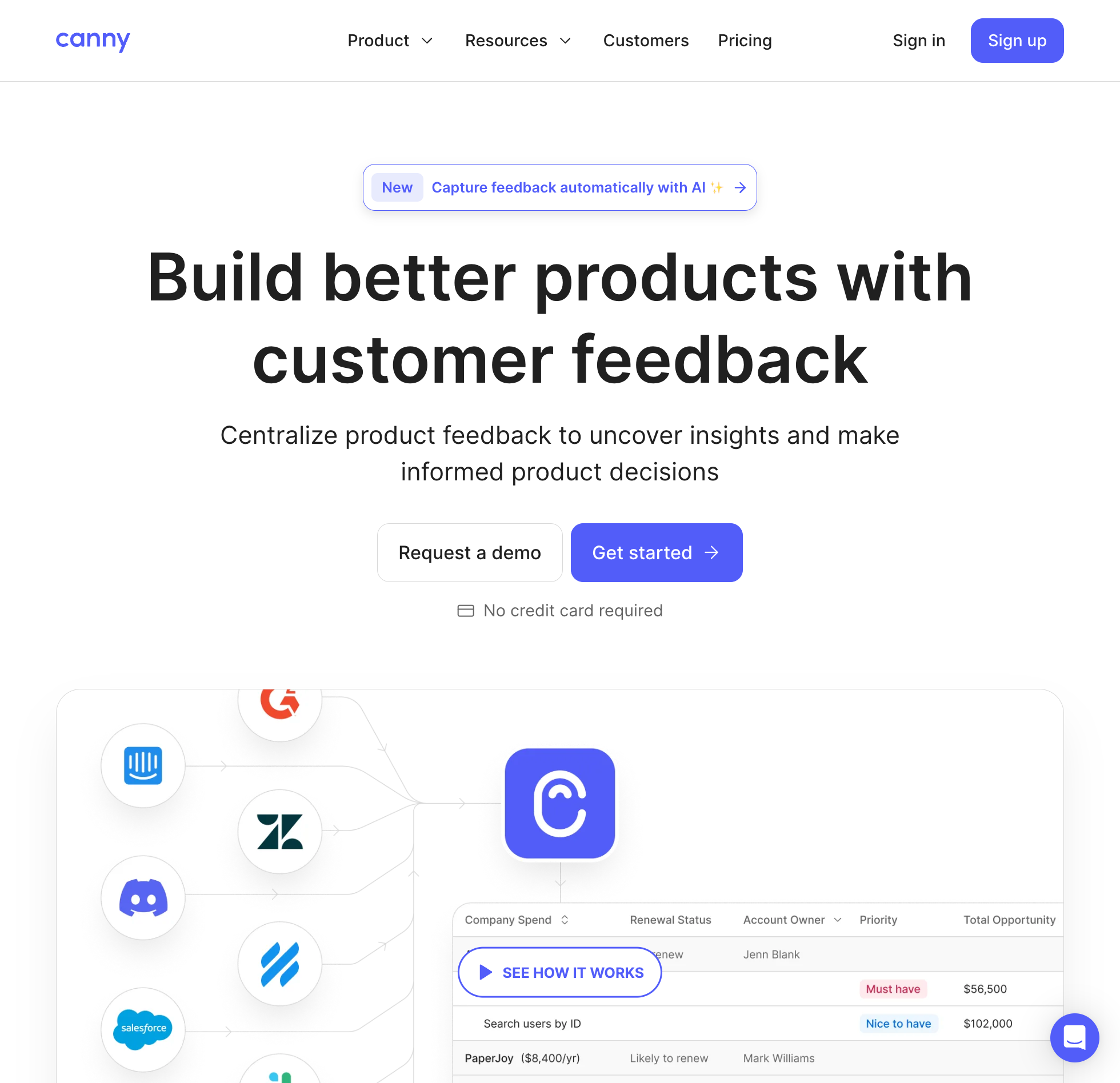
Canny has been around for years and is one of the more established players in this space.
Pricing:
- Free: 25 tracked users, 5 managers
- Core: $24/month (100+ tracked users)
- Pro: $99/month (integrations, advanced privacy)
- Business: Custom pricing (5,000+ tracked users, SSO)
Note: Canny charges based on "tracked users," which means anyone who posts, votes, or comments on feedback. This can add up fast as your user base grows.
What's included:
- Feedback boards with voting
- AI "Autopilot" that captures feedback from Intercom, Zendesk, and call transcripts
- Roadmap and changelog
- Integrations with Jira, Linear, Slack, Salesforce, and more
- MRR impact tracking
Best for: Teams who get a lot of feedback through support tools and want AI to help capture it automatically.
The honest take: Canny's Autopilot feature is genuinely useful if you're drowning in support conversations. But the pricing model is the most common complaint on Reddit and review sites. Once you have a few hundred engaged users, costs climb quickly. The Growth plan with advanced features starts at $359/month.
Nolt
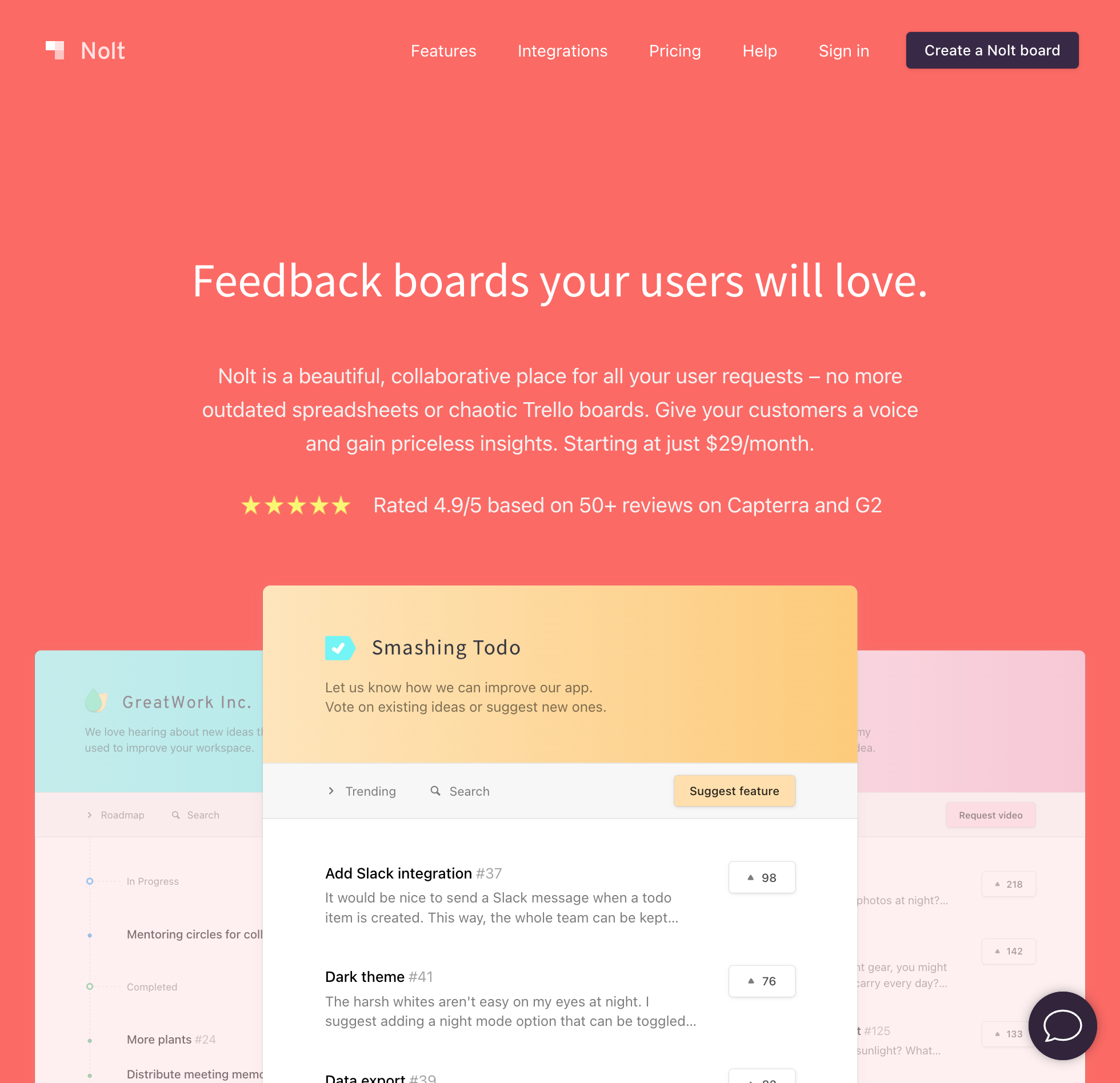
Nolt takes a minimalist approach. It does one thing (feedback boards) and keeps it simple.
Pricing:
- Essential: $29/month
- Pro: $69/month
- Unlimited users on all plans
What's included:
- Feedback boards with voting
- Roadmap
- Status updates and notifications
- Custom branding
- SSO
Best for: Small teams and indie developers who want straightforward pricing without complexity.
The honest take: Nolt is refreshingly simple. No tracked-user pricing, no complex tiers. The downside is fewer features and integrations compared to competitors. But for teams with basic needs, it's hard to beat the simplicity.
Frill
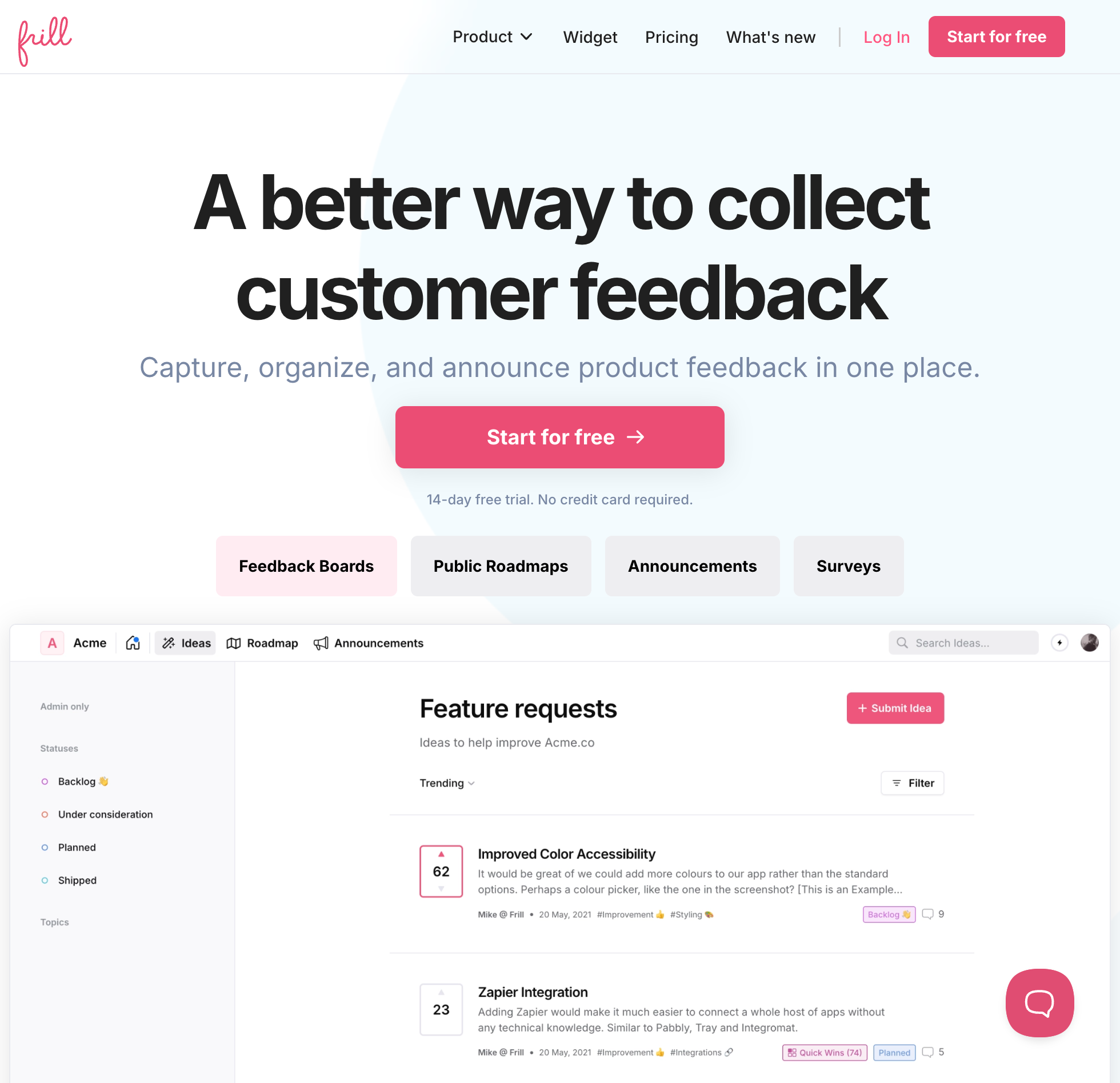
Frill positions itself as a Canny alternative with better design and unlimited users on all plans.
Pricing:
- Startup: $25/month (50 ideas, 1 survey)
- Business: $49/month (unlimited ideas, 3 surveys)
- Growth: $149/month (everything included)
What's included:
- Feature voting and idea boards
- Roadmap with timeline view
- Announcements/changelog
- Surveys (NPS, CSAT, polls)
- Integrations with Intercom, Slack, Jira, Linear
- One-click Canny importer
Best for: Teams who want feedback, announcements, AND surveys in one tool.
The honest take: Frill gets consistently good reviews for UI/UX. The unlimited tracked users model is a relief compared to Canny's pricing. Including surveys is a nice touch. The main drawback is that some features (like Jira sync) are one-way only, and development moves slower than larger competitors.
Productboard
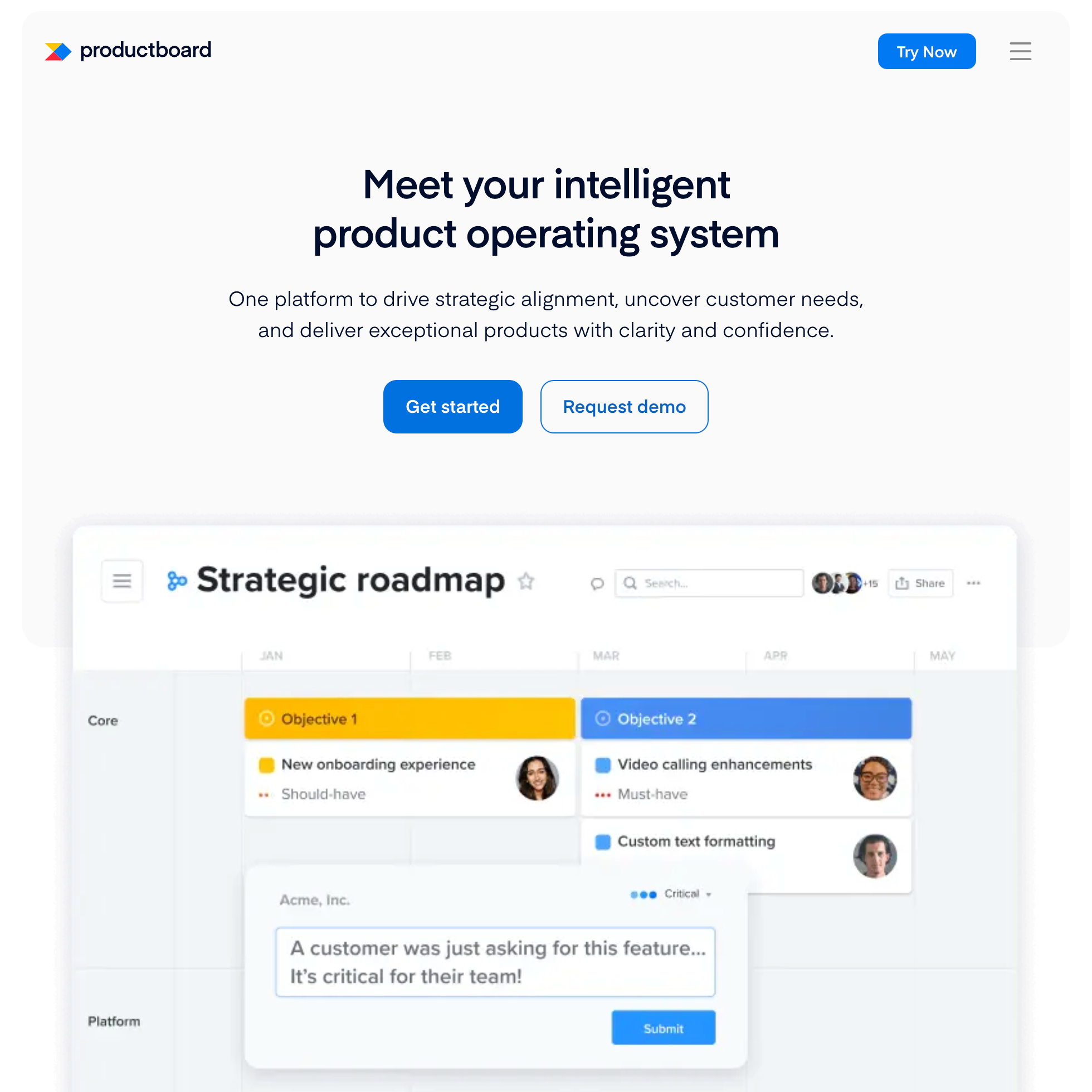
Productboard is a full product management platform, not just a feedback tool.
Pricing:
- Starter: Free (50 feedback notes, limited features)
- Essentials: $19/maker/month (250 feedback notes)
- Pro: $59/maker/month (unlimited notes, 3 teamspaces)
- Enterprise: Contact sales
Note: Productboard charges per "maker" (people who edit and manage). Viewers are free.
What's included:
- Customer insights repository
- Product portal for feedback collection
- Roadmaps and release planning
- Prioritization frameworks
- Objectives and key results
- Integrations with Jira, Salesforce, Zendesk
Best for: Larger product teams who need strategic planning tools beyond just feedback collection.
The honest take: Productboard is a serious PM tool with a lot of depth. But for teams who just need idea management, it's overkill. The learning curve is steep, feedback note limits on lower plans are frustrating, and it's built more for enterprise product ops than scrappy SaaS teams. If you need full PM workflows, it's worth considering. If you just want a feedback board, look elsewhere.
Aha! Ideas
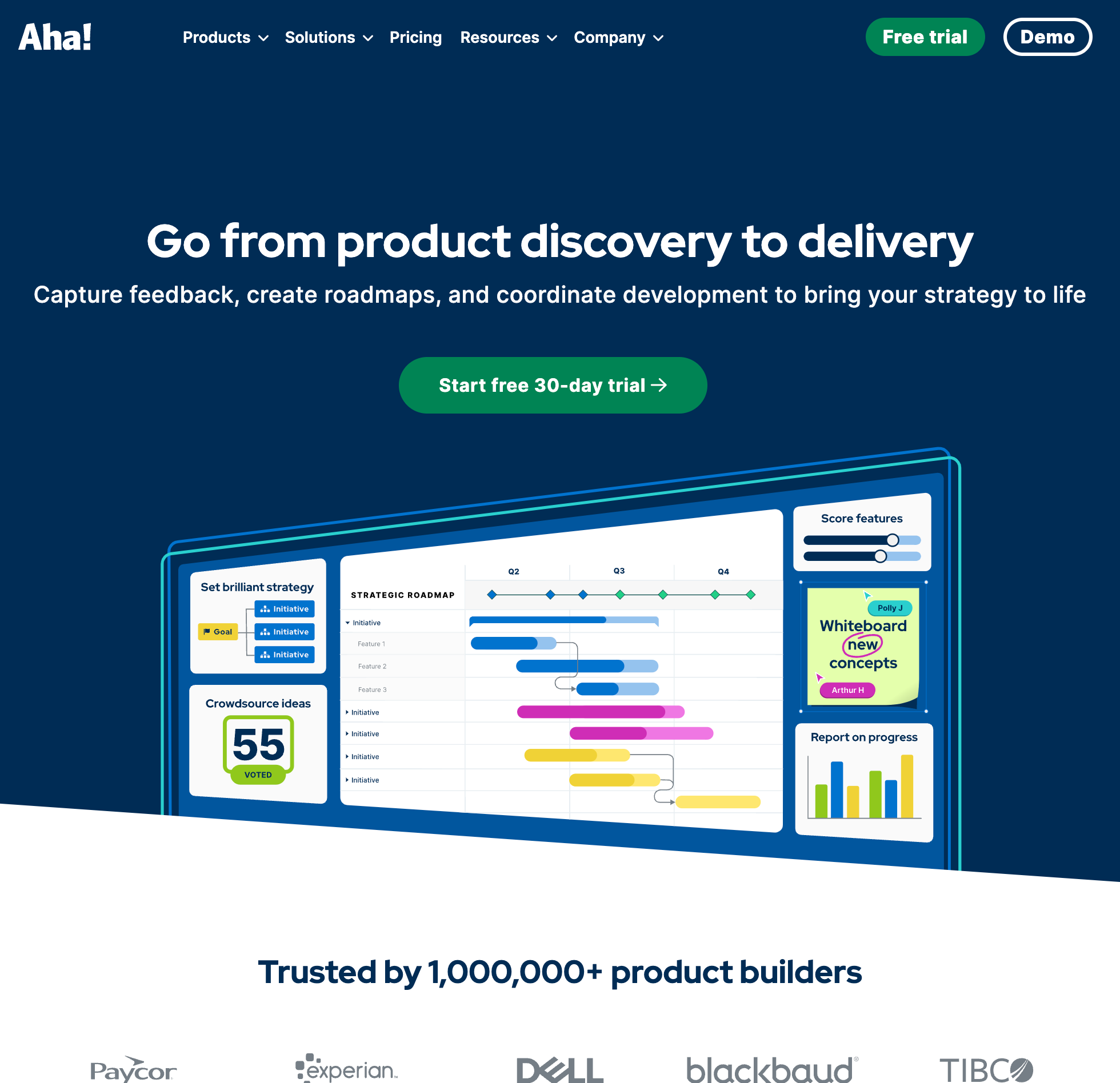
Aha! Ideas is part of the broader Aha! suite of product development tools.
Pricing:
- Essentials: $39/user/month
- Advanced: $59/user/month
Minimum 3 users required. Monthly billing is higher.
What's included:
- Ideas portals (public and private)
- Voting and idea scoring
- AI assistant
- Proxy voting for sales teams
- Integrations with Jira, Salesforce, Zendesk
- Connects to Aha! Roadmaps if you use that too
Best for: Enterprise teams already using other Aha! products.
The honest take: Aha! is powerful but expensive, and the pricing structure across multiple products gets confusing fast. If you're already invested in the Aha! ecosystem, Ideas makes sense. Otherwise, it's probably more than you need. The UI is also more complex than simpler tools.
Stop guessing what to build. Let your users vote.
UserJot keeps feedback, roadmap, and changelog in one simple loop.
Quick comparison
| Tool | Free plan | Starting price | Per-user pricing | Best for |
|---|---|---|---|---|
| UserJot | Yes | $29/mo | No | SaaS teams wanting simple all-in-one |
| Canny | Yes (25 users) | $24/mo | Yes (tracked users) | Teams with heavy support volume |
| Nolt | No | $29/mo | No | Minimalists and indie devs |
| Frill | No | $25/mo | No | Teams wanting surveys included |
| Productboard | Yes (limited) | $19/maker/mo | Yes (per maker) | Enterprise PM teams |
| Aha! Ideas | No | $39/user/mo | Yes | Aha! ecosystem users |
What to look for
Before picking a tool, figure out what you actually need:
Collection: How will users submit ideas? Widget in your app? Public board? Both?
Voting: Do you want users to vote on ideas? This helps surface what matters but can also create "squeaky wheel" dynamics.
Roadmap: Do you want to share what you're working on publicly? A public roadmap builds trust but requires commitment.
Changelog: How will you tell users when you ship their ideas? Closing the loop is what turns feedback into loyalty.
Integrations: What tools do you already use? Check if the feedback tool connects to Slack, Jira, Linear, or whatever you rely on.
Pricing model: Watch out for per-user or tracked-user pricing. It's fine when you're small but can get expensive as you grow.
The real test
The best feedback tool is the one your team actually uses. Features don't matter if nobody logs in.
Before committing, ask:
- Can I set this up in under 30 minutes?
- Will my users actually submit feedback here?
- Does the team find it easier than what we do now?
- Can I afford this when we have 10x more users?
Most tools offer free trials. Use them. Get real feedback from real users before deciding.
One more thing
The tool is just the start. What matters more is the habit: actually reading feedback, actually responding to users, actually shipping what they need and telling them about it.
Pick something that fits your budget and workflow, then focus on the process. That's what turns ideas into products people love.
If you want to try UserJot, there's a free plan with no credit card required. It includes feedback boards, a public roadmap, and changelog. You can see if it works for your team before paying anything.